Adaptify Feature Updates: Your Clients Deserve GEO Insights, Not Ghost Data



Hello there,
Some ghosts wear sheets. Others hide in your Search Console.
As Google starts sweeping out the phantom impressions from num=100 , we’re rolling out tools to help your agency focus on what’s real. With new feature updates to GEO reporting you can share with clients and smarter image handling, we are giving you cleaner look at performance.
Here’s how to keep your data ghost-free.
👻 Don't let Google updates scare you. Start a 7-day free trial, or book a demo to discover how easy it is to wow your clients and close more deals—faster! Get started today! 👻
⭐ Adaptify Bi-Weekly Highlights ⭐ Watch Luke's Full BrightonSEO Talk:
Couldn’t make it to BrightonSEO San Diego? We’ve got you covered.
In case you missed it: Adaptify’s own Luke Heinecki took the stage a couple of weeks ago in San Diego with a data-driven session on “What Actually Ranks on Google.” After analyzing over 200,000 articles created through Adaptify, Luke breaks down how content built with E-E-A-T and Multi-Model Intelligence continues to outperform the pack and what that means for your SEO strategy.
Ready to find out what he found? Watch the full video here:
Product Update #1 – GEO Reporting Is Now Client-Ready
You can now include AI Brand Visibility (GEO) in your client reports, giving them access to the same data you see inside your dashboard.
How to enable it:
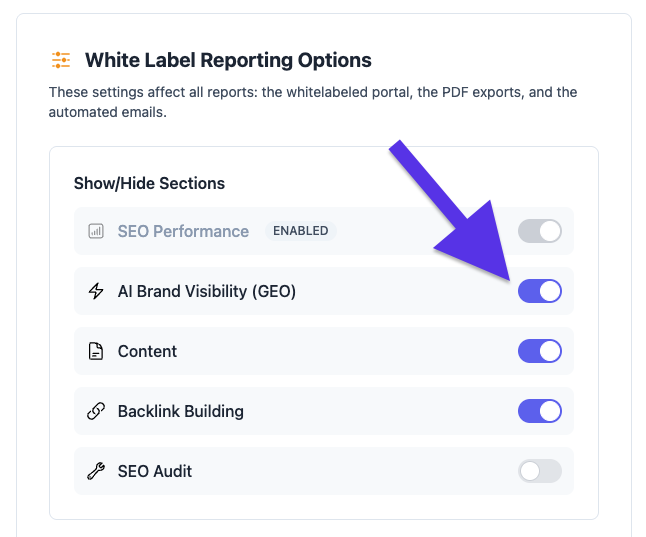
This setting works per client, so you can activate it only for those who already have GEO data available and leave it untoggled for those clients that don’t yet have any results.
A quick refresher on what GEO tracks:
You’ll find GEO in your client dashboard between Website SEO Performance and Backlink Building. It shows:
Visibility Scores: How often each of the major AI models mentions your client’s brand
Mentions Summary: Where, when, and how the brand appears in AI-generated answers
Additional Mentions: Adjacent queries and topics worth targeting next
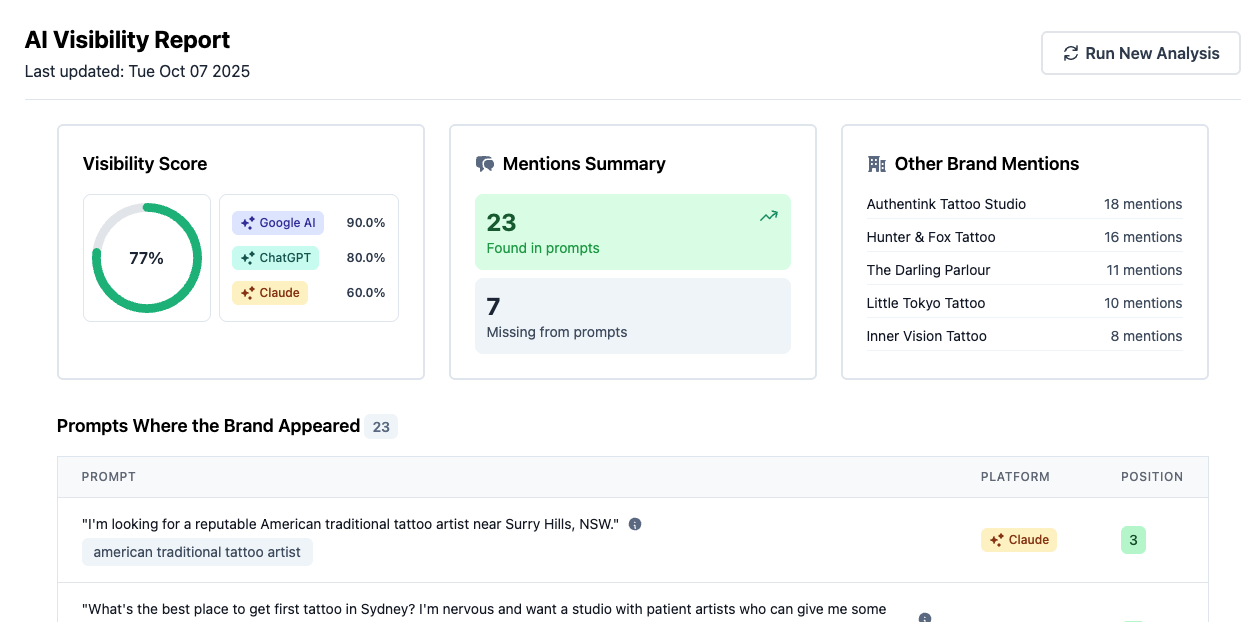
Why it matters: GEO stands for Generative Engine Optimization. Think of it like this, if SEO gets you listed, GEO gets you recommended. It’s how you measure brand presence inside AI-powered search results, not just the classic blue links.
Need help explaining GEO metrics to clients? Reach out anytime! Our team’s happy to guide you through it.
💡 Agency SEO Tip of the Week: When clients see sudden data drops, lead with insight, not alarm.
Explain that Google’s update removed inflated data but their actual rankings likely haven’t changed. Then show them a GEO report to highlight where their brand now appears inside AI search results.
Product Update #2 – Reusable Custom Images
If you’ve been seeing “out of images” alerts when using User-Provided (Custom Uploaded) Images, those have now been banished!
We’ve added a default setting that reuses your uploaded images automatically, reducing unnecessary re-uploads while keeping visuals consistent.
Prefer the old approach where each image is only used once? Go to Website Settings → Writing Style → Images → Image Library, then switch the dropdown in the lower-left corner to Use each image only once.

A simple tweak, but one that keeps your image workflow tidy and predictable.
Industry Update: Google’s num=100 Removal Shakes Up SEO Reporting
If your client’s Search Console or rank-tracking dashboards suddenly look off this recently, you’re not alone and it’s not a bug.
Google quietly removed the num=100 parameter, which used to let users and SEO tools pull 100 search results per page instead of 10. The change has triggered sharp drops in impressions, keyword counts, and visibility metrics across most sites.
According to Danny Goodwin at Search Engine Land, 87.7% of sites saw impressions decline in Search Console, and 77.6% lost unique ranking terms. As Barry Schwartz reported, the culprit isn’t ranking changes, it’s cleaner data. For years, rank trackers using num=100 inflated impression counts by including non-human queries. With the parameter gone, Google’s reports now reflect real visibility, not scraped noise.
Tools like Semrush and Accuranker are recalibrating their systems, so data may continue to fluctuate for a few weeks. In the meantime, it’s important to remind clients that this isn’t a performance drop, it’s simply a shift toward more accurate reporting.
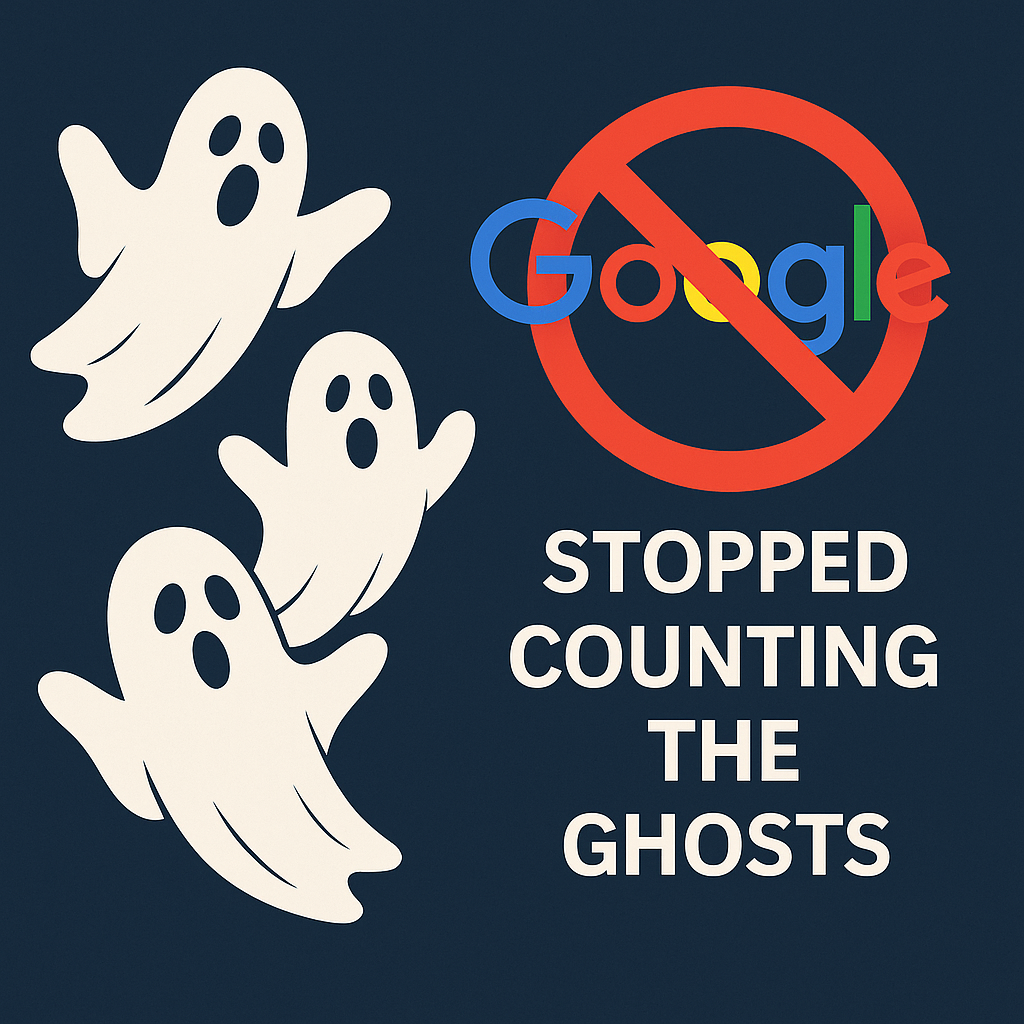
In short, Google didn’t break your SEO; it just stopped counting the ghosts.
When there's something weird... in your SEO reports. Who you gonna call? 👻
That’s a wrap for this week where we talked about clearer reports, cleaner visuals, and fewer “ghosts” haunting your data.
If you’d like to see how Adaptify’s reporting tools, GEO visibility, and white-label features can help your agency show real results (not inflated ones), we’d love to walk you through it. Schedule a demo or visit Adaptify.ai today!
See you in another two weeks,
Best,
Dominic, Hans, Bethany
Automate your Agency (by Adaptify SEO)

Stop being invisible: discover what the best local SEO strategies for small businesses are to dominate Google Maps, reviews, and AI search...

Master localized SEO to rank your local business in Google Maps and drive more in-store visits.
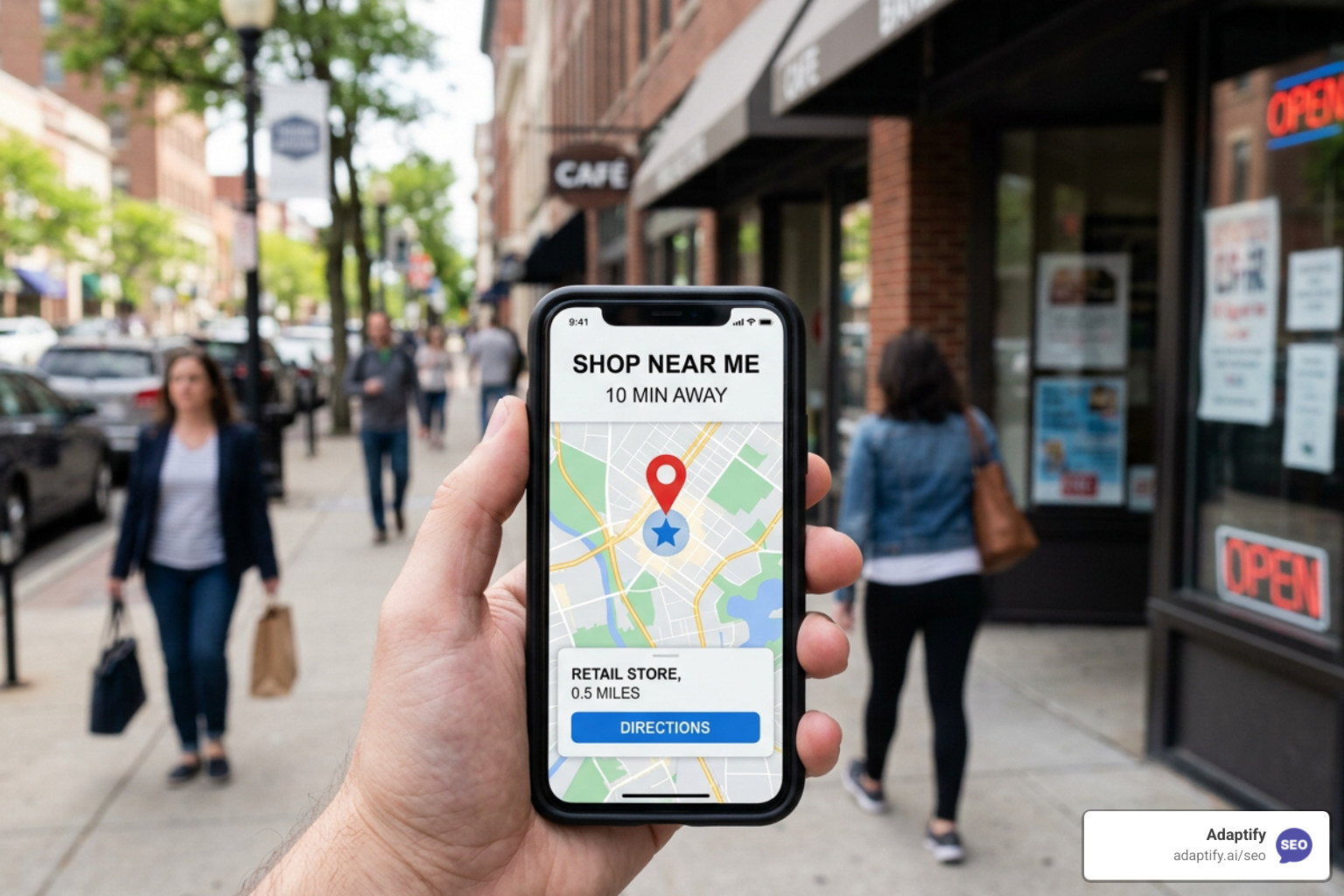
Master local retail SEO to drive foot traffic from Google with proven strategies for GBP, reviews, and AI search optimization.
Join 1,000+ agencies already delivering SEO and AI visibility from a single platform without increasing their headcount.Join 1,000+ agencies already delivering SEO and AI visibility from a single platform without increasing their headcount.