How to Create Automated SEO Reports Your Clients Will Actually Read


Running monthly reports by hand burns hours you could spend on strategy. How to create automated SEO reports for your clients boils down to seven repeatable actions:
Manual reporting doesn’t scale; copy-pasting into spreadsheets for ten clients can swallow an entire work-week. Agencies that switch to automation typically reclaim 50+ hours every month and see higher client retention because transparent, timely data builds trust.
This article shows you exactly how to set up that system and free your team from spreadsheet hell.
If you’re still copying numbers from Google Analytics into Excel at 11 p.m., you already know the pain. Here’s why automation wins:
1. Time back in your day
Manual reporting eats 2-4 hours per client each month. Turn those into templated, auto-updated dashboards and you’re down to 15–30 minutes, most of which is spent adding insight, not data.
2. Fewer mistakes
Automation pulls figures directly from the source, so no more mixed-up date ranges or wrong client accounts. Consistent accuracy quietly builds unshakeable trust.
3. Revenue and retention
Clients who receive clear, on-time reports are far more likely to renew because they can see the ROI of your work. When they plan marketing budgets, your data is already on their desk.
Research shows that as page load time increases from 1 s to 3 s, bounce probability jumps 32%. Insights like this turn a report into a strategic document—provided you avoid three common traps:
Get those right and reporting becomes a growth engine, not a chore.
The process is simple but must be disciplined. Treat it like building a house—solid foundations first, decoration later.
Begin every engagement with a short kickoff questionnaire. Translate business targets into SMART SEO goals (e.g., “+25% organic leads from product pages in 6 months”). Group metrics into four buckets: visibility, traffic, content/link performance, technical health.
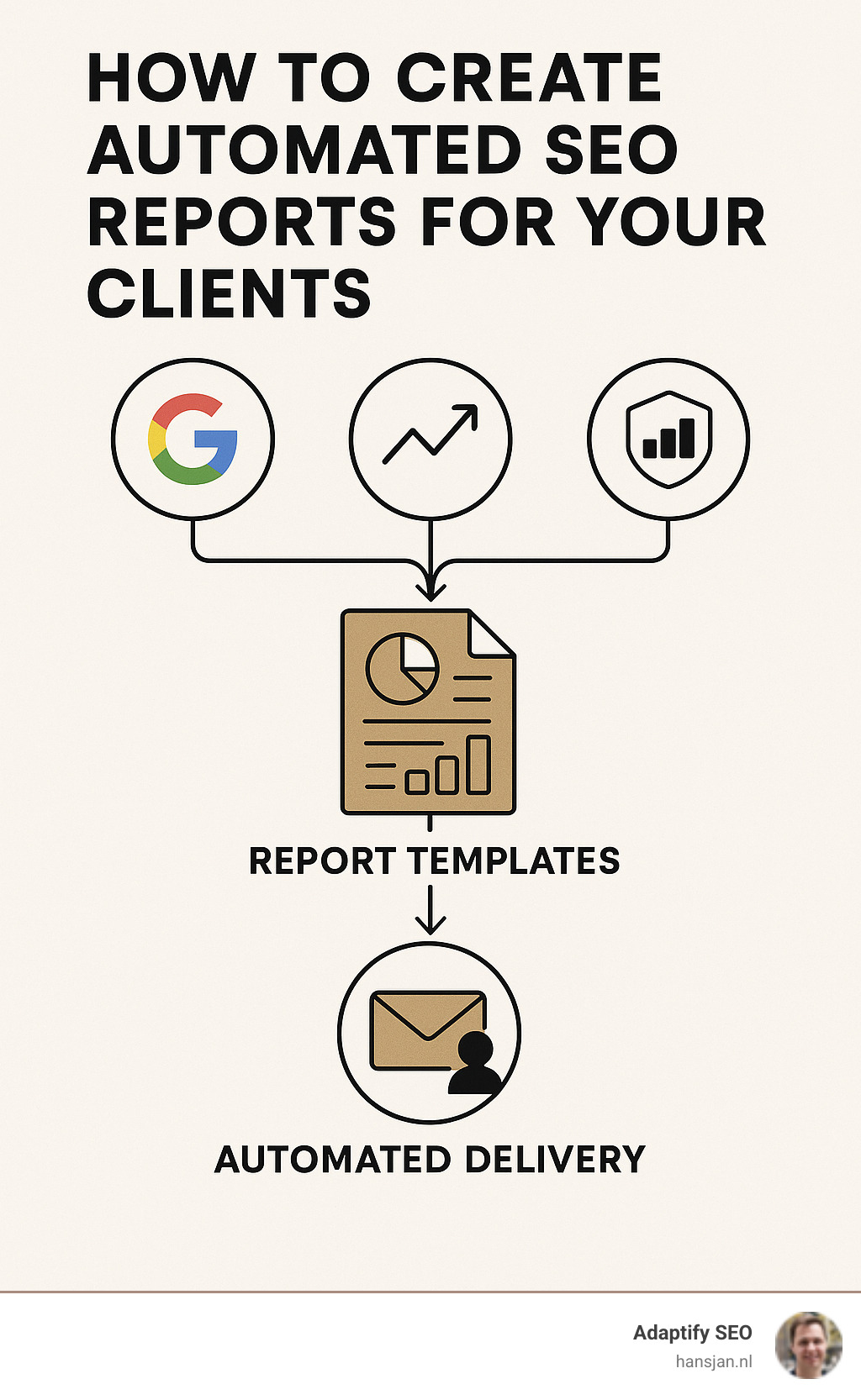
Wire up Google Analytics 4, Google Search Console, and your rank tracker through native APIs so data flows daily—no CSV exports, ever.
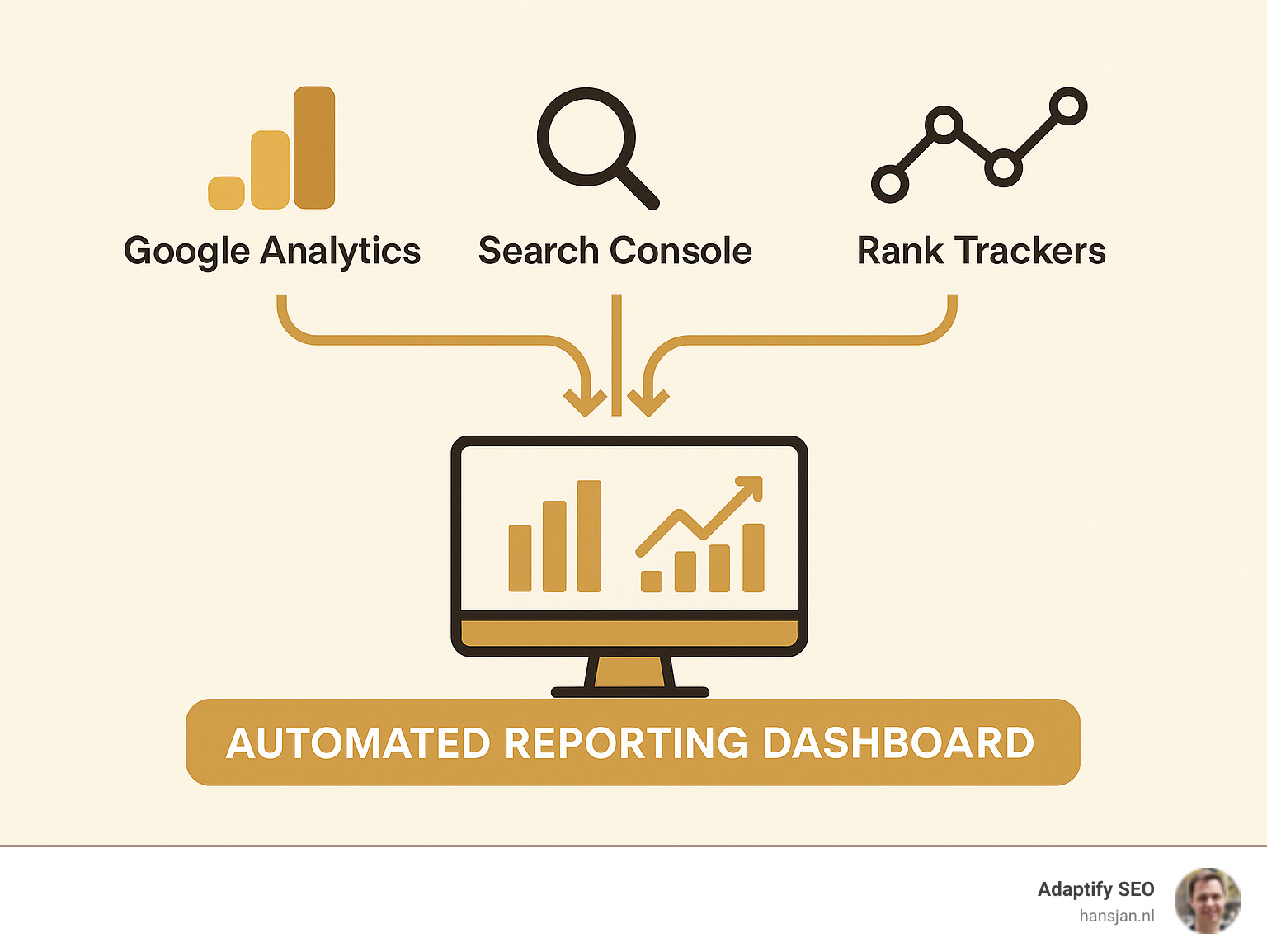
Combine an executive summary, performance overview, keyword table, technical health snapshot and next-step checklist. Brand it with your colours and logo.
| Report Format | Pros | Cons | Best For |
|---|---|---|---|
| Easy to print, fixed layout | Static | Execs who skim | |
| Live dashboard | Real-time, interactive | Requires login | Day-to-day marketers |
Data is the “what.” Your commentary is the “why” and “so what.” For every notable movement, explain the cause and recommend one specific action with expected impact.
That’s it. Once the skeleton exists, cloning it for each new client only takes minutes and everything updates on schedule.
Your reporting platform is the nervous system of the agency. It must plug into your existing stack, automate delivery and scale with your client list.
Adaptify SEO was built for exactly this: native GA4 and Search Console integrations, drag-and-drop white-label templates, and rock-solid scheduling so reports arrive even when you’re on holiday.
Choose the simplest platform your team will actually use. A flashy feature set is useless if it takes a month to learn or forces clients into a format they hate. Test with one client, refine, then roll out agency-wide.
Good design helps busy executives grasp the point in seconds.
Healthcare (local pack rankings, Google Business metrics), Financial services (trust signals & lead conversions), Real estate (local keyword ranking, listing page speed), Coaches & consultants (blog engagement, email sign-ups). 77% of healthcare patients use search before booking.
Follow a simple flow: Wins → Issues → Next Steps. Close with a teaser for upcoming work to keep momentum.

Send reports on a predictable schedule—monthly works for most. Use a consistent subject line and add a one-sentence highlight so clients know what matters before opening the file.
Power users get 24/7 access through a client portal; others are happy with the emailed PDF.
Translate SEO metrics into business language: “Bounce rate dropped 18%, so 1 in 5 extra visitors now sees your service page.” Suggest complementary services only when they solve a visible problem.
Monthly suits 90 % of clients. New campaigns or highly competitive windows may need weekly updates; enterprise accounts often want quarterly executive summaries with monthly data supplements.
Match metrics to the business model. E-commerce: organic revenue & product page visibility. Lead-gen: form fills and call tracking. Local services: local pack rankings & GMB engagement. Publishers: sessions per article and subscriber growth.
Automate data pulls, cross-check GA4 against Search Console, and review one random report each month. Encourage clients to flag anything that looks odd—collaboration beats perfection.
Learning how to create automated SEO reports for your clients is one of those game-changing skills that separates thriving agencies from those stuck in the endless cycle of manual work. It's not just about reclaiming your evenings from spreadsheet hell - though that's definitely a nice bonus.
The real magic happens when you transform reporting from a necessary evil into a strategic advantage. Your clients start seeing you differently. Instead of the person who sends them confusing charts once a month, you become their trusted advisor who consistently delivers insights they can actually use.
Think about it: when a client opens your automated report and immediately understands how their website performed, what's working, and what needs attention next, you've just reinforced your value in their mind. That's the kind of experience that leads to contract renewals and referrals.
The agencies that master this process see remarkable changes in their business. They're not just saving 50+ hours per month on data entry - they're using that time to develop better strategies, take on more clients, and actually enjoy their work again. One agency owner told us their client retention rate jumped significantly after implementing consistent automated reporting.
The change doesn't happen overnight, but the principles are straightforward. Start with metrics that matter to your clients' bottom line, not vanity numbers that look impressive but don't drive decisions. Add the human touch with clear explanations and actionable recommendations. Set up reliable delivery systems that build trust through consistency.
Most importantly, automation should improve your expertise, not replace it. The best automated reports still need your strategic thinking to interpret what the data means and what to do about it.
At Adaptify SEO, we've built our entire platform around this philosophy - combining the efficiency of automation with the insight that only experienced marketers can provide. Our clients consistently tell us that automated reporting has transformed not just their operations, but their client relationships too.
The investment in setting up proper automation pays for itself quickly through improved efficiency and client satisfaction. Start with one client, get the process right, then roll it out across your entire portfolio. Your future self will thank you for making the switch, and your clients will notice the difference immediately.
The question isn't whether you should automate your SEO reporting - it's how quickly you can get started.
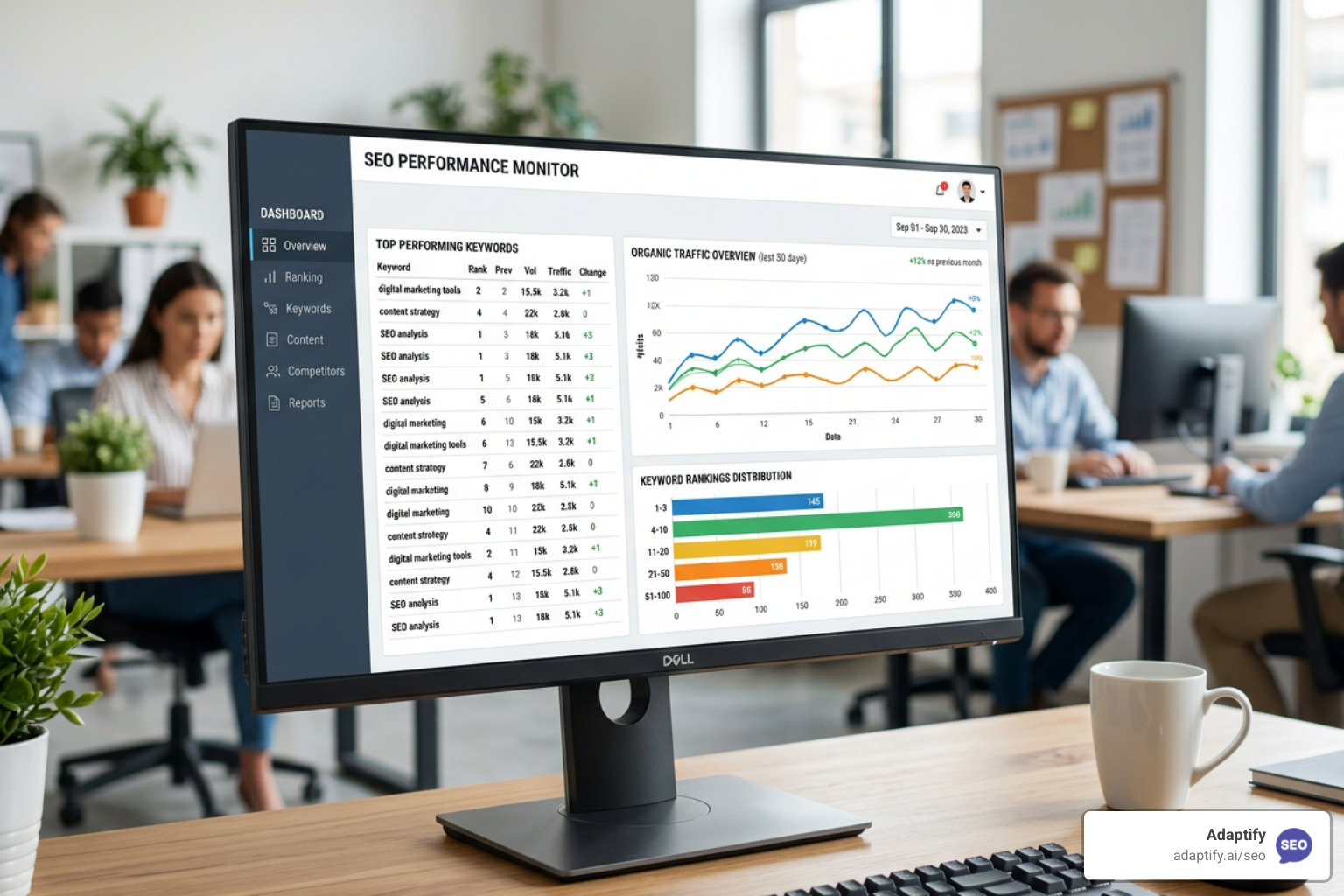
Stop Flying Blind with These Top SEO Monitor Tools - Learn about seo monitor tools

Learn what is local SEO and how to dominate Google Maps, drive foot traffic, and grow your business with this complete optimization guide.

Going Local and Winning Big with the Best SEO Keywords - Learn about local keywords
Join 1,000+ agencies already delivering SEO and AI visibility from a single platform without increasing their headcount.Join 1,000+ agencies already delivering SEO and AI visibility from a single platform without increasing their headcount.