Say It Loud and Clear – Top Apps for Text-Based Social Posts



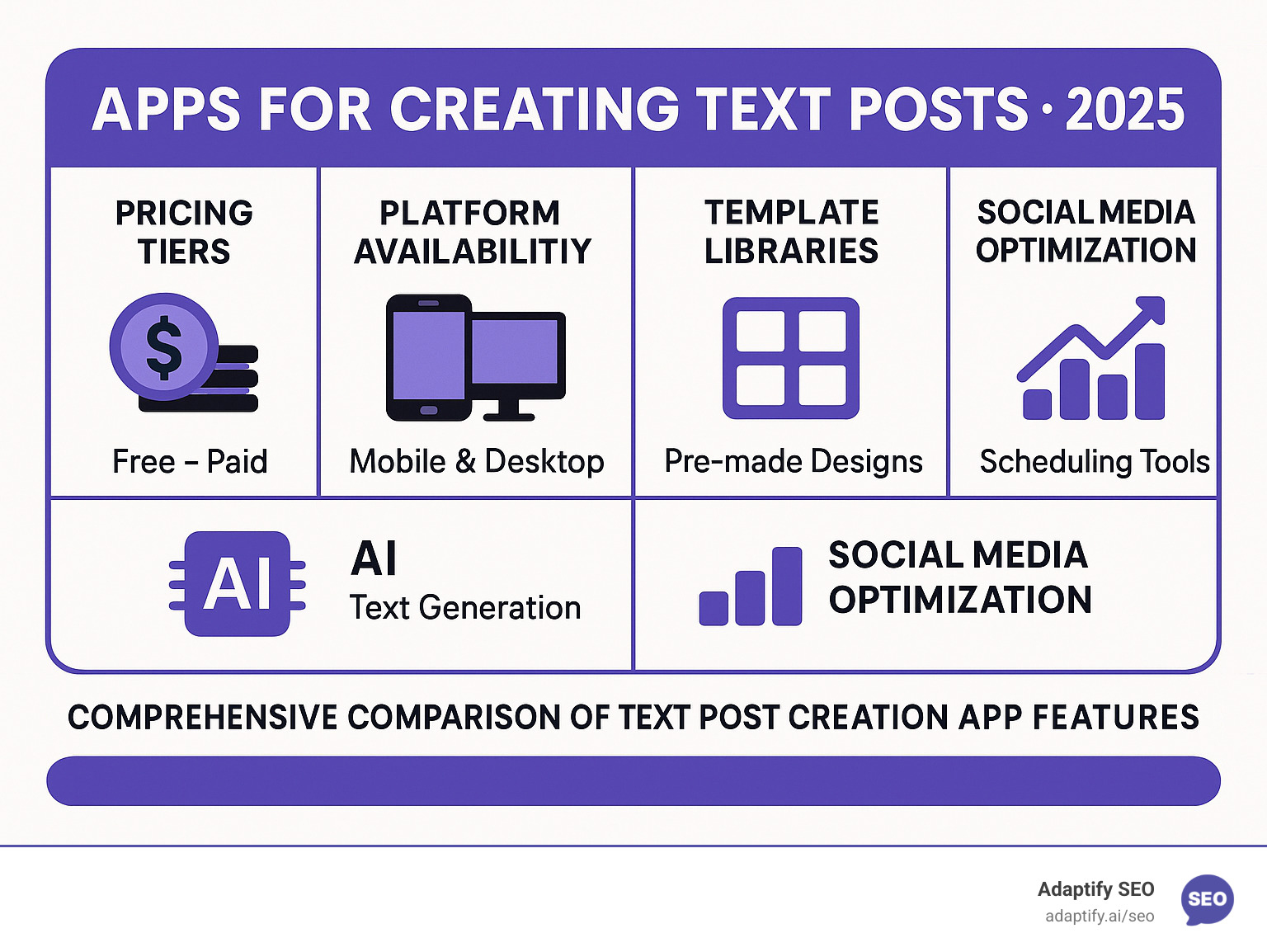
Apps for creating text posts are specialized design tools that transform plain text into visually engaging graphics optimized for social media platforms. Here are the top solutions for creating compelling text-based content:
Top Text Post Creation Apps:
Visual posts consistently generate more engagement across all social networks compared to plain text. With social media engagement peaking from Tuesday through Thursday at 11 AM on Wednesdays, having the right tools to create scroll-stopping content has become crucial for brands and marketers.
These apps solve a fundamental challenge: changing simple text messages into professional-looking graphics without requiring design expertise. They offer customizable fonts, text effects, templates, and social media-optimized dimensions that help content stand out in crowded feeds.
The market offers solutions ranging from free apps with basic features to premium platforms with AI-powered content generation, team collaboration, and advanced analytics. Whether you need to create Instagram stories, Twitter graphics, or Facebook posts, these tools streamline the design process while maintaining brand consistency.
I'm Hansjan Kamerling, a product designer and marketing consultant specializing in SaaS platforms and AI startups. Throughout my career working with platforms that serve millions of users, I've seen how apps for creating text posts can dramatically improve engagement rates and brand visibility across social media channels.
The world of apps for creating text posts has come a long way. What began as basic text-on-image generators is now a multifunctional toolkit that lets anyone publish eye-catching content in minutes.
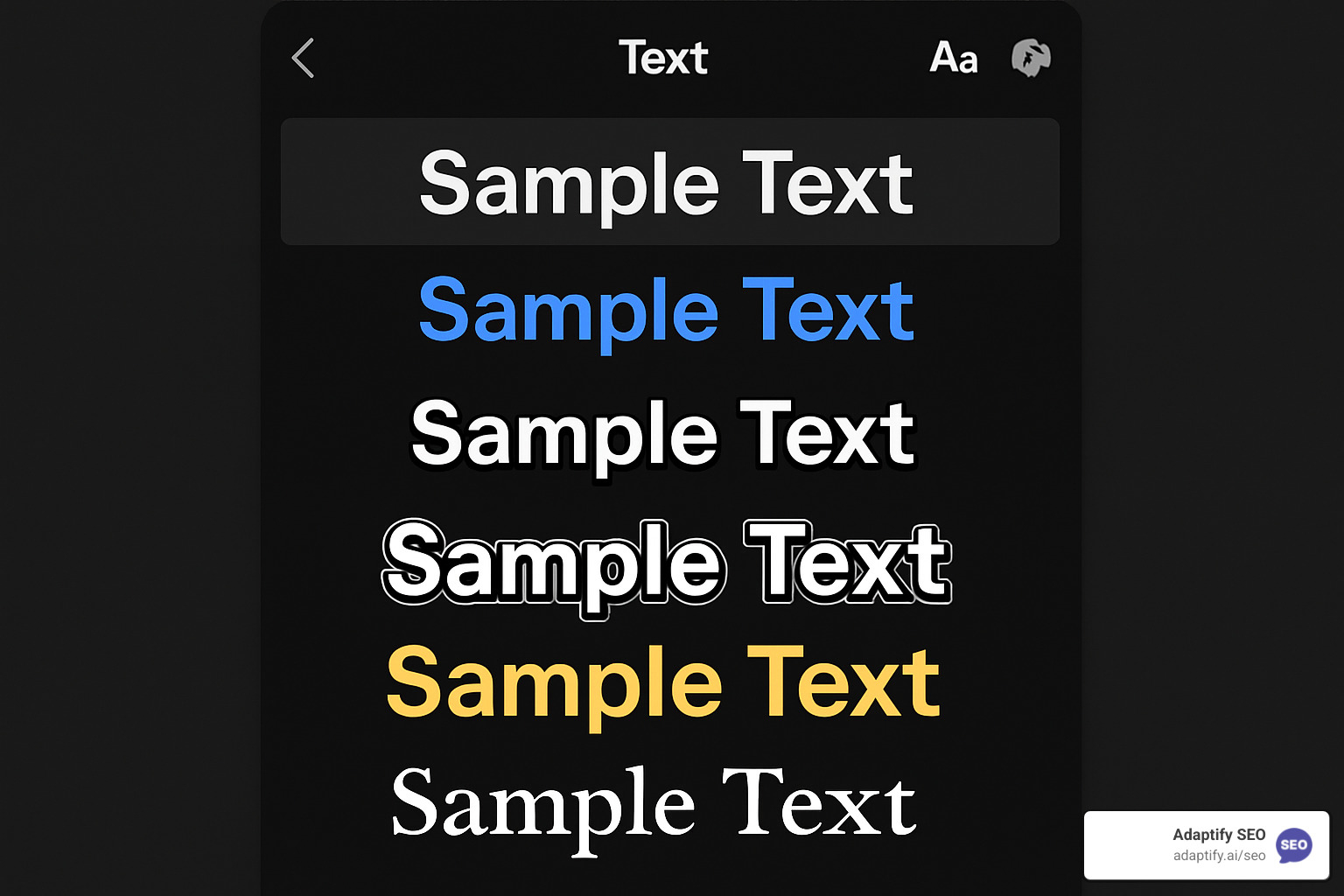
Everything starts with customizable fonts. Instead of just default system fonts, modern apps provide thousands of designer-picked typefaces, and many let you import your own files for perfect brand consistency. Canva alone opens the door to an extensive library, while TextArt supports direct .ttf and .otf uploads.
Beyond fonts, you can fine-tune alignment, line height, and kerning with simple sliders. Color tools include gradients, textures and, for advanced users, a full hex code selector. Need your design to blend seamlessly elsewhere? Most apps now offer transparent background exports.
Templates have become hyper-specific: notification styles, quote cards, story formats and more, each pre-sized for Instagram, Twitter, Facebook and Pinterest. Exporting in the correct aspect ratio and DPI is automatic, so your design always looks crisp.
Powerful features now solve real-world problems. Text splitting (Splitext) converts long quotes into carousels; video text overlays add captions to TikTok clips in seconds.
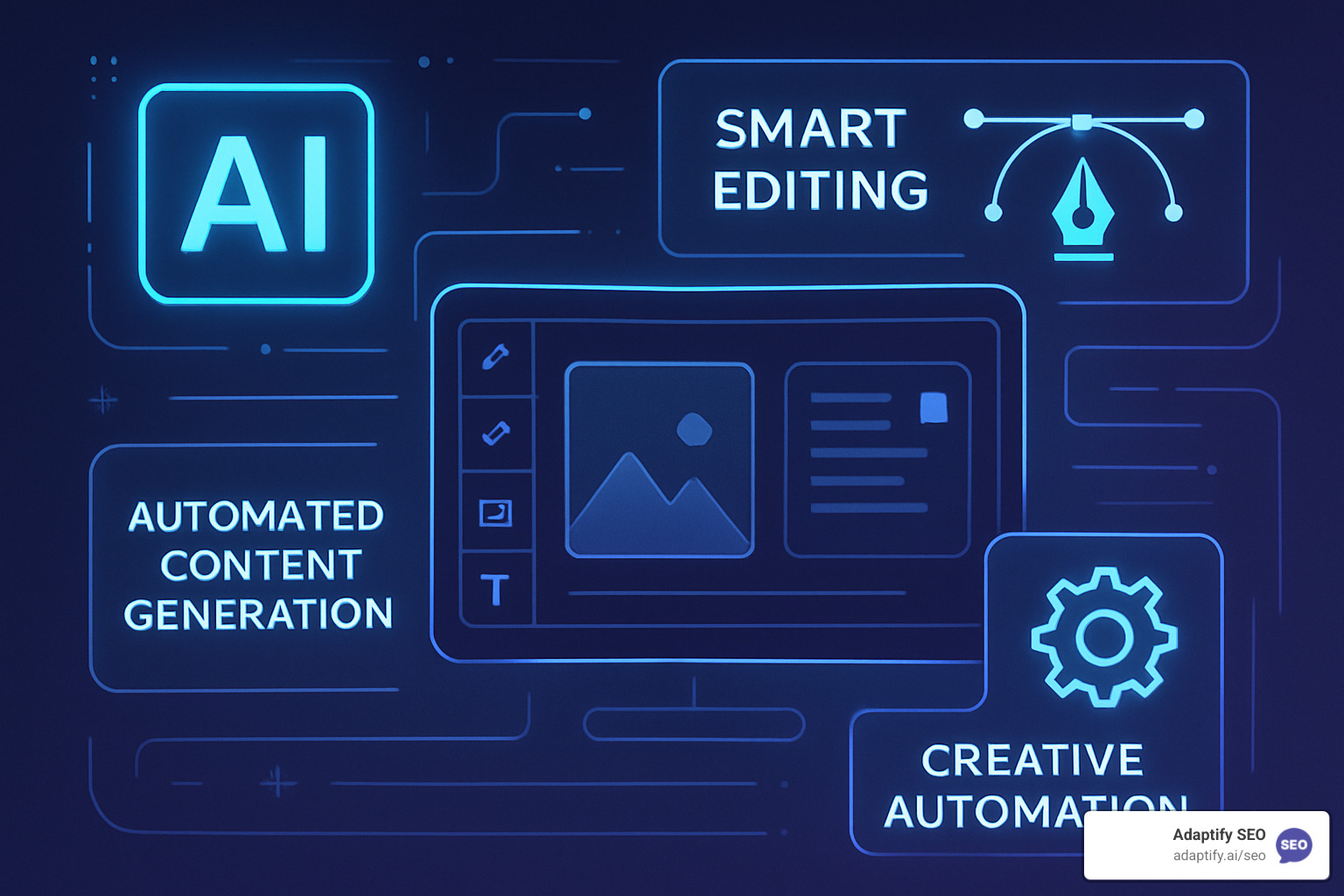
The newest frontier is AI. Canva’s Magic Studio offers auto-generated copy, background removal and one-click image edits. SocialBee mixes AI prompts with scheduling, so you can ideate, design and post from the same dashboard.
Most leading apps now integrate with Zapier, offer real-time collaboration and store your assets in the cloud. In short, they simplify both the creative and logistical sides of content production, letting you focus on the message rather than the mechanics.
Related reading: learn more about the history and principles of typography and see how type choices influence readability and brand perception.
The world of apps for creating text posts offers something for everyone, from casual social media users to professional marketing teams. Each platform brings its own personality and strengths to the table, making the choice more about finding your perfect match than picking the "best" option.
While many creators focus solely on the visual appeal of their posts, smart marketers know that the real magic happens when great design meets strategic content. The Adaptify SEO Text Post Creator bridges this gap beautifully, offering a template-based design system that doesn't just make your posts look good—it helps them perform better.
The platform's extensive template library comes packed with graphics and photos, all stored in the cloud for easy access across devices. What sets it apart is how the powerful AI features work behind the scenes to optimize your content for search and social media visibility. The drag-and-drop editor feels intuitive, but the real power lies in features like automatic translation and the intelligent content planner.
The link in bio functionality and engagement tracking help you understand what resonates with your audience. The background remover and real-time collaboration features make it easy for teams to work together, while the brand hub ensures everything stays on-brand. For agencies managing multiple clients, the custom mockup templates and photo animations can be game-changers.
Canva remains the heavyweight champion of design platforms, offering over 6 million templates and a Magic Studio packed with AI tools. Its strength lies in being a complete ecosystem—you can create, schedule, and analyze all in one place. The real-time collaboration features make it perfect for teams, though the sheer number of options can feel overwhelming for beginners.
Adobe Express brings professional-grade tools to everyday users, with 100,000+ templates and seamless integration with Adobe's ecosystem. If you're already using Adobe Creative Suite, this feels like a natural extension of your workflow. The 10 monthly AI credits on the free plan are generous, and the cross-platform sync works flawlessly.
Splitext solves a very specific problem brilliantly—turning long text into multiple images. This is perfect for Instagram carousels or Twitter threads where you need to break up lengthy content. The text splitting algorithm is smart enough to maintain readability while keeping your visual style consistent. The text overlays on video feature has made it popular with TikTok creators who need to add captions quickly.
TextArt keeps things simple with its focus on core functionality. With over 10 million downloads, it's proven that sometimes less is more. The transparent background exports and custom font support cover the essentials without complicating the process. It's particularly loved by users who want to create text overlays for existing images.
WordSwag stands out with its exclusive Typomatic™ Engine, which automatically generates custom text layouts. This AI-powered feature takes the guesswork out of design, making it ideal for users who want professional results without learning design principles. The built-in templates are carefully curated rather than overwhelming.
All these platforms support the social media format presets you'd expect—Instagram, Twitter, Facebook, Pinterest, VK, and TikTok dimensions are handled automatically. Most offer tiered pricing with premium plans that open up advanced features like unlimited exports, extended template libraries, and priority support.
The beauty of today's apps for creating text posts is that they've made professional-looking design accessible to everyone. Whether you need the comprehensive features of Canva, the specialized text-splitting of Splitext, or the SEO-optimized approach of Adaptify, there's a solution that fits your workflow and budget.
The world of apps for creating text posts has transformed dramatically with the rise of artificial intelligence and sophisticated optimization features. What once required professional design skills and marketing expertise is now accessible to anyone with a smartphone and the right app.
The biggest challenge most creators face isn't designing beautiful posts—it's figuring out what to say. This is where AI-powered content generation truly shines. SocialBee's AI post generator tackles this head-on with over 1,000 prompts designed to spark creativity and banish writer's block for good.
These AI tools don't just suggest topics; they can generate complete social media posts from simple keyword inputs. Whether you need blog post ideas, ad copy, social media captions, or video scripts, AI writing assistants can create human-like text that feels natural and engaging.
The real magic happens when AI moves beyond text generation into image creation. Canva's Magic Media can create custom graphics from simple text descriptions, while Magic Edit lets you modify existing images with natural language prompts. Instead of spending hours learning complex design software, you can simply describe what you want and watch it come to life.
Content repurposing has become incredibly streamlined through AI algorithms. You can create one piece of content and have it automatically adapted for Instagram stories, Twitter posts, LinkedIn articles, and Facebook updates. Each version is optimized for the specific platform's requirements and audience expectations—no manual reformatting needed.
AI also provides optimization suggestions based on successful posts across social media platforms. These tools analyze engagement patterns to recommend optimal posting times, hashtag combinations, and content formats. It's like having a data scientist on your team, helping you maximize engagement without the extensive research.
Understanding platform-specific requirements can feel overwhelming, but modern apps for creating text posts handle most of the heavy lifting for you. Each social media platform has its own personality, dimensions, and audience expectations that influence how your content performs.
Instagram is all about visual impact. The platform supports square (1080x1080), portrait (1080x1350), and landscape (1080x608) formats for feed posts, while stories need that vertical 9:16 aspect ratio. Instagram's algorithm loves content that generates quick engagement, making visually striking text posts particularly effective for capturing attention in busy feeds.
Twitter's 280-character limit demands concise, punchy messaging. The platform's environment rewards timely, relevant content that encourages retweets and replies. Text posts with compelling visuals consistently outperform plain text tweets, especially when they tap into current conversations or trending topics.
Facebook takes a different approach, with its algorithm prioritizing content that sparks meaningful interactions. Text posts that ask questions, share valuable insights, or provide genuine value tend to perform better than purely promotional content. The platform's flexibility with image formats and sizes makes it versatile for different types of text post designs.
TikTok operates in a video-first world, but text posts still play a crucial role as overlays and captions. The platform's younger audience responds well to trendy fonts, vibrant colors, and design elements that align with current aesthetic preferences. Timing is everything here—what works today might feel outdated tomorrow.
The beauty of modern text post creation apps lies in their cross-platform optimization tools. These features automatically adjust your content for each platform's specifications, ensuring your posts look professional and perform well regardless of where they're published. This automation saves countless hours and eliminates the frustration of manual resizing and reformatting.
Peak engagement times vary by platform, but research shows that Tuesdays through Thursdays generally perform best across most social networks, with 11 AM on Wednesdays being particularly effective. Smart scheduling features in these apps can automatically post your content when your audience is most active, maximizing your reach without requiring you to be glued to your phone.
The combination of AI-powered content generation and platform-specific optimization creates a powerful toolkit for anyone serious about social media success. These features transform the often overwhelming task of consistent content creation into a manageable, even enjoyable process.
Selecting the right apps for creating text posts depends on budget, frequency of use and required feature depth.
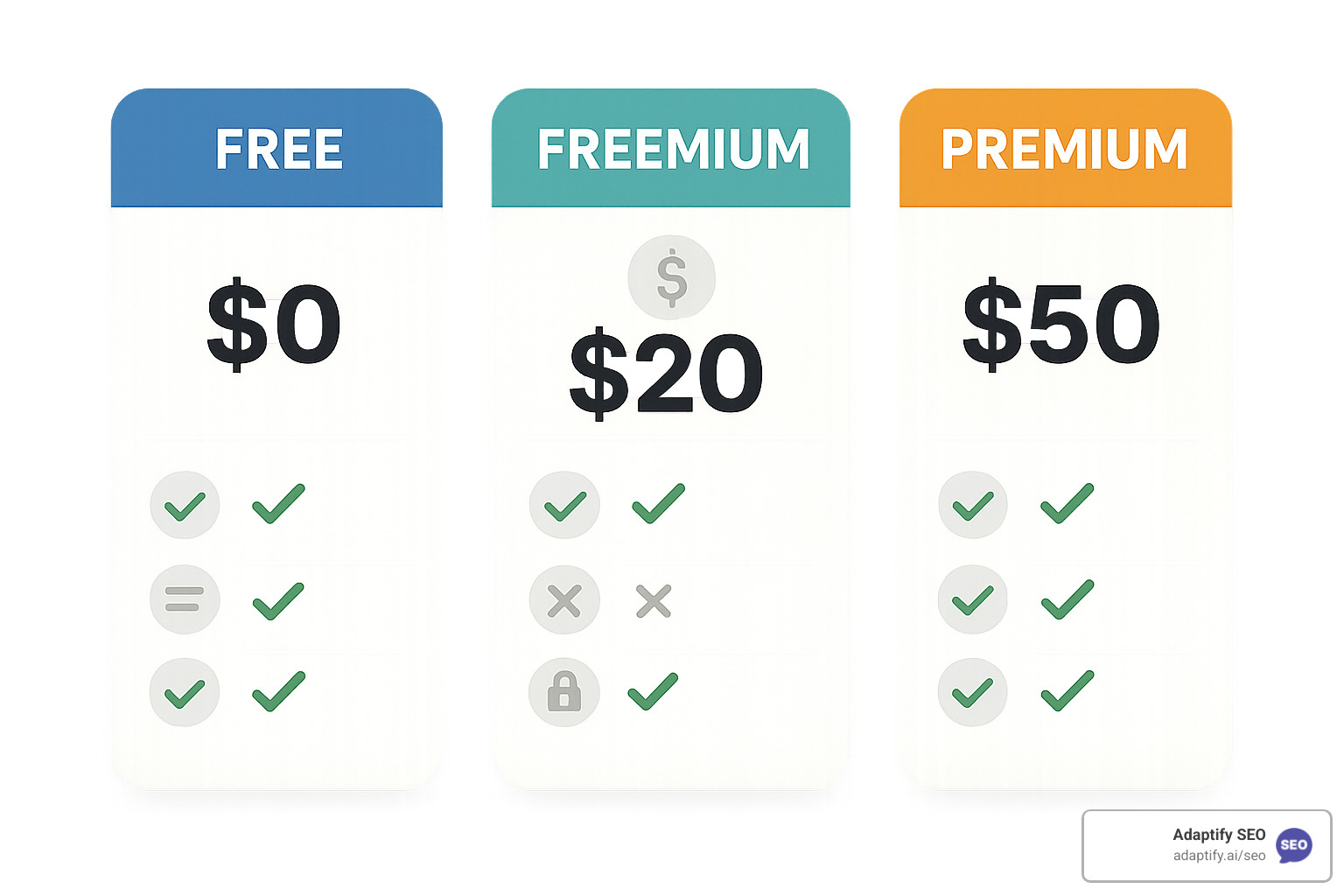
Good news first: robust free plans abound. Canva’s free tier open ups 6 million templates and 5 GB of storage; Adobe Express gives 100 000+ templates plus 10 monthly AI credits. That is usually enough for solo creators or early-stage businesses.
When you outgrow free limits, freemium tiers let you pay only for what you need. Splitext, for instance, starts at just $0.99 a week, while TextArt offers small in-app purchases for extra fonts and effects.
Full-scale subscriptions open pro features such as unlimited exports, advanced AI and team collaboration. Canva Pro is $15/month; Adobe Express Premium begins at $9.99. If you create content daily, the time saved often outweighs the cost.
Platform support is now almost universal. Leading apps run on web, iOS and Android with cross-device sync, so you can start a design on your phone and finish on your laptop without missing a beat.
The smartest strategy is to begin on a free tier, refine your style, then upgrade only when you need collaboration, deeper analytics or AI extras.
When you're just starting out or working with a tight budget, several excellent free options can help you create stunning text posts without spending a dime. Canva leads the pack with an impressive 6 million+ templates and 5GB of storage, making it feel like you have a professional design team at your fingertips.
Adobe Express offers another compelling choice with 100,000+ templates and 10 AI credits monthly on their free plan. This means you can tap into artificial intelligence to improve your designs without paying premium prices. The AI credits refresh each month, giving you consistent access to advanced features.
For those who love simplicity, TextArt shines with its straightforward approach to creating text graphics. The app excels at transparent background exports and custom font support, making it perfect for creating text overlays that blend seamlessly with your existing images.
What makes these free options particularly valuable is that they don't feel limited or restrictive. Canva's free plan includes integrated social media scheduling, so you can create and publish content all in one place. Adobe Express brings professional-grade tools that rival expensive design software, while TextArt's reliability and ease of use have earned it over 10 million downloads.
The key is finding which free platform matches your workflow and design style. If you need extensive templates and scheduling, Canva works beautifully. For AI-powered features and Adobe integration, Express delivers. When simplicity and reliability matter most, TextArt gets the job done without fuss.
Apps for creating text posts work like magic for boosting engagement because they solve a fundamental problem: standing out in incredibly crowded social media feeds. When someone scrolls through hundreds of posts daily, visually appealing graphics naturally catch the eye much better than plain text.
The engagement boost happens in several ways. Visual content consistently generates higher engagement rates across all platforms compared to text-only posts. Your carefully crafted message gets noticed, read, and shared more often when it's wrapped in an attractive design.
Brand consistency plays a huge role in building recognition and trust. When your posts maintain consistent fonts, colors, and design elements, followers start recognizing your content immediately. This familiarity breeds engagement because people connect with brands they recognize and trust.
Many apps now include scheduling features that help you post when your audience is most active. Instead of guessing the best times to share content, you can use built-in analytics to identify peak engagement windows. Some platforms even track which of your text post designs perform best, giving you data to improve future content.
AI-powered optimization takes this further by analyzing successful posts across platforms and suggesting improvements. These tools can recommend optimal hashtags, posting times, and even design elements that tend to perform well with your specific audience.
The beauty of these apps is that they make professional-looking content accessible to everyone. You don't need design skills to create posts that look like they came from a marketing agency, which levels the playing field for small businesses and individual creators.
Absolutely! Most modern text post creation apps understand that brand consistency requires using your own visual assets. Custom image and font uploads have become standard features across the leading platforms.
TextArt makes custom fonts particularly easy by allowing you to import .ttf and .otf files through designated folders. This means you can maintain perfect typography consistency across all your content, which is crucial for professional branding.
Canva and Adobe Express go even further with robust media libraries that work alongside upload functionality. You can seamlessly blend your custom images with their extensive stock photo collections, creating unique designs that feel authentically yours.
Custom image integration opens up endless possibilities for creating text overlays on brand-specific backgrounds. Whether you're using product photos, office shots, or custom graphics, these apps let you add professional text treatments that complement your existing visual assets.
The flexibility extends to maintaining strict brand guidelines that many businesses require. You can upload your brand's official fonts, color palettes, and image assets, then use them consistently across all your social media content. This ensures every post reinforces your brand identity rather than diluting it.
What's particularly helpful is that once you upload custom assets, most apps save them for future use. This means you're not constantly re-uploading the same fonts and images, streamlining your content creation process significantly.
In today's digital world, apps for creating text posts have become the secret weapon for anyone wanting to make their mark on social media. These tools have transformed from simple text-on-image generators into powerful design platforms that rival professional software—yet remain accessible to everyone.
The beauty of these apps lies in their ability to level the playing field. Whether you're a small business owner trying to build your brand or a content creator looking to grow your following, you now have access to the same visual storytelling tools that big brands use. From Canva's vast template library to Splitext's clever text-splitting features, there's truly something for every need and budget.
What's particularly exciting is how AI-powered features are changing the game entirely. No longer do you need to stare at a blank canvas wondering what to create—these tools can generate ideas, suggest improvements, and even create complete posts from simple prompts. It's like having a creative assistant that never sleeps.
The integration of scheduling, analytics, and optimization features means you're not just creating beautiful content—you're creating smart content that performs well across platforms. This combination of creativity and data-driven insights is what separates successful social media strategies from random posting.
As we look ahead, these tools will only become more intelligent and intuitive. The future promises even deeper AI integration, better cross-platform automation, and more sophisticated personalization features. The creators and businesses that accept these tools now will have a significant advantage as the social media landscape continues to evolve.
While these design apps are fantastic for creating eye-catching visuals, great content is just one piece of the digital marketing puzzle. Combining stunning text posts with a solid SEO strategy can amplify your reach far beyond social media platforms.
Ready to take your entire digital presence to the next level? Book a Demo with Adaptify SEO today and find how automated SEO solutions can boost your content strategy across all channels.
Learn how an SEO automation system streamlines keyword research, content workflows, and reporting to scale your search operations efficien...

Discover what SEO tasks seo automation services can realistically automate for faster audits, keyword research, and content optimization.
Stop staring at blank pages. Use the best SEO article writing software to create optimized content that ranks in 2026.
Join 1,000+ agencies already delivering SEO and AI visibility from a single platform without increasing their headcount.Join 1,000+ agencies already delivering SEO and AI visibility from a single platform without increasing their headcount.