Snap to Success: Your Guide to Image SEO Best Practices

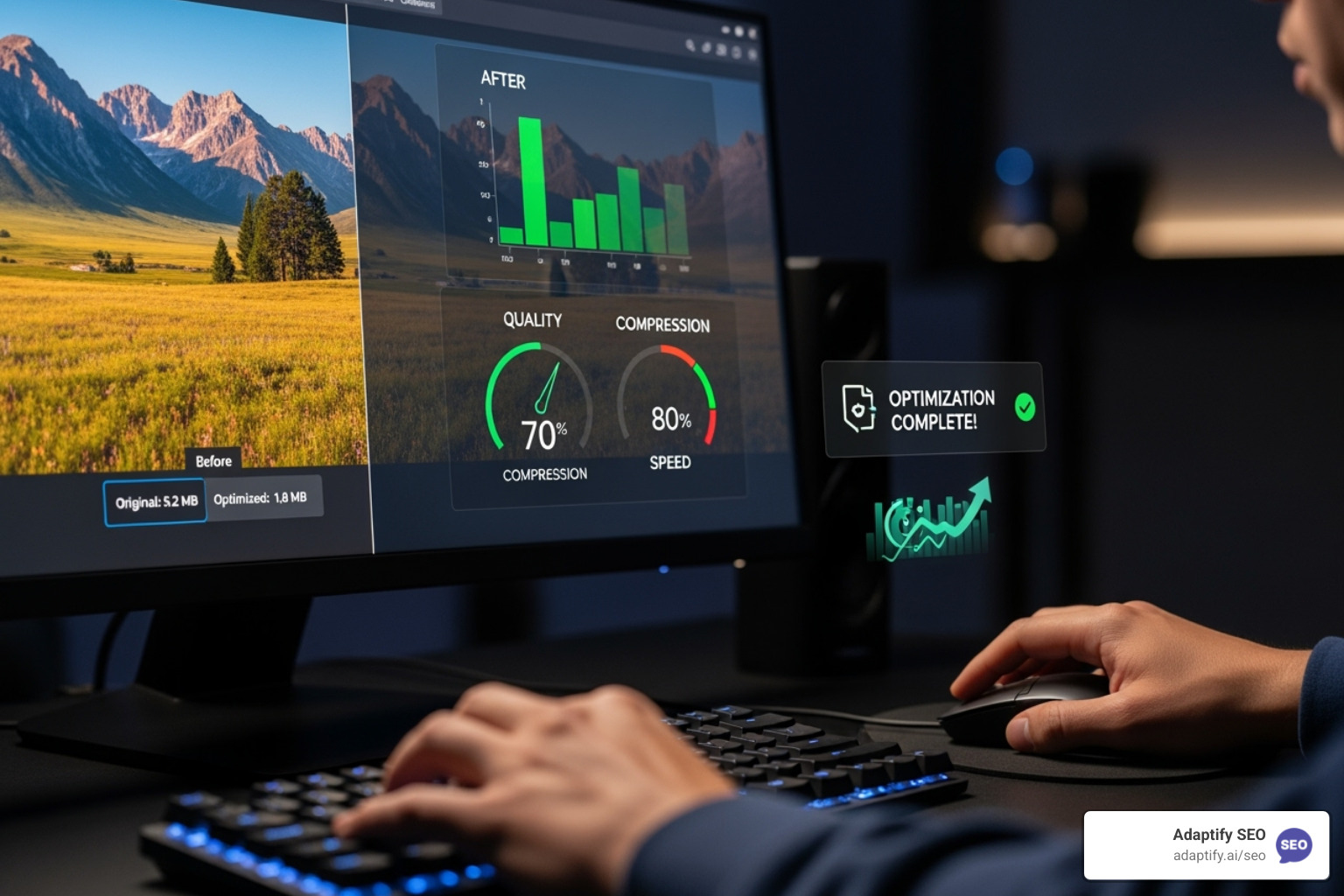

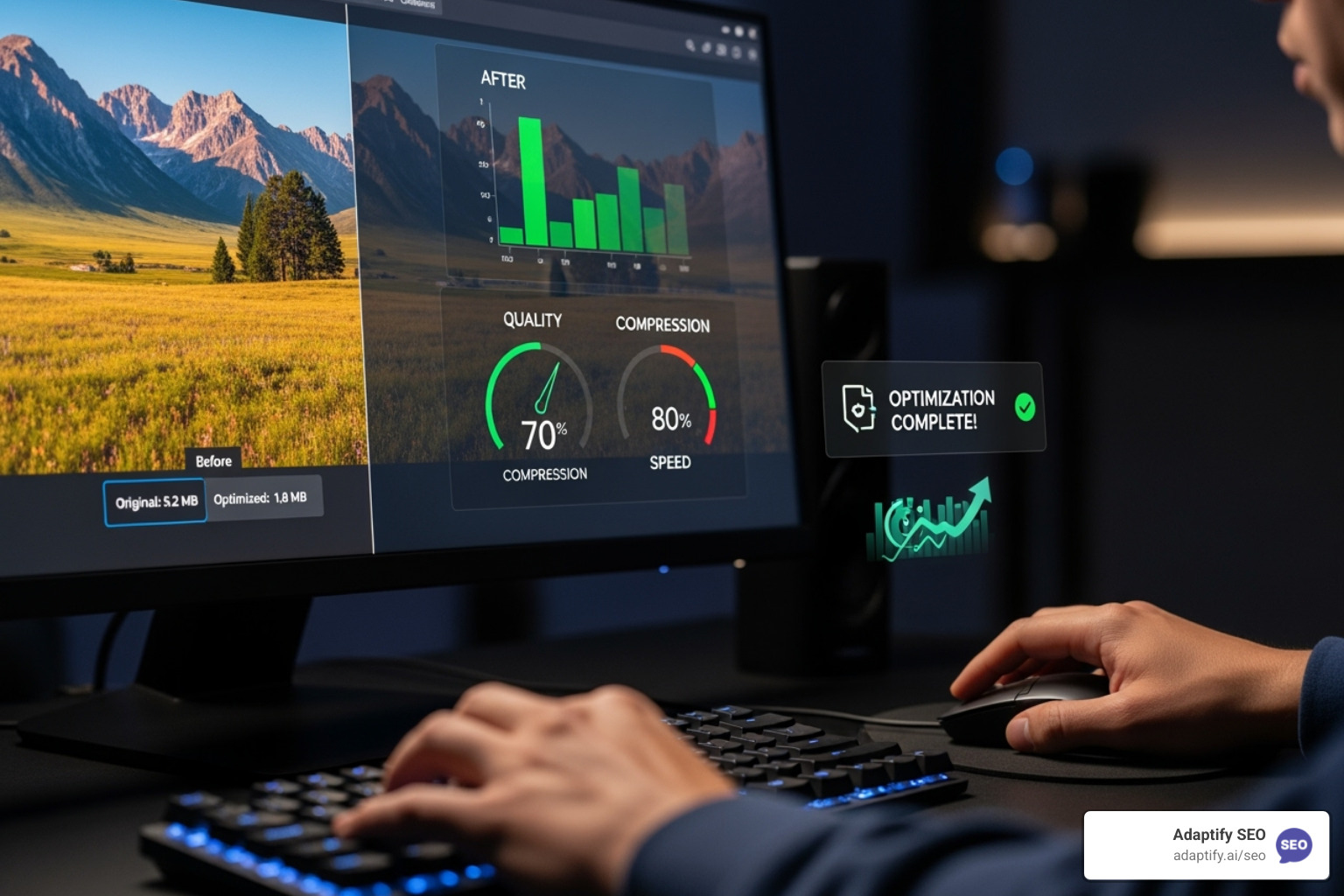
Image SEO optimization makes your visual content findable and valuable to both search engines and users through strategic formatting, naming, compression, and metadata. Here are the essential steps:
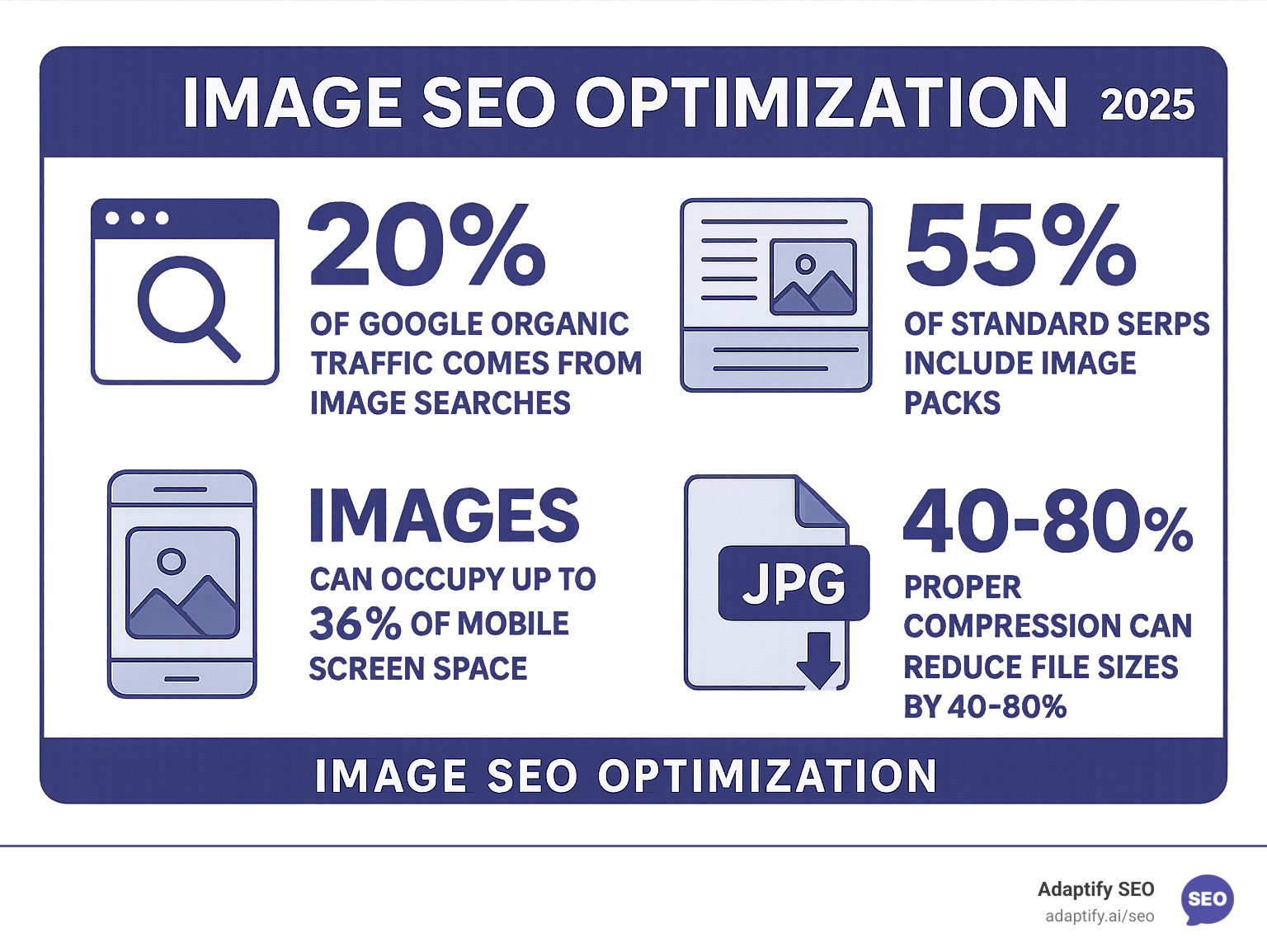
srcsetWhile often treated as an afterthought, images are a major traffic source: more than 20% of Google's organic traffic comes from image searches. With billions of monthly Google Lens searches and 55% of standard search results including image packs, your visual content strategy directly impacts visibility.
Images also significantly affect page speed, a core ranking factor. Uploading huge images only to display them small hurts your Core Web Vitals. Proper image SEO optimization fixes both findability and performance issues at once.
Through my work at Adaptify AI, I've seen how automated image optimization can transform agency workflows from manual drudgery into scalable systems.

Proper image preparation is foundational to SEO performance. Every decision before uploading—from selection to formatting—can make or break your results. Rushing this stage often leads to slow-loading pages and poor rankings in Google Images.
Image selection is your first critical decision. High-quality, relevant visuals build credibility and encourage clicks. Blurry, pixelated, or stretched images signal low-quality content to both users and search engines.
Avoid copyright violations. Do not assume images found on Google are free to use. To prevent unexpected legal bills, stick to royalty-free platforms like Unsplash or Pexels, or create your own original visuals for a unique edge.
Once you have your image, you must choose the right file format, size it correctly, compress it, and give it a descriptive filename. These steps are the bedrock of a strong image SEO strategy.
Picking the wrong image format can harm your page speed and visual quality. Each format serves a specific purpose:
| Format | Use Case | Compression | Browser Support | Notes |
|---|---|---|---|---|
| JPEG | Photographs, complex images with gradients | Lossy | Excellent | Perfect for photos with lots of colors. Great compression, but quality drops with each edit. No transparency support. |
| PNG | Graphics, logos, images with transparency | Lossless | Excellent | Your go-to for logos, screenshots, and anything needing transparency. Larger files than JPEG for photos, but perfect quality. |
| WebP | General web images, photos, graphics | Lossy & Lossless | Good (modern browsers) | Google's format offering 25-80% better compression than JPEG while maintaining quality. Supports transparency and animation. |
| SVG | Logos, icons, illustrations, vector graphics | Lossless | Excellent | Vector-based format that scales perfectly at any size. Ideal for logos and simple graphics. Tiny file sizes. |
| AVIF | High-quality images, video frames | Lossy | Growing | The newest kid on the block with incredible compression. Still gaining browser support, so use with fallbacks. |
The key difference between lossy and lossless compression is that lossy formats (JPEG) permanently remove data to create smaller files, while lossless formats (PNG) keep every pixel.
We strongly recommend embracing the WebP format. It's a game-changer for Image SEO optimization, often reducing file sizes by 40-60% compared to JPEG with no visible quality loss. Google created WebP to make the web faster, so it's no surprise they favor it.
Use reputable compression tools to find the sweet spot between quality and file size.
At Adaptify SEO, we help clients make these format decisions as part of their broader content strategy. The right format supports all your other SEO efforts.
A common mistake is uploading oversized images. Using a 5000-pixel-wide image for a 300-pixel thumbnail is incredibly wasteful and slows down your site.
Smart image dimensions start with understanding the display size. Most web images don't need to be wider than 2500 pixels. When you specify width and height attributes in your HTML, you help browsers reserve space, preventing Cumulative Layout Shift, a key Core Web Vital.
File size matters. Images are often the heaviest elements on a page. Aim for most images to be under 100KB. Every kilobyte you save is a small victory for your SEO performance, as Google uses page speed as a ranking factor.
Descriptive filenames help search engines understand your images. Instead of IMG_001.jpg, use a name like adaptify-seo-dashboard-analytics-view.jpg. Use hyphens to separate words, as Google treats them as spaces. red-sports-car.jpg is understood as "red sports car," while red_sports_car.jpg is read as "redsportscar."
Include keywords naturally, but don't stuff them. Keep filenames descriptive and concise. These fundamentals create the solid foundation your Image SEO optimization strategy needs. For more technical details, Google's guide to responsive images is an excellent resource.

With prepared images, the next step is on-page optimization. This stage focuses on introducing your images effectively to search engines and users. The four pillars of on-page image performance are alt text, image captions, responsive design, and lazy loading. These elements are not just technical checkboxes; they bridge the gap between having great images and having images that drive traffic.
Nailing these elements solves multiple problems at once. Good alt text improves accessibility and gives Google context. Proper responsive design creates a better mobile experience and boosts Core Web Vitals scores.
Effective alt text is a key differentiator in professional Image SEO optimization. It's crucial for both accessibility and SEO but is often poorly implemented.
Alt text provides a description when images fail to load and is what screen readers announce to visually impaired users. As one accessibility expert notes, "The most important attribute when it comes to providing more metadata for an image is the alt text." This aligns with W3C accessibility guidelines and promotes an inclusive web experience.
To write effective alt text, imagine describing the image to someone over the phone. Be descriptive and specific. Instead of alt="SEO", try alt="Digital marketer analyzing keyword rankings on laptop screen". For products, alt="Black leather office chair with chrome wheels" is far better than alt="Chair".
Keep descriptions concise (under 125 characters), as screen readers often truncate longer text. Include relevant keywords naturally, but avoid keyword stuffing like alt="best SEO optimization image SEO tools". Avoid starting with "image of" or "picture of." For purely decorative images, use an empty alt attribute (alt="") to have screen readers skip them.
When alt text accurately describes your images with natural keyword relevance, you give Google what it needs to rank your visual content.
With mobile traffic accounting for nearly 60% of all web traffic and Google's mobile-first indexing, responsive images are critical for Image SEO optimization.
The srcset attribute is your best friend for responsive design. It lets you define multiple image sizes, allowing the browser to choose the most appropriate one for the user's screen. This prevents mobile users from downloading large desktop-sized images.
For more control, the <picture> element lets you serve different formats (like WebP to modern browsers and JPEG to older ones) or entirely different images based on screen size.
Remember to set explicit width and height attributes in your HTML to prevent Cumulative Layout Shift (CLS), one of Google's Core Web Vitals. This stops content from jumping around as images load.
Lazy loading boosts initial page load speeds. Adding the loading="lazy" attribute to images below the fold tells the browser to load them only when they are about to enter the viewport. This gives users a faster initial experience and improves performance scores.
Combining responsive design with lazy loading tackles both user experience and technical SEO, helping your images look great, load efficiently, and contribute to better Core Web Vitals.

Beyond the fundamentals, advanced strategies can significantly improve search visibility. These technical tactics for Image SEO optimization include structured data, image sitemaps, Open Graph optimization, and Content Delivery Networks (CDNs). While they work quietly in the background, they deliver impressive results.
Structured data provides Google with a detailed roadmap of your image content and context using Schema.org vocabulary. The ImageObject schema type is particularly useful, as it can transform your images into rich results in Google Search.
With proper implementation, images can appear with badges showing prices, ratings, or other key details directly in Google Images. For example, a recipe photo might display cooking times, or a product image could show availability. These improved listings boost click-through rates by providing immediate value. Always validate your markup using Google's Structured Data Guidelines.
Image sitemaps are crucial for ensuring Google finds all your visual content, especially images loaded via JavaScript or hosted on CDNs. They act as a complete inventory for search engines, making sure nothing gets overlooked.
Manually creating and maintaining sitemaps is impractical for most sites, which is why automation is key. At Adaptify SEO, we handle this complexity automatically, ensuring every image is indexed properly, similar to how common site crawlers operate—but with seamless, ongoing maintenance.
Open Graph tags are critical for social media, as they control the preview image that appears when your content is shared on platforms like Facebook, Twitter, or LinkedIn. Without a proper og:image tag, social platforms might grab a random, unprofessional image from your page.
The ideal size for social images is 1200 x 630 pixels. Design these images to be compelling enough to stop a user's scroll and encourage a click. This social visibility can feed back into your SEO; while not a direct ranking factor, increased engagement and traffic from social media can positively influence your overall search performance. This connects to your broader digital strategy, including your backlink strategy.
Content Delivery Networks (CDNs) solve a key challenge: delivering images quickly to a global audience. A CDN serves images from a local server, dramatically reducing load times for users far from your primary host, such as a user in Singapore accessing a site hosted in New York.
Many modern CDNs also offer automatic image optimization, converting formats (e.g., to WebP), compressing files, and resizing images on the fly. At Adaptify SEO, we've integrated CDN capabilities into our platform because speed is non-negotiable. Our automated approach ensures your images are always delivered optimally, providing a fast experience for users in all our markets, from New York to London to Singapore.
Image SEO optimization requires ongoing maintenance. It's not a one-time task. Regular audits prevent small issues from becoming major problems that hurt your rankings and user experience. Establishing a routine for auditing your images ensures your visual content continues to drive traffic.
An image SEO audit starts with identifying performance issues. Several tools can help:
The most common problems are missing alt text, oversized image files, and broken images. These are like warning lights on your dashboard—ignore them at your peril.
At Adaptify SEO, we've built these auditing capabilities directly into our platform, giving our clients a unified view of their image performance without juggling multiple tools.
Beyond performance, two critical areas are SafeSearch compliance and copyright protection.
Google SafeSearch filters more than just explicit content; its algorithms can detect suggestive or violent imagery using computer vision and contextual clues. Triggering these filters will hide your images from a significant portion of users, reducing visibility and potentially penalizing your entire site.
Copyright infringement can lead to business-threatening lawsuits, with damages reaching millions of dollars for using unlicensed images. The safest approach is to use original images or properly licensed stock photos from reputable sources like Unsplash. If you use Creative Commons images, follow the attribution requirements precisely.
DMCA takedown notices are another risk. Even if you believe your usage is legal, copyright holders can request removal. A clear licensing paper trail is your best protection.
At Adaptify SEO, we help clients build compliance into their workflows. With offices in New York, London, and Singapore, we understand how copyright laws vary by jurisdiction, making compliance critical for international businesses.
Here are answers to common questions about Image SEO optimization.
Image SEO optimization takes patience. According to Google's John Mueller, changes like updating filenames can take months to be fully recognized. Google must first re-crawl your pages, process the new information, and then update its index. The time this takes depends on your site's authority and update frequency.
My advice is to start your optimization efforts today but manage your expectations. It can take three to six months to see significant improvements in image search traffic. This is a long-term investment.
WordPress image-optimization plugins, such as ShortPixel or Smush, can be excellent for Image SEO optimization, as they automate tasks like compression, resizing, and even basic alt text generation. They are easy to use and often include bulk optimization features.
However, plugins can add website bloat and slow your site down. You also lose some manual control over the optimization process, as automated settings may not be ideal for every image.
For small businesses, a good plugin is often worth it. For agencies managing dozens of client sites, the complexity of managing individual plugins becomes a significant challenge. That's why we built comprehensive, integrated solutions at Adaptify SEO to handle these tasks at scale.
The answer is almost always no. Copyright law protects most images you find online, even without a visible copyright notice. Using a copyrighted image without permission can lead to expensive lawsuits.
While fair use exists, it's a narrow and risky defense. Creative Commons licenses permit some usage, but you must follow their specific terms, which often include attribution.
The safest options are to get written permission from the copyright holder, create your own original images, or use properly licensed stock photos. The legal and financial risks of infringement are too high to ignore.
At Adaptify SEO, we help clients develop sustainable content strategies that avoid these legal pitfalls.
Image SEO optimization is a critical part of any digital strategy, impacting page speed, user experience, search rankings, and your bottom line. We've covered the essentials, from choosing formats like WebP and writing effective alt text to implementing structured data and CDNs. When these elements work together, the results are transformative.
However, Image SEO optimization is an ongoing process. The manual approach of optimizing each image by hand and constantly auditing performance can quickly become overwhelming for busy agencies.
That's the problem we solve at Adaptify SEO. We believe AI should handle the repetitive, technical tasks that consume your time. Our platform automates SEO-friendly alt text generation, image compression, and sitemap creation at scale. This isn't about replacing human expertise—it's about amplifying it. You provide the strategy, and we handle the technical execution.
From our offices in New York, London, and Singapore, we help agencies worldwide streamline their Image SEO optimization workflows. If you're looking to scale your SEO services without drowning in manual work, we can show you what's possible.
Master SEO monitoring with key metrics and tools to track rankings, technical health, and organic growth for continuous performance optimi...
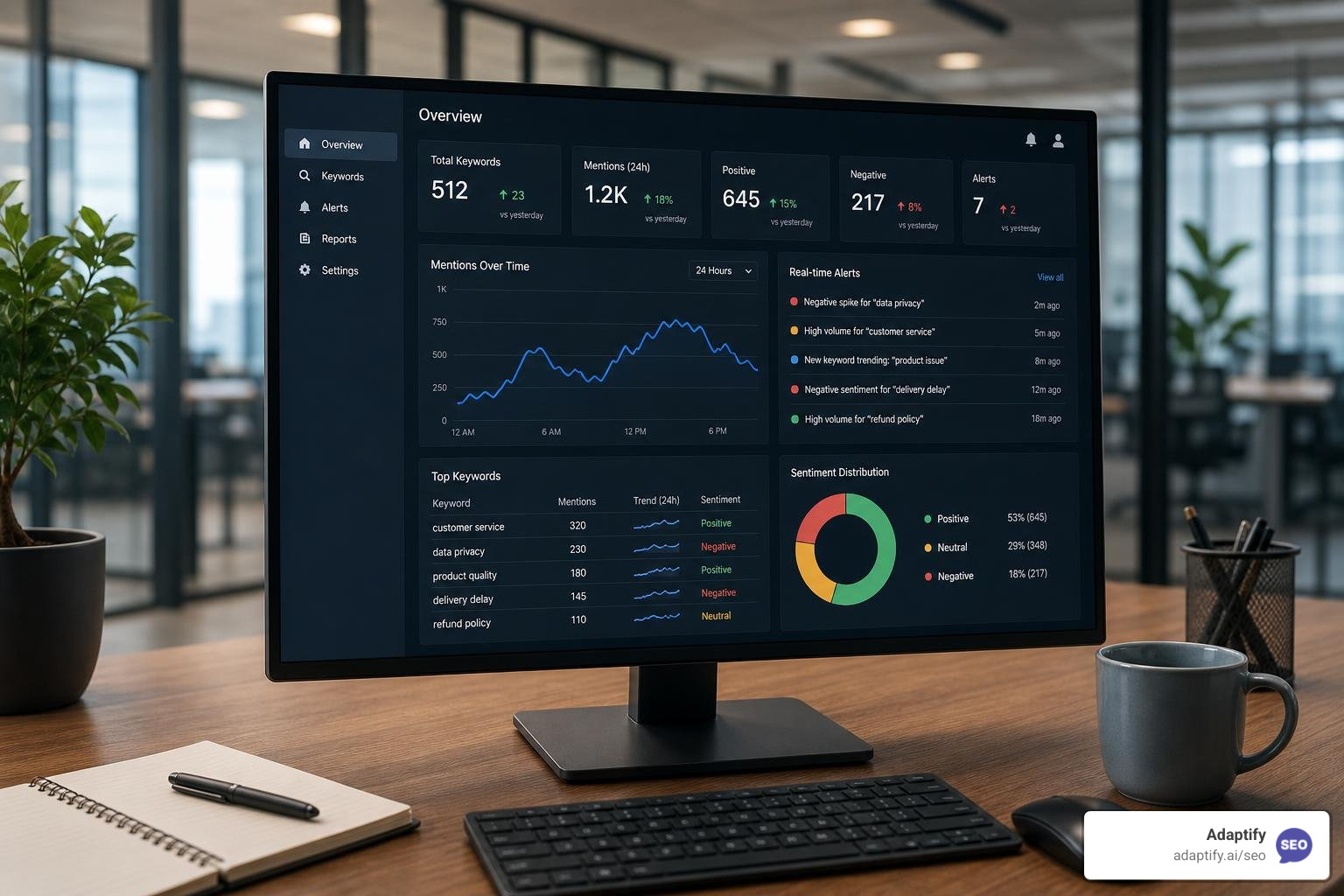
The Best Online Keyword Monitoring Tools for Real-Time Alerts - Learn about online keyword monitoring tool
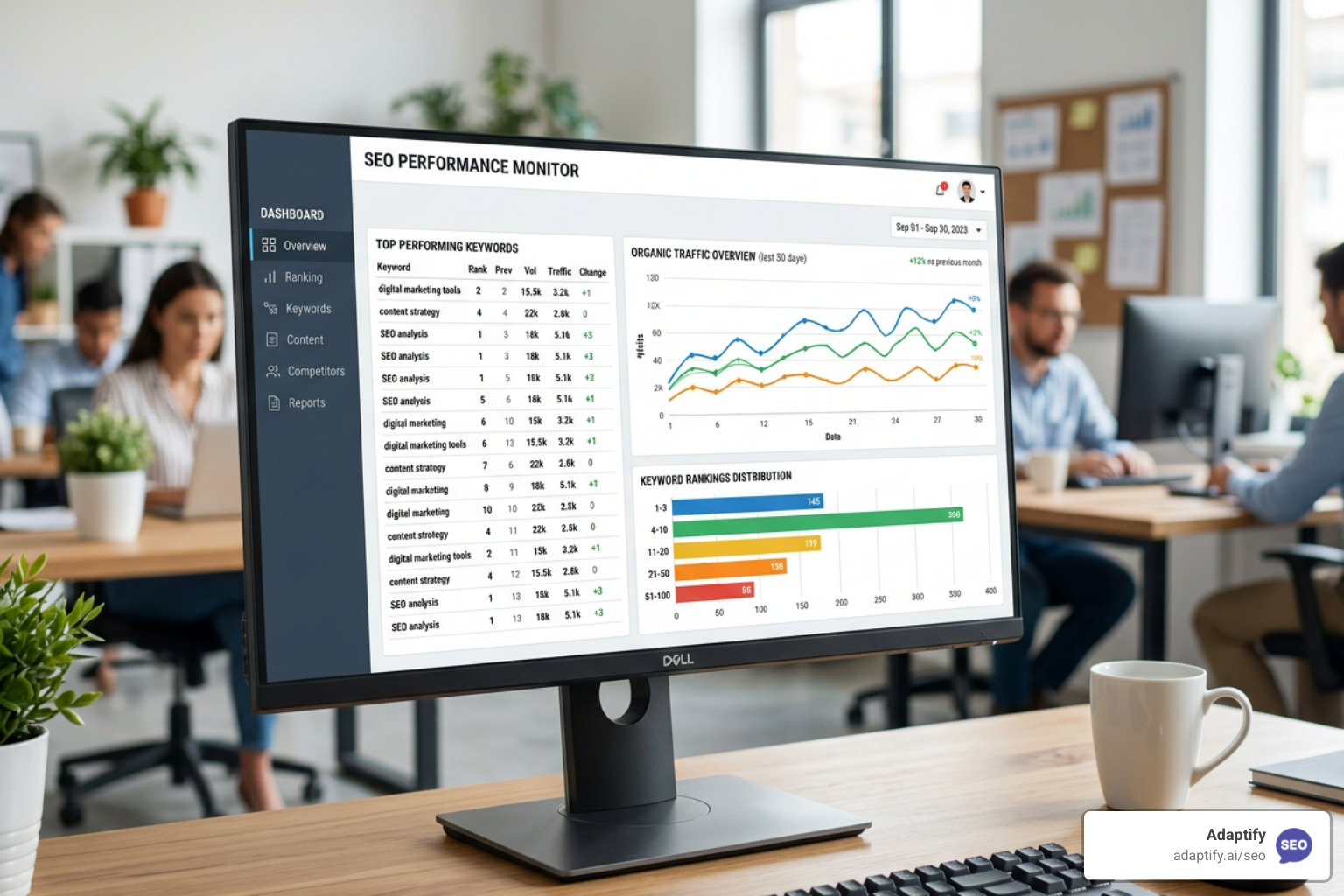
Stop Flying Blind with These Top SEO Monitor Tools - Learn about seo monitor tools
Join 1,000+ agencies already delivering SEO and AI visibility from a single platform without increasing their headcount.Join 1,000+ agencies already delivering SEO and AI visibility from a single platform without increasing their headcount.