Your Website's Backlinks:How to Audit Them for Free
Hansjan Kamerling
Feb 5, 202617 min read
Why Checking Your Backlinks is the Foundation of Off-Page SEO
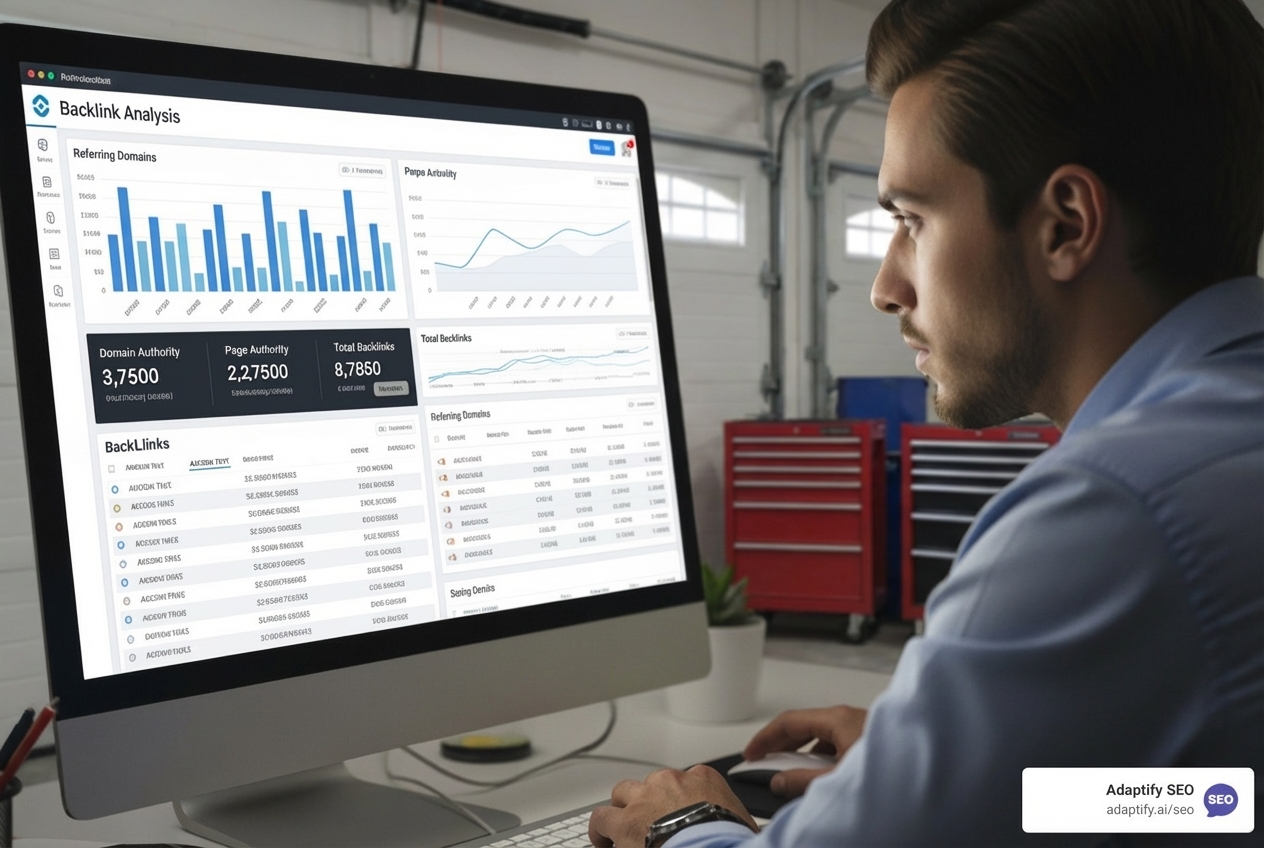
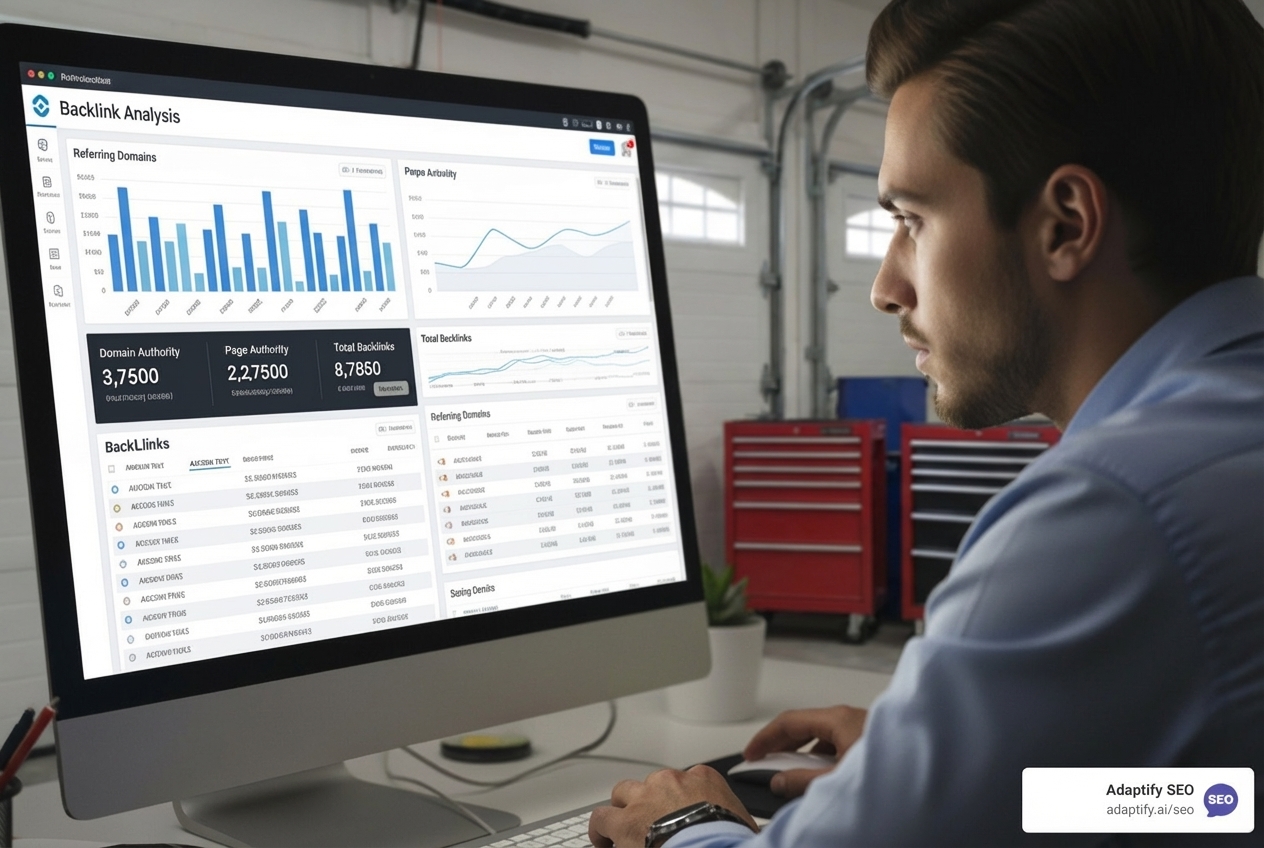
check backlinks to your website
If you want to check backlinks to your website, here's the fastest way to get started:
Google Search Console - Free, limited but official data from Google
Moz Link Explorer - 10 free queries/month, 45.5 trillion links indexed
Ahrefs Backlink Checker - 100 most valuable backlinks per query
SEMrush Backlink Checker - Access to 43 trillion links from 390 million domains
Adaptify.ai Free Backlink Audit - Comprehensive analysis with actionable insights
A backlink is essentially a digital vote of confidence. When one website links to another, search engines like Google interpret this as a recommendation. According to Andrey Lipattsev, Google's Search Quality Senior Strategist, "Content and Links going into your site, are the two most important ranking factors." This isn't just marketing talk—recent 2024 Google algorithm leaks confirmed that link-based features like 'homepagePagerank' and 'siteAuthority' remain critical ranking signals.
The challenge? Understanding which backlinks help your rankings and which might hurt them. With databases containing trillions of links, manually tracking your backlink profile is impossible. That's where backlink checker tools become essential. They crawl the web, index link data, and surface the insights you need to build a stronger SEO strategy.
For agency owners juggling multiple client accounts, backlink analysis can feel overwhelming. You need to check backlinks regularly, identify quality versus toxic links, spot competitor opportunities, and recover lost link equity—all while scaling your business. The manual work alone could consume hours each week per client.
I'm Hansjan Kamerling, and I've spent years helping SaaS platforms and startups grow through data-driven SEO strategies, including helping scale products to millions of users. Throughout my work, learning how to check backlinks to your website efficiently has been fundamental to every successful campaign I've managed.
This guide will show you exactly how to audit your backlinks for free, interpret the data that matters, and turn those insights into actionable growth strategies.
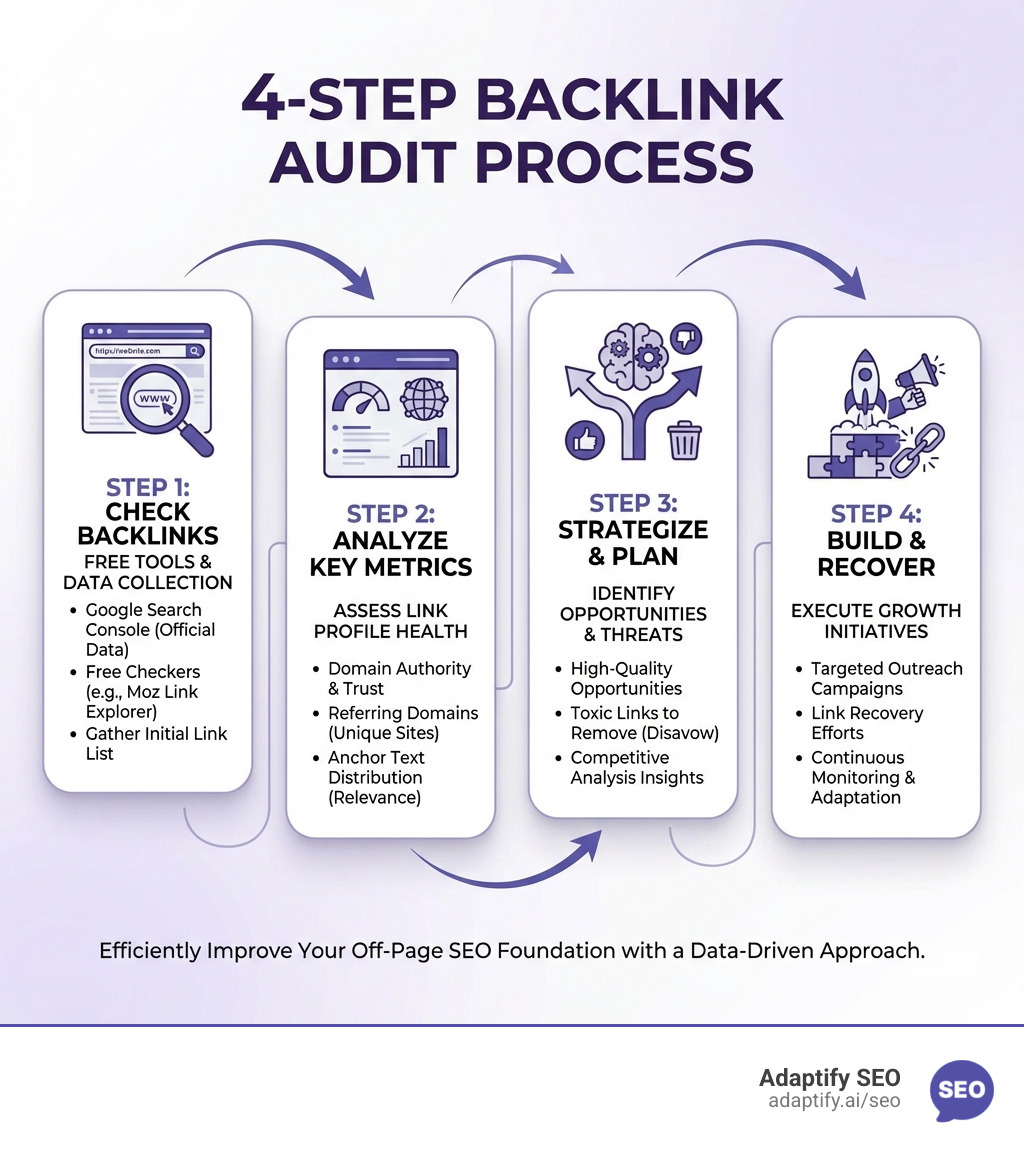
Infographic showing the 4-step backlink audit process: Step 1 - Check your backlinks using free tools like Google Search Console or Moz Link Explorer, Step 2 - Analyze key metrics including Domain Authority, referring domains, and anchor text distribution, Step 3 - Strategize by identifying high-quality opportunities and toxic links to remove, Step 4 - Build your profile through targeted outreach and link recovery efforts - check backlinks to your website infographic
Top Free Methods to Check Backlinks to Your Website
So, you're ready to dive into backlinks, but how do these magical tools actually work? At a high level, backlink checker tools operate like super-powered librarians of the internet. They deploy vast networks of "web crawlers" that constantly scour billions of web pages. These crawlers identify every link they encounter, noting where it comes from and where it points. All this information is then compiled into massive "link databases." For instance, Semrush boasts a database of 43 trillion links from 390 million domains, and Moz's Link Explorer tracks 45.5 trillion links across 1 billion domains. That's a lot of data!
These tools use advanced algorithms to index this data, evaluate each link's quality, and filter out duplicates or spammy links. They then present this complex information in an easy-to-understand format, showing you who links to your site, what anchor text they use, and various quality metrics.
The benefits of using free backlink checker tools, especially when you're just starting out or managing a tight budget, are clear. They're cost-effective, offering a way to gain quick insights into your backlink profile without any upfront investment. This allows you to perform initial analyses, identify glaring issues, or scout basic competitor information.
However, free tools do come with limitations. You'll often encounter data caps, like Moz's 10 free queries per month or Seobility's 5 queries per day. They might offer limited historical data, meaning you can't track long-term trends as effectively. Crucially, they often provide fewer detailed metrics and advanced filtering options compared to their paid counterparts. For example, a free tool might return only the "100 most valuable backlinks," which is a good starting point, but far from comprehensive for a deep dive.
Here are some of the leading free backlink checker tools I often recommend:
Google Search Console: This is your absolute first stop. It's free, directly from Google, and shows you the links Google itself knows about and considers important. While it doesn't give you all the fancy metrics of other tools, its data is invaluable because it comes straight from the source. You can access the Links report to see who links to you the most, your top-linked pages, and more.
Adaptify.ai Free Backlink Audit Tool: Our own tool provides a comprehensive analysis, tapping into extensive databases to give you actionable insights. It's designed to help agencies quickly assess client backlink profiles and spot opportunities.
To help you understand the landscape better, here’s a quick comparison between free and paid backlink checkers:
Comprehensive tools for agencies, advanced features, white-label solutions
As you can see, free tools are fantastic for dipping your toes in, but for serious, ongoing SEO work and agency-level analysis, a more robust solution like those offered through Adaptify.ai's platform becomes indispensable.
A Step-by-Step Guide to Analyzing Your Backlink Profile
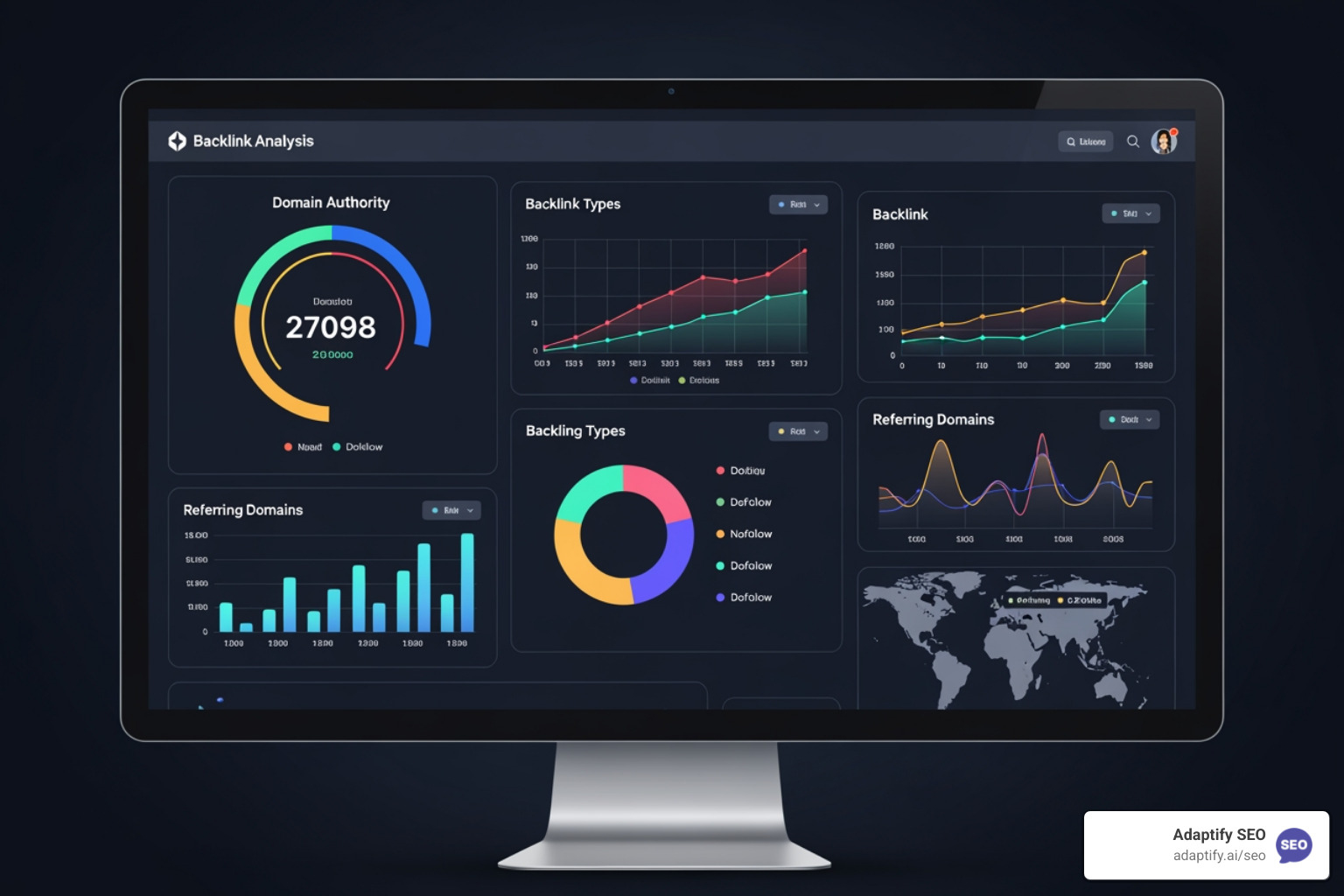
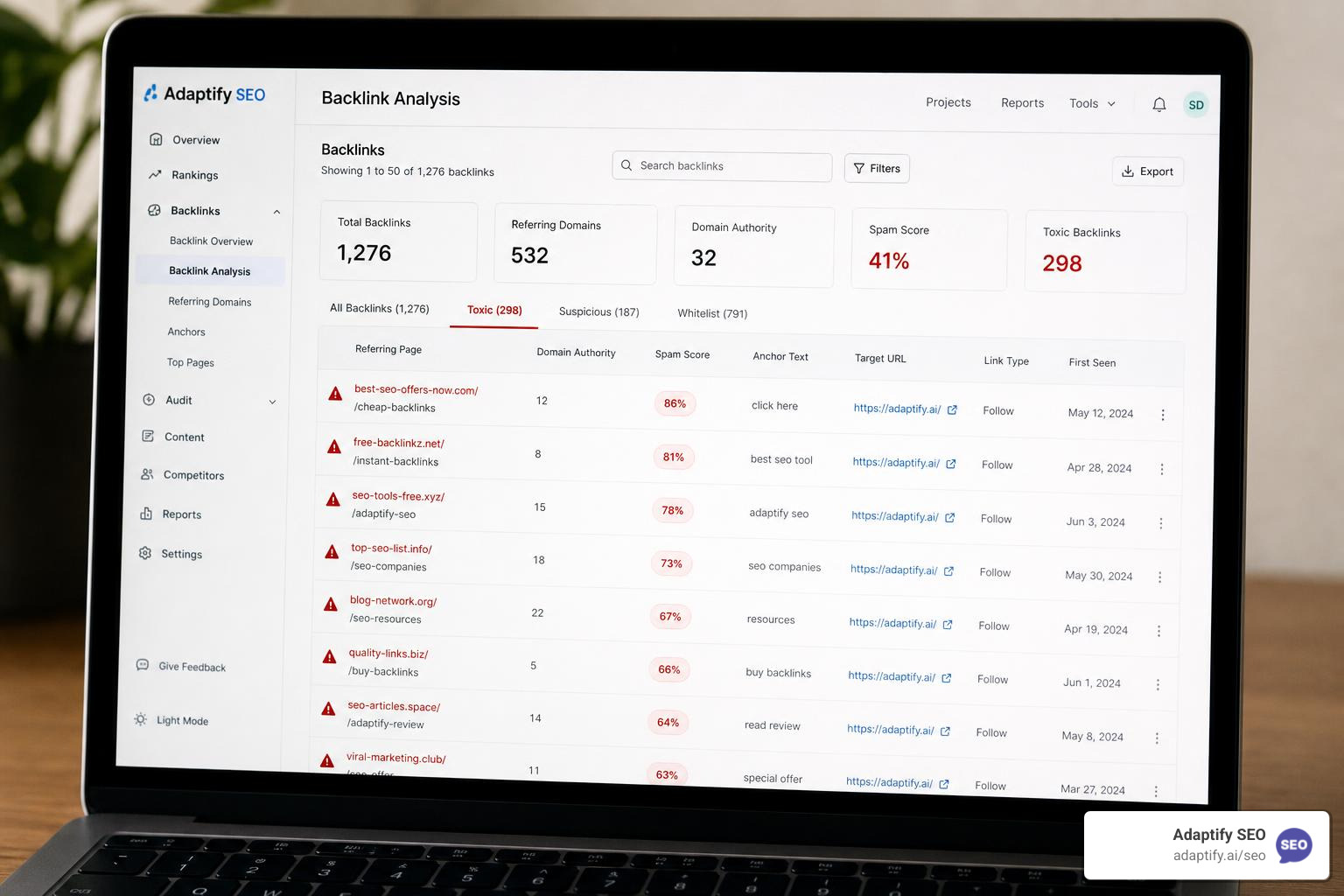
backlink checker dashboard with key metrics like Domain Authority and Referring Domains highlighted - check backlinks to your website
Now that you understand the tools, let's get practical. Analyzing your backlink profile isn't just about spotting links; it's about understanding their quality and impact.
How to perform a basic check on your website's backlinks
Performing a basic backlink check is simpler than you might think. Most tools follow a similar process:
Entering your domain: Start by navigating to your chosen free backlink checker (like Google Search Console or Adaptify.ai's tool). You'll typically find a search bar where you can input your domain name (e.g., yourwebsite.com) or a specific URL (e.g., yourwebsite.com/blog/post-name). Some tools even allow you to specify if you want to check the entire domain with subdomains, just the domain, or a particular URL.
Running the analysis: Hit "Check" or "Analyze." The tool's crawlers will then query their databases to pull up relevant backlink data. This usually takes just a few seconds.
Navigating the dashboard: Once the results load, you'll be presented with a dashboard. This is where you'll see an overview of your backlink profile. Look for key numbers like:
Total number of backlinks
Number of unique referring domains (the total number of distinct websites linking to you)
A breakdown of follow vs. nofollow links
Top anchor texts
Often, a proprietary score like Domain Authority (Moz), Authority Score (Semrush), or Domain Rating (Ahrefs).
Exporting data: Many free tools, even with their limitations, allow you to export a certain number of results, usually in a CSV file. This is incredibly useful for further analysis in a spreadsheet program, allowing you to sort, filter, and make notes.
Understanding Key Backlink Metrics
To truly audit your backlinks, you need to understand what the numbers mean:
Domain Authority (DA) / Authority Score / Domain Rating (DR): These are proprietary metrics from different tools (Moz, Semrush, Ahrefs, respectively) that attempt to predict how well a website will rank in search engines. They are scored on a scale, often 0-100, with higher numbers indicating stronger authority. A backlink from a high-DA site generally passes more "link equity" (SEO value) than one from a low-DA site.
Referring Domains vs. Total Backlinks: This is a crucial distinction. If one website links to you 100 times, that's 1 referring domain and 100 backlinks. While total backlinks can look impressive, search engines place more emphasis on the number of unique referring domains. A diverse profile from many different sites is usually preferred over many links from just a few sites.
Follow vs. Nofollow links:
"Dofollow" (or simply "follow") links: These are standard links that pass link equity, or "link juice," from the linking site to yours. They are the holy grail of link building.
"Nofollow" links: These links include a rel="nofollow" attribute, telling search engines not to pass link equity. While they don't directly boost ranking, they can still drive traffic and contribute to a natural-looking link profile. Google has also indicated that they may treat nofollow as a "hint" rather than a directive, so they're not entirely without value.
Link equity: This refers to the value or authority passed from one page to another via a hyperlink. High-quality, relevant dofollow links from authoritative sources pass significant link equity, which can directly impact your search rankings.
Anchor text analysis: The anchor text is the visible, clickable text in a hyperlink. It provides search engines with context about the linked page.
Branded anchors: Using your brand name (e.g., "Adaptify.ai"). These are natural and build brand recognition.
Keyword anchors: Using specific keywords you want to rank for (e.g., "SEO content services"). While powerful, over-optimizing with exact-match keyword anchors can be seen as spammy. A healthy mix of branded, partial-match, exact-match, and generic anchors (like "click here") is ideal. Analyzing anchor text helps me understand how others perceive and describe my content. For more insights into how content and links work together, you might want to learn about our SEO content services.
How to identify high-quality and toxic backlinks
Not all backlinks are created equal. Just like in real life, not all recommendations are good ones.
Link quality signals for high-quality backlinks:
Site relevance: The linking website should be topically relevant to yours. A link from a tech blog to an SEO agency website makes sense; a link from a gardening blog to an SEO agency website, less so.
High-authority domains: Links from well-established, reputable websites (high DA/DR/Authority Score) are far more valuable. These sites have already earned Google's trust, and their "vote" carries more weight.
Contextual placement: The link should be naturally integrated within the content, making sense in the surrounding text. A link buried in a footer or sidebar is generally less valuable than one within the main body of an article.
Organic acquisition: The best links are earned naturally because your content is valuable.
Driving referral traffic: A quality link often sends real users to your site, indicating genuine interest.
Identifying toxic links (the bad apples):
Toxic backlinks are those that can harm your SEO performance, potentially leading to Google penalties. These often come from:
Spam Score: Many tools provide a "Spam Score" or similar metric to flag potentially problematic links. A high score indicates a higher likelihood of the link being spammy.
Link farms and PBNs (Private Blog Networks): These are networks of low-quality websites created solely to build links. Links from such sites are almost always toxic.
Irrelevant sites: Links from websites completely unrelated to your niche, especially if they appear unnatural or forced.
Automated link schemes: Links generated by bots or automated software.
Hidden links or links embedded in widgets: These are manipulative tactics that Google frowns upon.
Over-optimized anchor text: An unnatural number of exact-match keyword anchors can signal manipulation.
When I identify toxic links, my goal is to either remove them (by contacting the webmaster) or "disavow" them using Google's Disavow Tool. This tells Google to ignore these links when evaluating your site. It's a bit like telling the principal, "I didn't ask for that recommendation, please disregard it!" For examples of how clients have leveraged these insights, you can explore our SEO case studies.
Leveraging Backlink Data for Strategic Growth
Auditing your own backlink profile is just the beginning. The real magic happens when you use that data to strategically grow your online presence.
How to check backlinks to your website for competitor insights
Competitive analysis is a cornerstone of any effective SEO strategy. By analyzing your competitors' backlink profiles, you can uncover invaluable insights and opportunities.
Competitor analysis: Input your top competitors' URLs into your chosen backlink checker. This allows you to see their referring domains, top linked pages, and anchor text distribution. I always look for patterns in their link acquisition, asking myself: "Where are they getting their links from that I'm not?"
Link gap analysis: This is where you identify websites that link to your competitors but not to you. Many advanced tools, including Adaptify.ai's, offer a "Link Intersect" feature that automates this. These are prime targets for your own link building outreach, as they've already shown a willingness to link to sites in your niche.
Finding opportunities: Look for resource pages, industry directories, or relevant blogs that frequently link to your competitors. These are often easy wins. If they link to a competitor, they might link to you, especially if you have better content or a unique angle.
Benchmarking: Compare your key backlink metrics (DA/DR, number of referring domains, link velocity) against your competitors. This helps you understand where you stand and what you need to achieve to compete effectively. Are they getting links from higher authority sites? Do they have a broader range of referring domains?
Identifying top-performing content: By looking at which of your competitors' pages attract the most links, you can identify topics or content formats that are particularly "link-worthy" in your industry. This can inform your own content strategy.
At Adaptify.ai, we understand the critical role of competitive intelligence. Our platform includes robust Adaptify.ai's competitor insights tools specifically designed to streamline this process for agencies, helping you quickly spot opportunities and build winning strategies for your clients.
Common Link Building Strategies
Once you've identified opportunities, it's time to act! Here are some common and effective link building strategies:
Guest posting: Writing an article for another website in your niche, with a link back to your site. This is a classic strategy that works well when done with high-quality, relevant sites.
Broken link building: Identify broken links on other websites (e.g., using a backlink checker to find 404s on competitor sites that used to have links). Then, create superior content on your site that could replace the broken link, and reach out to the webmaster suggesting your content as a fix. It's a win-win: they fix a broken link, and you get a backlink.
Resource page link building: Many websites have "resources" or "recommended readings" pages. Find these pages in your niche and suggest your relevant, high-quality content to be included.
Unlinked brand mentions: Use monitoring tools to find mentions of your brand or company name online that aren't linked back to your site. Reach out to the website owner and politely ask them to turn the mention into a hyperlink.
Creating link-worthy content: This is perhaps the most sustainable strategy. Produce exceptional content—in-depth guides, original research, infographics, unique tools—that others naturally want to link to.
For agencies looking to scale these efforts, especially in a white-label capacity, understanding these strategies is key. We offer resources to help you implement them effectively, including insights into our white-label SEO solutions.
Finding and Recovering Lost Backlinks
Links can disappear for various reasons: a website redesign, a page being deleted, or a link being accidentally removed. Losing valuable backlinks means losing link equity, which can impact your rankings.
Monitoring lost links: Most paid backlink checker tools, and some free ones with limited history, will show you "new and lost links." Regularly monitoring this report is essential.
404 errors: If a page on your site that once had backlinks is now a 404 "page not found" error, you're losing all that link equity.
301 redirects: The solution to 404s with backlinks is often a 301 redirect. This permanently redirects the old, broken URL to a new, relevant page on your site, passing most of the link equity.
Reaching out to webmasters: If a site removed a link to you, and the page is still live, sometimes a friendly email can get the link restored. Maybe they updated their content and simply forgot to re-add your link. It's always worth asking!
Regular checks help me keep an eye on these things and ensure my clients aren't bleeding valuable link equity.
Frequently Asked Questions about Backlink Audits
I often get asked similar questions when discussing backlink audits. Here are some of the most common ones:
How often should I check my backlinks?
The frequency depends on how actively you're building links and the competitiveness of your niche.
Regular monitoring: For most businesses, I recommend at least monthly checks. This allows you to spot new opportunities, identify toxic links, and catch lost links before they do significant damage.
After link building campaigns: If you're running an active link building campaign, I'd suggest weekly or bi-weekly checks to monitor the success of your outreach and ensure new links are being acquired as expected.
Competitor tracking: Keep an eye on your top competitors' backlink growth regularly. If they suddenly get a surge of high-quality links, you'll want to know why and adapt your strategy.
For agency owners, automating this monitoring is crucial for efficiency across multiple clients.
Can bad backlinks hurt my SEO?
Absolutely, yes! This is a critical point. While backlinks are often seen as beneficial, low-quality, spammy, or irrelevant backlinks can actively harm your SEO.
Google penalties: Google's algorithms (like Penguin) are designed to identify and penalize websites that engage in manipulative link schemes. This can result in a significant drop in rankings or even de-indexing.
Negative SEO: In some cases, competitors might intentionally point bad links to your site in an attempt to hurt your rankings. While Google is generally good at ignoring these, it's still something to monitor.
Disavow tool: If you identify toxic links that you can't get removed, Google's Disavow Tool allows you to tell Google to ignore those specific links. I use this as a last resort, but it's an essential part of maintaining a clean backlink profile.
Focusing on quality: My mantra is always "quality over quantity." A few high-quality, relevant links are infinitely more valuable than hundreds of spammy ones.
What is the role of anchor text in backlink analysis?
Anchor text is the clickable text of a hyperlink, and it plays a vital role in backlink analysis for several reasons:
Context for search engines: Anchor text gives search engines clues about the content of the linked-to page. If many links use "best SEO software" as anchor text pointing to your product page, Google understands that page is highly relevant for that query.
Anchor text diversity: A natural backlink profile has a diverse range of anchor texts. This includes branded anchors, naked URLs, generic phrases ("read more"), and various keyword-rich phrases.
Over-optimization risk: Historically, SEOs would try to use exact-match keyword anchors for every link. Google caught on to this manipulative tactic. An unnatural abundance of exact-match keyword anchors can trigger an over-optimization penalty.
Brand signals: Branded anchor text not only helps with brand recognition but also indicates a natural, earned link profile.
When I analyze anchor text, I'm looking for a healthy, natural distribution. Any signs of aggressive, non-diverse anchor text are a red flag that might need addressing.
Conclusion: From Manual Checks to Automated SEO Success
We've covered a lot of ground, from understanding what a backlink is to leveraging free tools for deep competitive insights. The core takeaway is this: regular, informed backlink audits are not optional; they are a fundamental component of any successful SEO strategy.
By consistently monitoring your backlink profile, analyzing key metrics, identifying high-quality opportunities, and proactively addressing toxic links, you're not just reacting to algorithm changes—you're strategically shaping your website's authority and visibility. This contributes directly to your overall SEO strategy, enabling more informed decision-making that drives real results.
For agency owners, the manual effort involved in these comprehensive audits can be a significant bottleneck. This is where automated SEO and AI-powered tools, like those offered by Adaptify.ai, become game-changers. I believe in using technology to streamline these complex processes, freeing up valuable time for strategic thinking and client relationship building.
Don't let the complexity of backlink analysis intimidate you or slow down your agency's growth. Take control of your backlink profile today. Explore how Adaptify.ai can empower your agency to conduct efficient, insightful backlink audits and build robust link building strategies for all your clients.
Join 1,000+ agencies already delivering SEO and AI visibility from a single platform without increasing their headcount.Join 1,000+ agencies already delivering SEO and AI visibility from a single platform without increasing their headcount.