Google Business Profile Tracking: How to Monitor Your Local Search Success

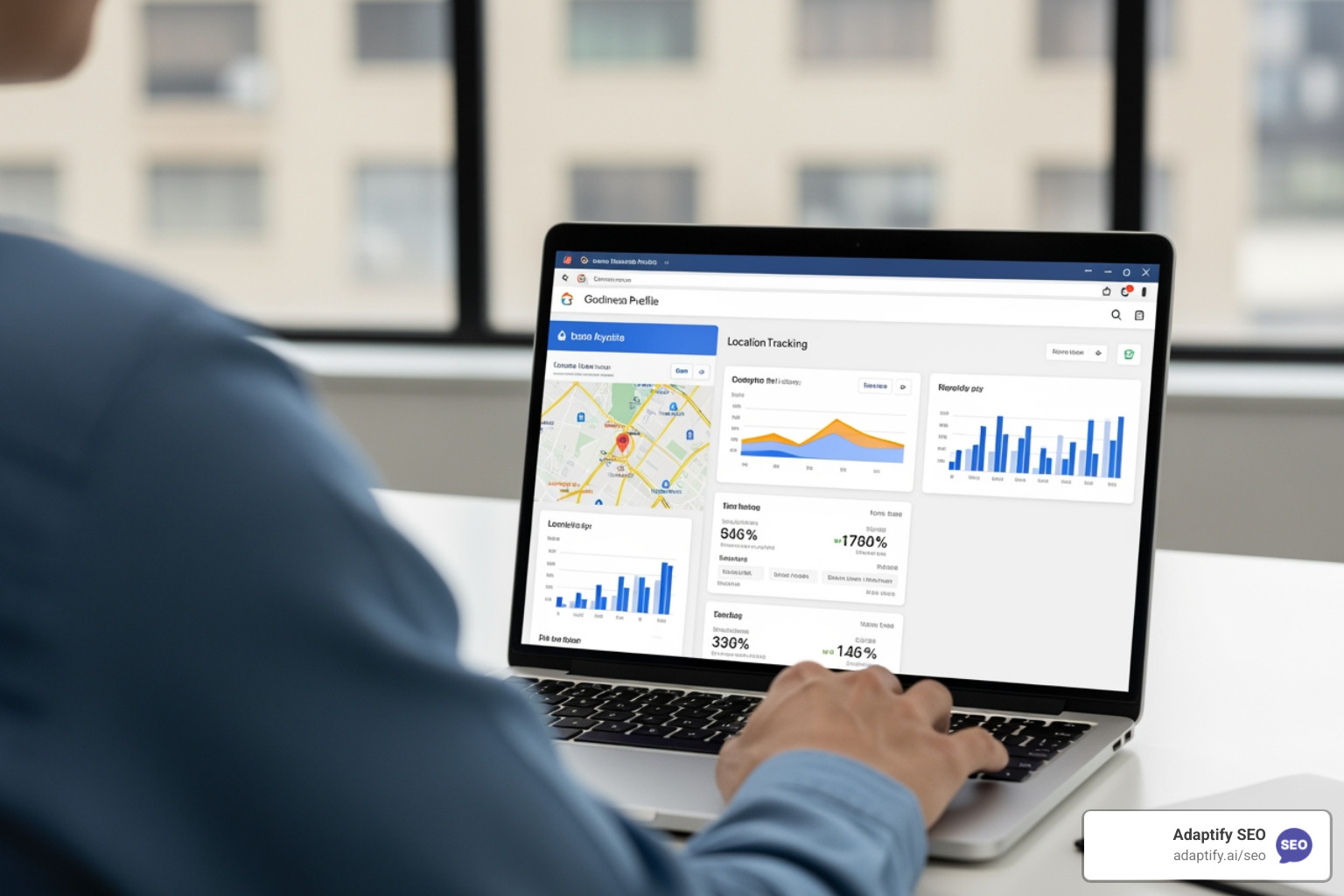

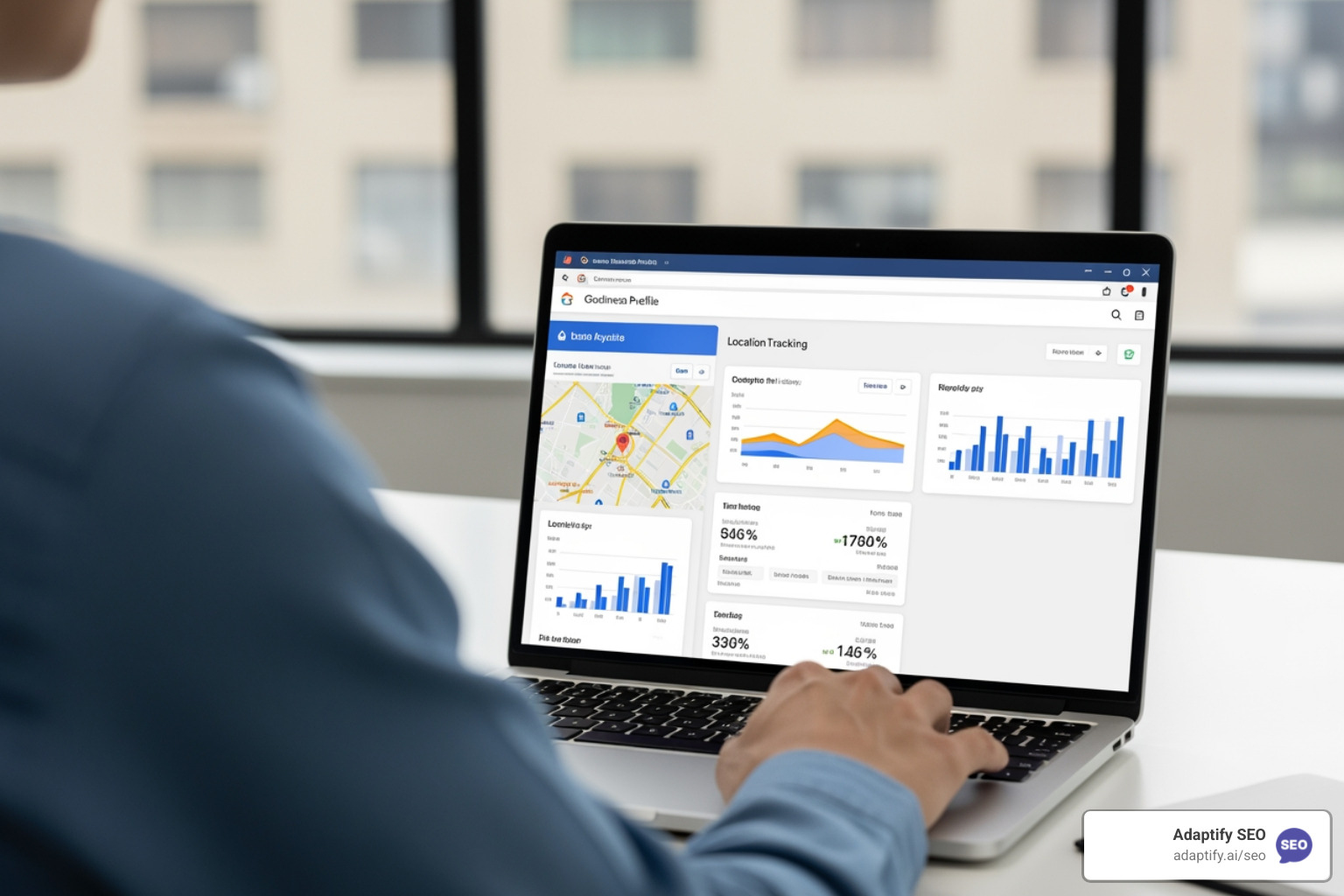
Google Business Profile tracking is essential for understanding how customers discover and interact with your business on Google Search and Maps. Here's what you need to know:
Core Google Business Profile Tracking Capabilities:
The data tells a compelling story: the average business is found in 1,009 searches per month, with 84% coming from discovery searches where people don't yet know your business name. Verified Google Business Profiles average 200 clicks per month and 105 website visits, with a quarter of all GBP actions being phone calls. Even more impressive, GBP traffic often punches above its weight—one study found it accounted for over 27% of goal completions despite representing just 5% of total website traffic.
But here's the challenge: Google's native Performance Insights only show part of the picture. They track basic interactions but don't reveal what happens after someone clicks through, they lump GBP traffic into "Direct" and "Organic" categories in GA4, and for multi-location businesses, they make it difficult to compare performance across different branches. Without proper tracking setup, you're essentially flying blind on one of your most valuable local marketing channels.
As someone who's worked with SaaS platforms and marketing analytics tools since 2017, including helping startups grow to millions of users through data-driven optimization, I've seen how proper Google Business Profile tracking transforms local search strategies from guesswork into measurable results. Throughout my career building analytics dashboards and working with data scientists, I've learned that the difference between good and great local SEO is knowing exactly which actions drive real business outcomes.
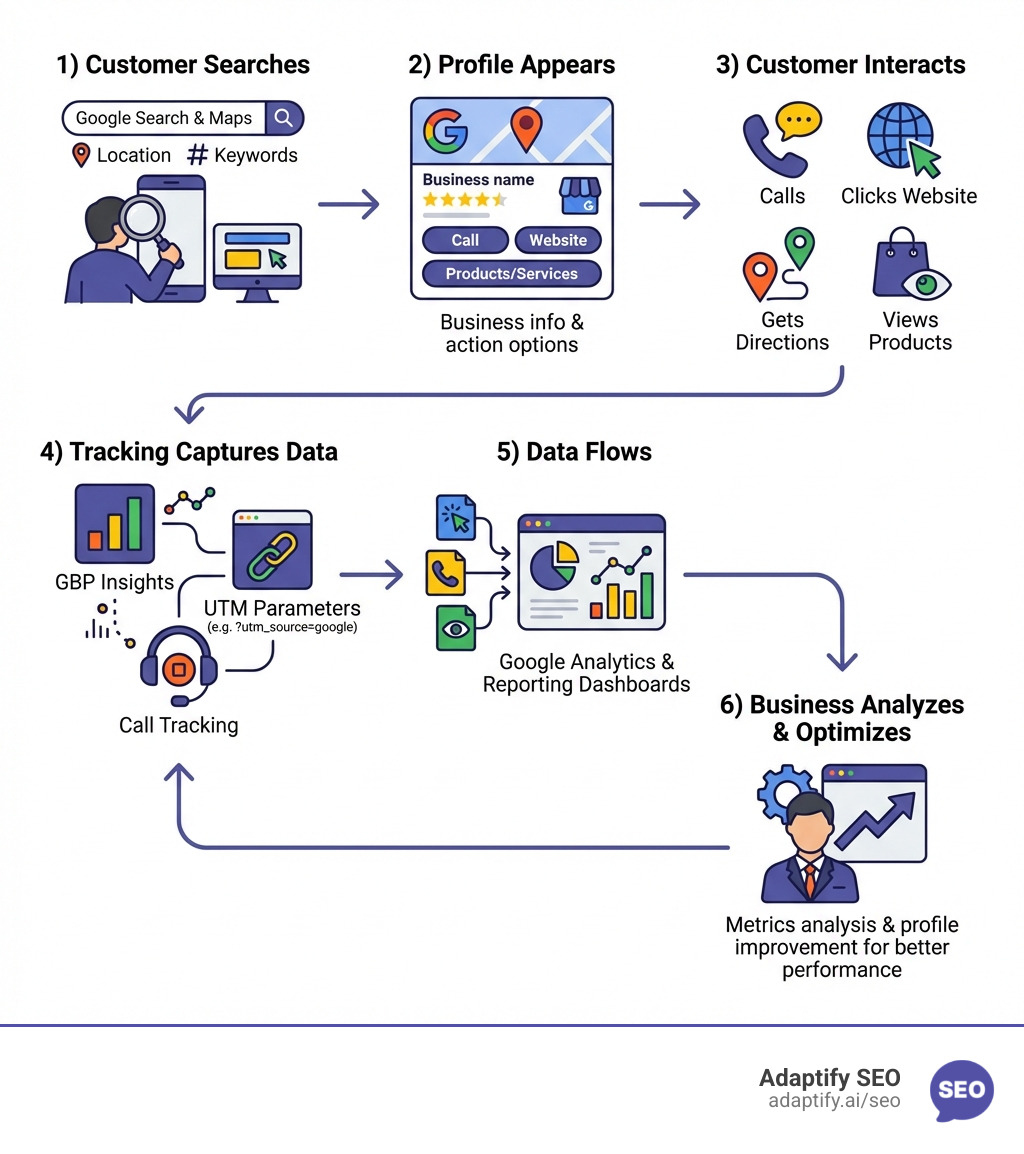
When I first dive into a client's local SEO, the "Performance" tab is my first stop. Google Business Profile Performance Insights provide the raw data on how people find you. However, it's important to understand that these metrics are profile-specific—they don't track what happens once a user lands on your site (that’s where GA4 comes in).

According to Google's official guide to performance metrics, the platform focuses on "unique visitors." This means if a customer checks your hours on their phone and then looks up directions on their desktop later that day, Google tries to count them only once.
To help you see the bigger picture, I've put together a comparison of how different tools handle google business profile tracking:
| Metric | GBP Insights | Google Analytics 4 (GA4) | Google Search Console |
|---|---|---|---|
| Source | Direct Profile Actions | Website User Behavior | Search Engine Result Pages |
| Call Tracking | Button Clicks Only | Requires Event Setup | Not Available |
| Keywords | Queries finding the Profile | Not Available | Queries finding the Website |
| Attribution | High (Direct) | Low (without UTMs) | Medium |
Accessing your data is straightforward, but how you do it depends on whether you manage one shop or a hundred.
Log into google.com/business and click on the "Performance" button. You can select custom date ranges to see how your visibility fluctuates.
If you're an agency using a tool like Adaptify or managing a franchise, checking profiles one by one is a nightmare. Instead, go to Business Profile Manager, select your locations, click "Actions," then "Insights." This allows you to download a bulk report. You can see a Sample bulk report spreadsheet here to understand the formatting.
You can also track your store's Business Profile performance in Merchant Center if you have physical retail products. Regardless of the tool, data isn't real-time. There is usually a 3-4 day lag for interaction data and a longer delay for search query refreshes.
Pro Tip: Always account for seasonality. If you run a landscaping business, your "Directions" requests will naturally plummet in December. Don't panic; compare your data year-over-year rather than month-over-month.
This is the "secret sauce" of professional google business profile tracking. Without UTM parameters, GA4 often sees GBP traffic as "Direct" or generic "Organic." By adding a snippet of code to your URL, you tell GA4 exactly where the visitor came from.
I recommend using the Google Analytics Campaign URL Builder to create your links. Here is the structure I use:
googleorganicgbp_listingfresno_branch (or your specific city/service)Where to apply UTMs:
Common Mistake: GA4 is case-sensitive. If you use GBP for one link and gbp for another, they will show up as two different sources. Stick to lowercase for everything!
Since a quarter of actions taken on GBP are phone calls, tracking them is vital. Many owners fear that using a tracking number will ruin their NAP (Name, Address, Phone) consistency and tank their rankings.
Industry research has debunked that myth. Here is the correct way to do it:
This keeps Google's "brain" connected to your real number while allowing you to capture data on who is calling, call duration, and even "conversation analytics" (tracking if keywords like "quote" or "appointment" were mentioned).
Sometimes, google business profile tracking requires looking at the search results themselves. Have you ever noticed a little snippet in the 3-pack that says "Their website mentions 'emergency plumbing'"? That is a justification.
Monitoring justifications tells you why Google chose you. They are triggered by:
I suggest performing manual SERP (Search Engine Results Page) checks or using automated SERP tracking tools to see how you look to a user three miles away versus ten miles away.
You can't manage what you don't measure. I follow a strict GBP monitoring schedule and template to stay on top of things.
For agencies, manual tracking is impossible to scale. This is where Adaptify.ai comes in. By automating the strategy and content creation, you can spend more time analyzing these high-level metrics and less time manually posting updates. We help agencies streamline the "heavy lifting" of SEO so they can focus on the data that drives ROI.
This usually happens because a user is clicking your link inside a mobile app (like the Google Maps app). Apps often strip away "referral" data. To fix this, you must use UTM tagging. This forces GA4 to recognize the traffic source regardless of the device.
No, as long as you follow the primary/additional number rule. Google is smart enough to recognize your local number in the secondary field. In fact, tracking your calls helps you realize the true value of your SEO, which usually leads to better budget allocation and higher rankings over time.
Most interaction metrics (calls, clicks) have a 3-4 day delay. However, the "Searches" data is updated once a month. Don't expect to see the impact of a new post or photo in the "Searches" tab until the following month.
Google Business Profile tracking isn't just about vanity metrics; it's about lead generation. When you realize that your profile is bringing in 27% of your leads, you stop treating it as an afterthought and start treating it as your "new home page."
By combining Google's native insights with UTM parameters, call tracking, and SERP monitoring, you gain a 360-degree view of your local success. If you're an agency looking to scale this process without drowning in manual work, check out how Adaptify SEO services can automate your strategy.
The local search landscape is always changing—Google frequently "sunsets" metrics or moves buttons around. Stay curious, keep tracking, and use the data to give your customers exactly what they’re searching for.
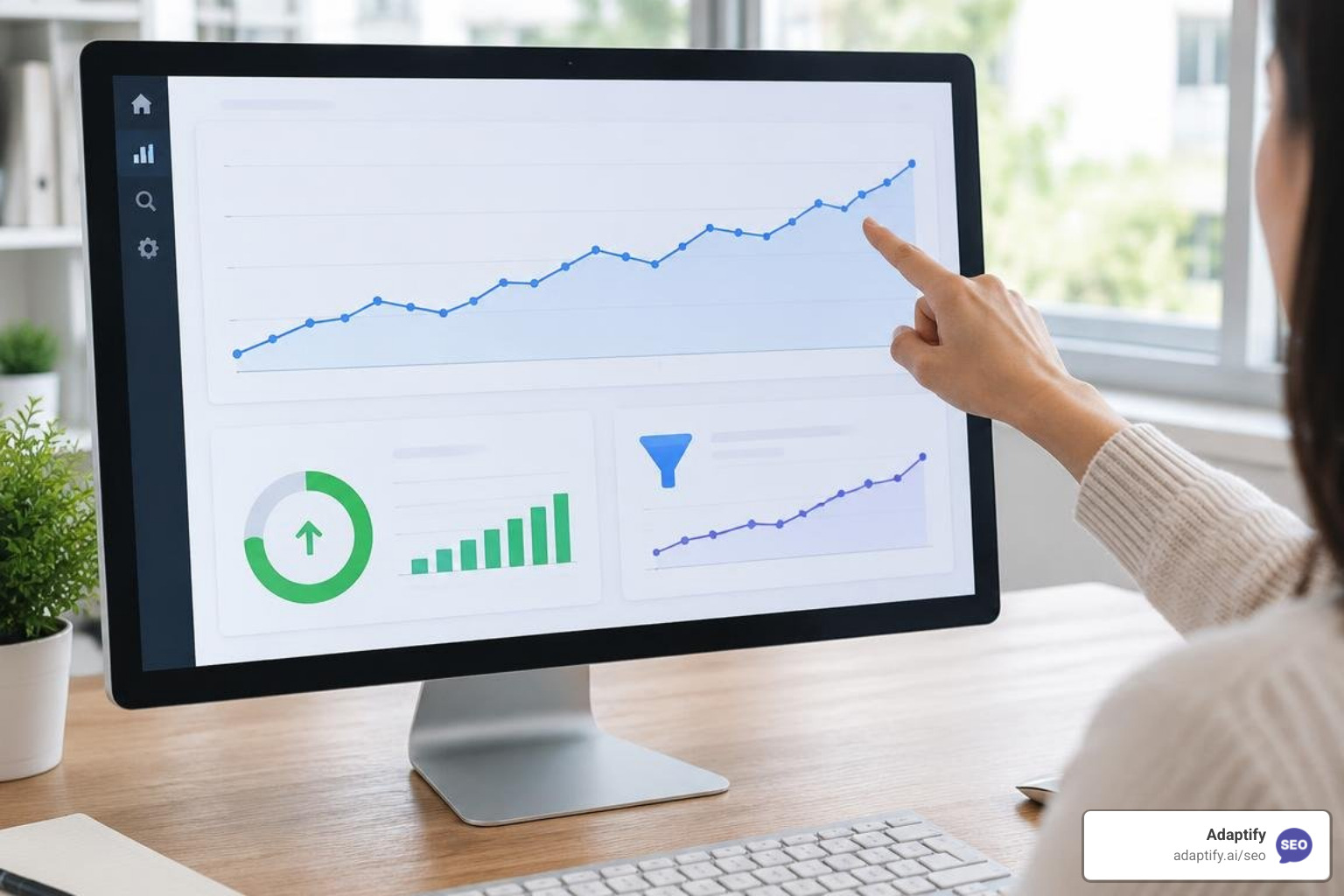
Master SEO monitoring with key metrics and tools to track rankings, technical health, and organic growth for continuous performance optimi...
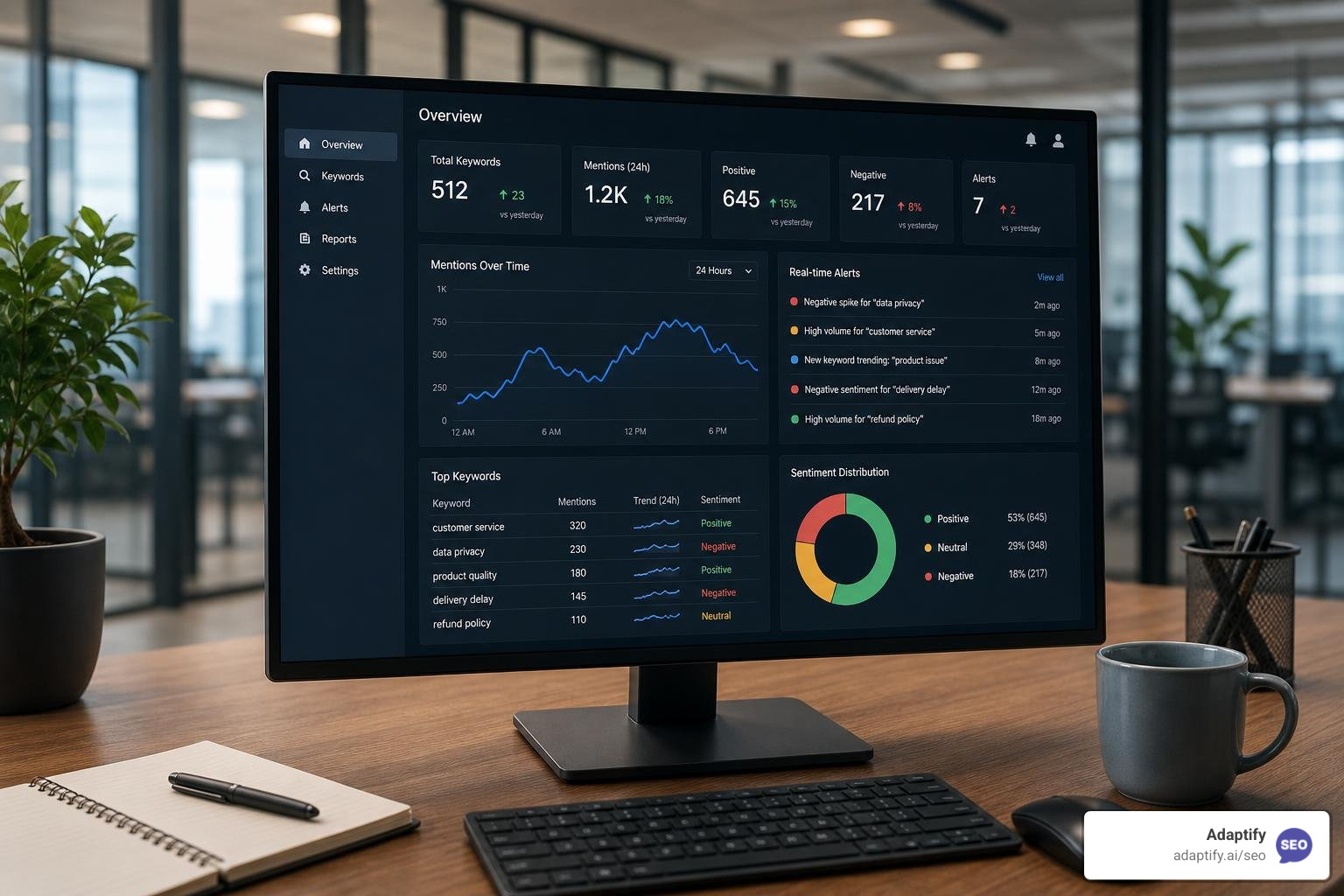
The Best Online Keyword Monitoring Tools for Real-Time Alerts - Learn about online keyword monitoring tool
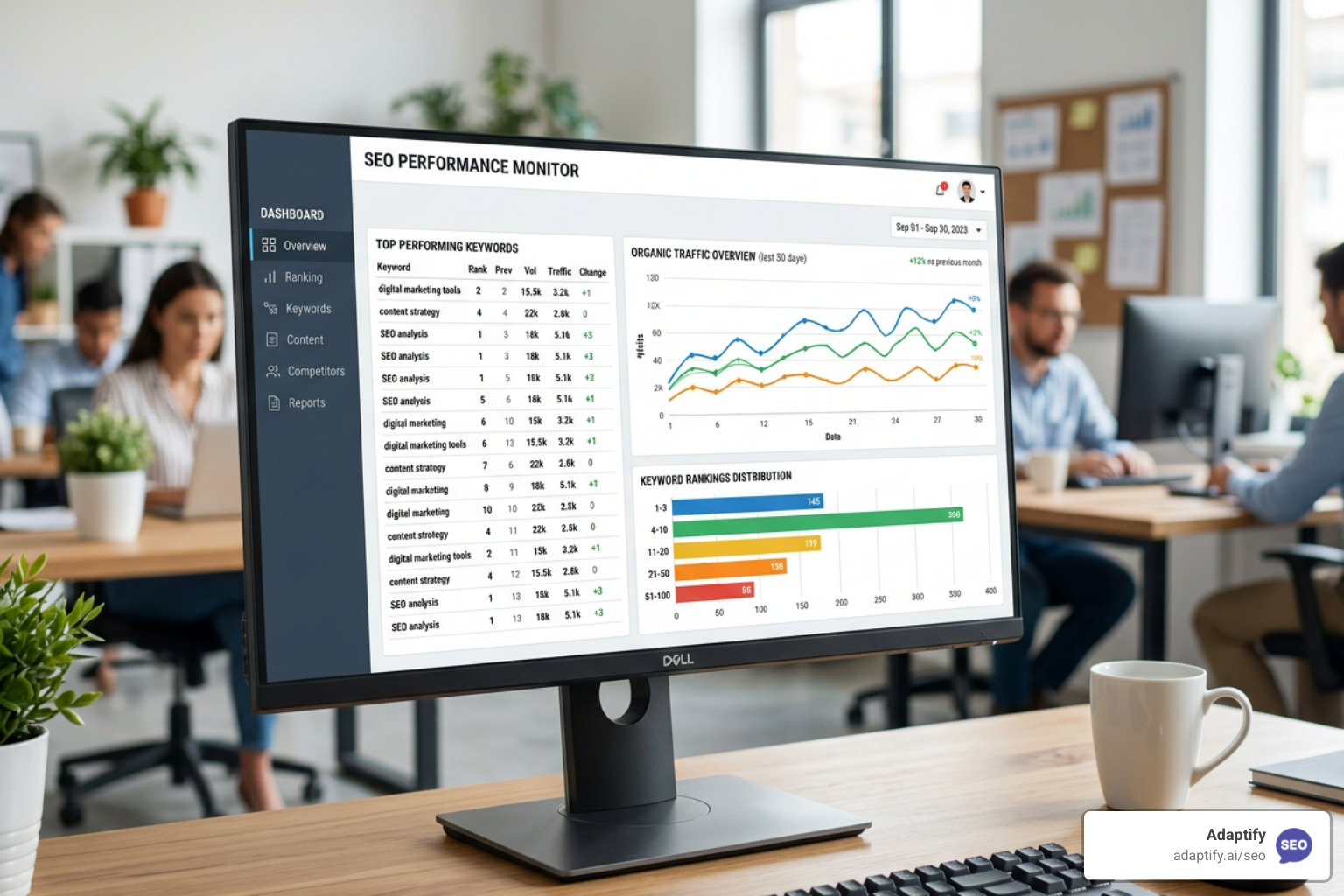
Stop Flying Blind with These Top SEO Monitor Tools - Learn about seo monitor tools
Join 1,000+ agencies already delivering SEO and AI visibility from a single platform without increasing their headcount.Join 1,000+ agencies already delivering SEO and AI visibility from a single platform without increasing their headcount.