The Toxic Relationship: How to Disavow Bad Backlinks for Good

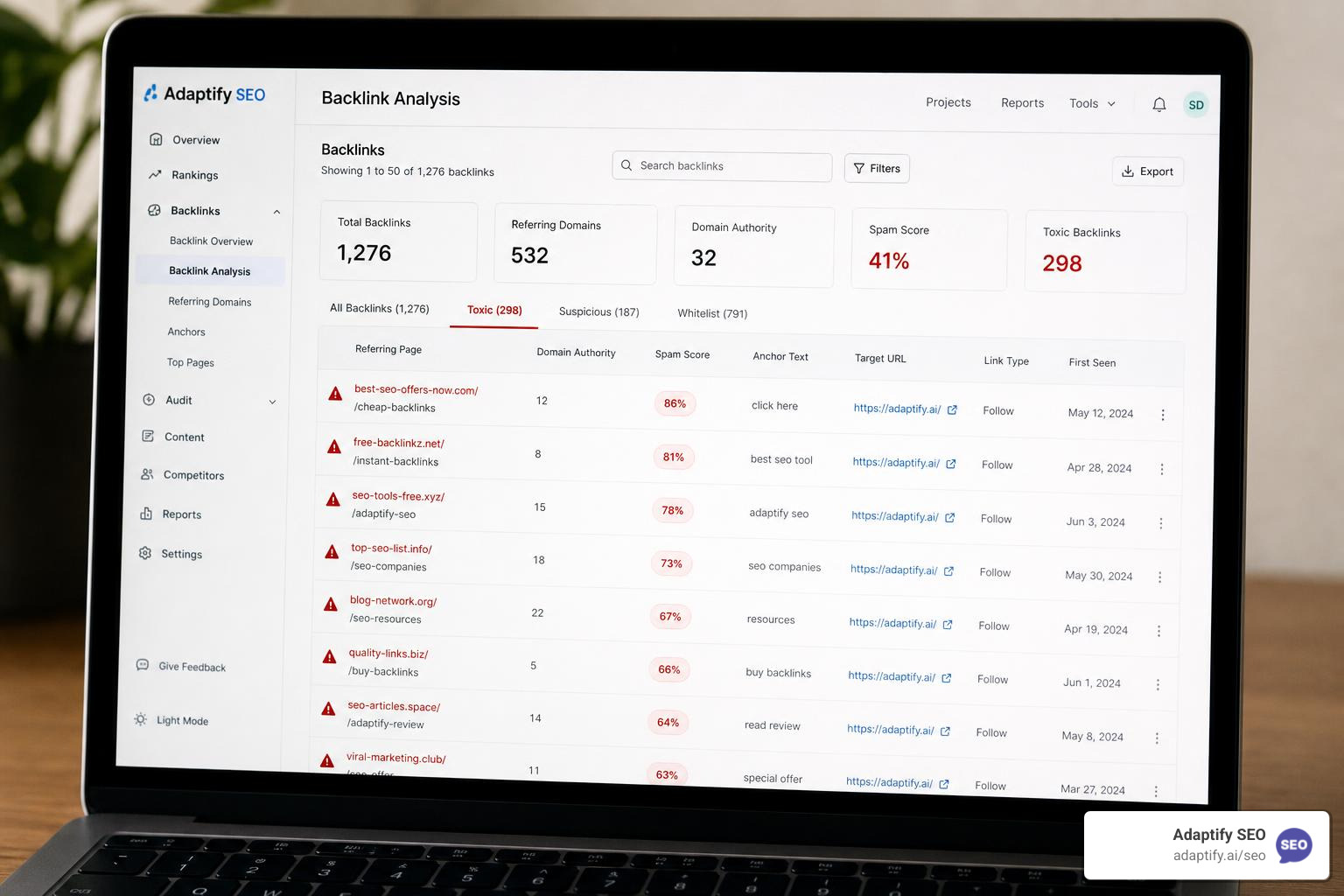

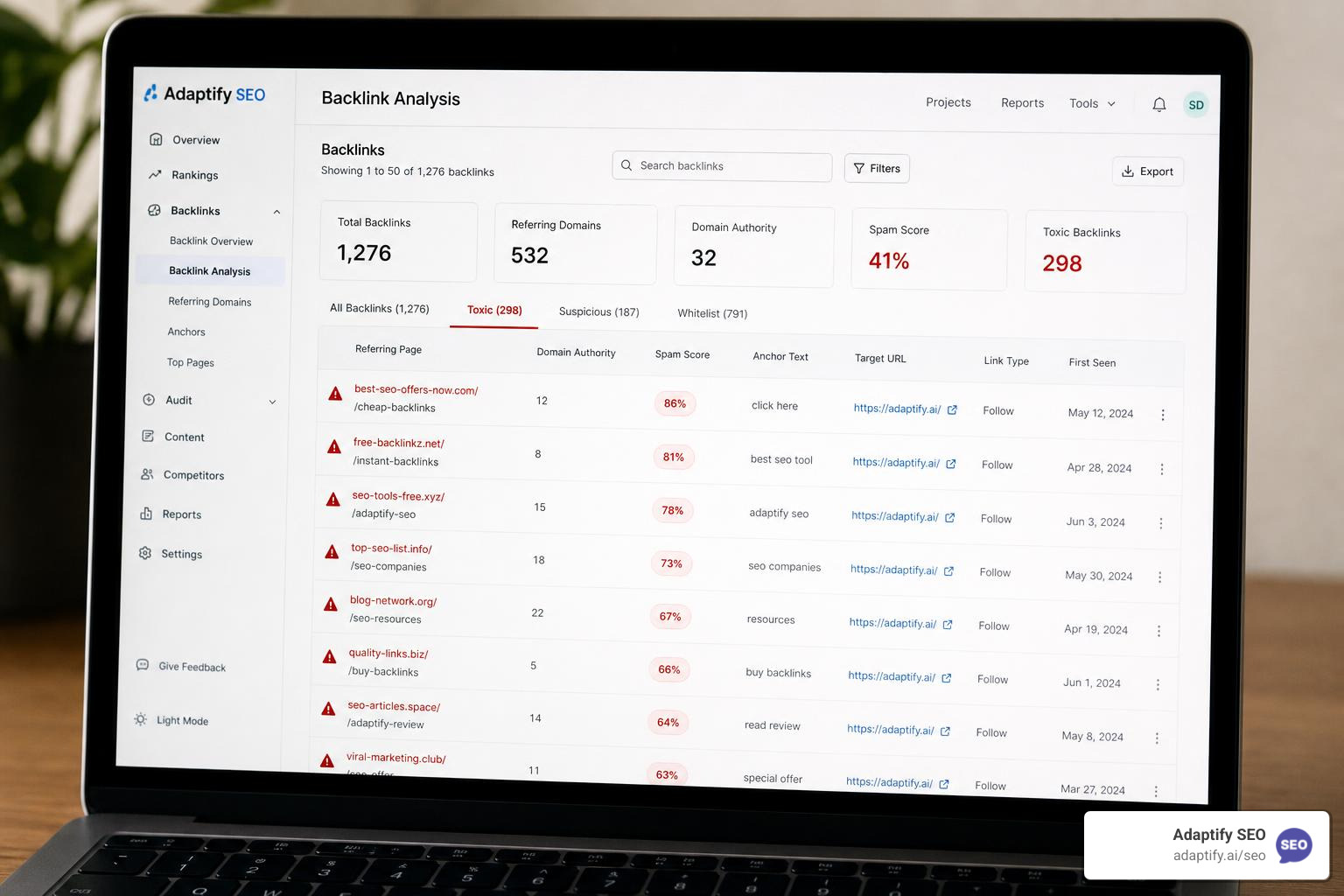
If you need to disavow toxic backlinks, here is the short version:
When to disavow:
How to disavow (quick steps):
.txt file (UTF-8 encoded) listing domains as domain:example.comWhen NOT to disavow:
Not all backlinks are gifts. Some are more like uninvited guests that slowly make your site look bad to Google. The links pointing to your website are one of the clearest signals search engines use to judge your credibility — and when those links come from spammy, manipulative, or low-quality sources, they can drag your rankings down with them.
Here is the tricky part: most toxic-looking links do not actually need action. Google's systems, including its SpamBrain AI and the Penguin algorithm update from 2012, are built to identify and ignore low-quality links automatically. In fact, as of 2026, only 39% of SEO practitioners still actively use the disavow tool — down year over year, as confidence in Google's algorithmic handling has grown.
But in certain situations — a manual penalty, a history of link buying, or a concentrated spam attack — knowing exactly how to disavow toxic backlinks the right way can be the difference between recovering your rankings and making things worse. As John Mueller put it plainly in early 2026: "The disavow file is a tool, not a religion."
This guide walks you through the whole process: what toxic backlinks actually are, when disavowing makes sense (and when it does not), and the exact steps to clean up your link profile without doing more damage than the bad links themselves.
I am Hansjan Kamerling, a product and marketing consultant who has helped scale SEO strategies for SaaS platforms and digital products with tens of thousands of users — including navigating link profile cleanups where the wrong move could have tanked hard-won rankings. Throughout this guide, I will share what actually works when you need to disavow toxic backlinks, based on both research and real-world experience.
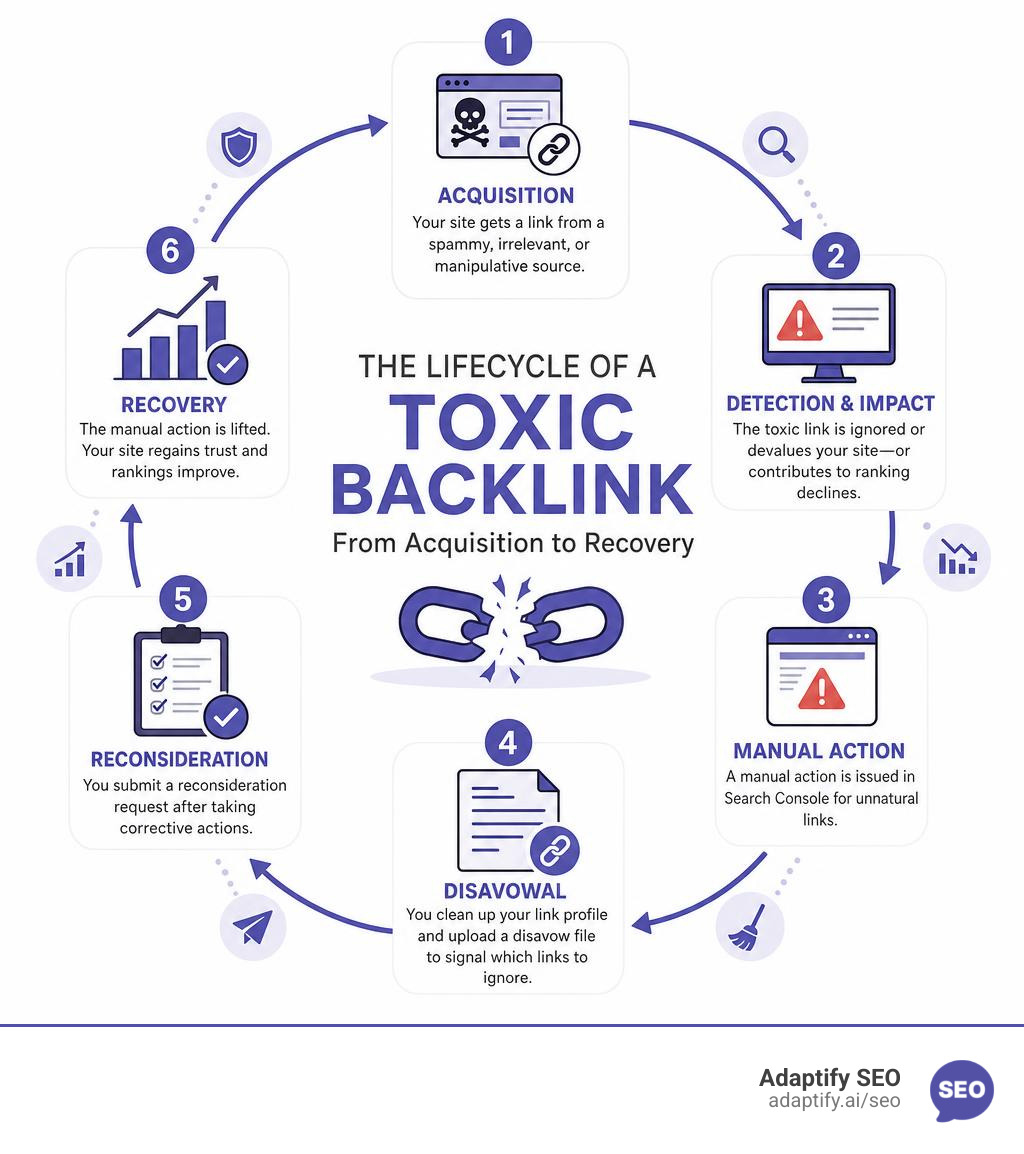
To understand how bad backlinks hurt your site, we have to look at how Google’s relationship with links has evolved.
In the early days of search engine optimization, links were purely a numbers game. The site with the most links won, regardless of where they came from. This loophole birthed massive link spam networks, private blog networks (PBNs), and automated link-building bots that blasted low-quality comments across the web.
Google put a stop to this in 2012 with the launch of the Penguin update. Suddenly, manipulative link profiles were actively penalized, tanking organic rankings overnight.
Fast forward to May 2026, and Google’s link-spam prevention is incredibly sophisticated. The core system is now driven by SpamBrain, an AI-based spam prevention system launched in 2018. SpamBrain does not just look at individual links; it analyzes entire patterns of behavior across the web to identify and nullify manipulative link-building schemes in real time.
When Google detects manipulative links, one of two things happens:
There is also the rare threat of a negative SEO attack, where a competitor intentionally buys thousands of low-quality, adult-themed, or spammy links and points them at your site to trigger a penalty. While SpamBrain is highly effective at ignoring these attacks, severe or highly concentrated spam campaigns can occasionally slip through and trigger human suspicion.
Before you touch the disavow tool, you need to understand the baseline health of your link profile. You can Learn more about backlink quality scores to understand how search engines evaluate your links and separate the gold from the garbage.
Knowing when to use Google's Disavow Tool is the most critical decision in link maintenance. Because the tool essentially tells Google, "Please ignore these links when calculating my site's authority," using it incorrectly means you might accidentally throw away legitimate links that were actually helping your rankings.
You should only consider using the disavow tool in Google Search Console under these three specific scenarios:
For more details on navigating these high-stakes decisions, you can read The Disavow File: When to Use It and When Not To in 2026.
To help you decide whether your site is experiencing an algorithmic shift or a manual crisis, here is a quick comparison:
| Feature | Manual Action Penalty | Algorithmic Devaluation |
|---|---|---|
| GSC Notification | Yes (under "Manual Actions") | No (silent drop in traffic) |
| How it happens | Human reviewer flags link schemes | Automated SpamBrain filters out links |
| Ranking Impact | Severe, site-wide or folder-wide drop | Mild to moderate loss of link equity |
| Action Required | Must clean up, disavow, and submit a reconsideration request | Focus on creating quality content and earning natural links |
| Disavow Needed? | Yes, absolutely mandatory | Rarely (only if negative SEO is severe) |
Before you can disavow anything, you need to conduct a thorough backlink audit.
Do not make the rookie mistake of relying entirely on automated "toxicity scores" from third-party SEO tools. These tools use broad, automated algorithms to guess what Google might think. They often flag perfectly safe, natural links from low-authority blogs or local business directories as "toxic." If you blindly disavow every link with a high toxicity score, you will strip your site of its natural link equity and watch your rankings tank.
Instead, look for these genuine manual flags during your audit:
To start your cleanup without spending a fortune, check out this guide on How to audit your website's backlinks for free. If you want to expand your toolkit and compare premium platforms, you can also Find the best backlink checkers and monitoring tools to find a workflow that fits your scale.
If you have identified truly toxic links, your first step should never be the disavow tool. Google’s manual review team wants to see that you have made a good-faith effort to clean up the mess yourself before asking them to step in.
This means you need to contact the webmasters of the linking sites and politely ask them to remove the links or add a rel="nofollow" or rel="sponsored" tag to them.
Keep a detailed spreadsheet of your outreach attempts. Document the dates you sent emails, the contact forms you filled out, and any responses you received. This documentation is crucial if you have a manual action and need to submit a reconsideration request later.

Once you have completed your manual outreach and removed what you can, it is time to build and submit your disavow file for the remaining toxic links.
Your disavow file must be a plain text file (.txt) encoded in UTF-8 or 7-bit ASCII. The file size must not exceed 2MB or 100,000 lines (which is more than enough for 99% of websites).
The formatting rules are strict. If you make a mistake, Google's parser will reject the file:
domain: prefix (e.g., domain:spammysite.com).https://spammysite.com/spam-page.html).# symbol at the beginning of a line to write comments for your own records or for Google’s manual reviewers.Here is an example of a perfectly formatted disavow file:
domain:spammy-directory.xyz
domain:pbn-network-link.com

https://legitimate-blog.com/hacked-page-with-spam-links/
Nuance Update for 2026: In March 2026, John Mueller officially confirmed that the disavow tool supports TLD-level directives (e.g., domain:.xyz). While this capability technically existed in the backend since 2012, Google had never formally documented it. This is incredibly helpful if you are facing a negative SEO attack consisting entirely of spam domains from a specific top-level domain.
For official formatting rules and technical guidelines, always refer back to the Disavow links to your site - Search Console Help documentation.
Because Google wants to prevent casual or accidental uploads, the disavow tool is kept separate from the main Search Console interface.
.txt file.Important Note: Uploading a new disavow file completely replaces any previously uploaded file. If you are updating an existing disavow list, always download your current file first, add your new entries to the bottom, and then upload the combined file.
Because the disavow tool is so powerful, misusing it can cause self-inflicted damage to your organic traffic. Here are the most common traps I see webmasters fall into:
To protect your site from these common pitfalls, read this deep dive on How to identify and disavow bad backlinks without getting penalized.
Once you submit your disavow file, do not expect rankings to jump overnight.
Google does not immediately apply your disavow file to your entire link profile. Instead, the disavow directives are processed gradually as Google recrawls the web and re-indexes the specific pages linking to you. This processing timeline typically takes 2 to 4 weeks to begin, and it can take up to 2 to 3 months for the full impact to reflect in your search engine rankings.
Furthermore, the future of the disavow tool itself is highly debated. As search engines get better at automated spam detection, the need for manual user input is shrinking.
While the tool remains active in 2026, Google’s clear trajectory is toward complete automation. For now, we must use it carefully as a surgical instrument.
To measure if your cleanup is actually working, you can read A simple guide to backlink impact analysis to track traffic shifts, and understand Why your SEO needs backlink monitoring to catch negative SEO attacks before they trigger manual penalties.
It generally takes Google 2 to 4 weeks to process your disavow file, though full ranking recovery can take up to 3 months. This is because Google does not apply the file instantly; it must crawl and update each linking page in its search engine index before the disavow instruction takes effect.
Yes, absolutely. If you accidentally disavow high-quality or natural links that are actively passing valuable link equity to your site, you will experience an immediate ranking drop. Always audit your links manually and err on the side of caution before adding a domain to your disavow list.
Yes, it is highly likely. Google engineers like John Mueller and Gary Illyes have repeatedly hinted that as automated spam detection and machine-learning models improve, the disavow tool will become entirely obsolete. However, as of May 2026, the tool is still active and necessary for resolving manual actions.
Managing a backlink profile is all about balance. While knowing how to disavow toxic backlinks is a vital skill for emergency recovery, your primary focus should always be on building a natural, authoritative link profile that makes spammy links irrelevant.
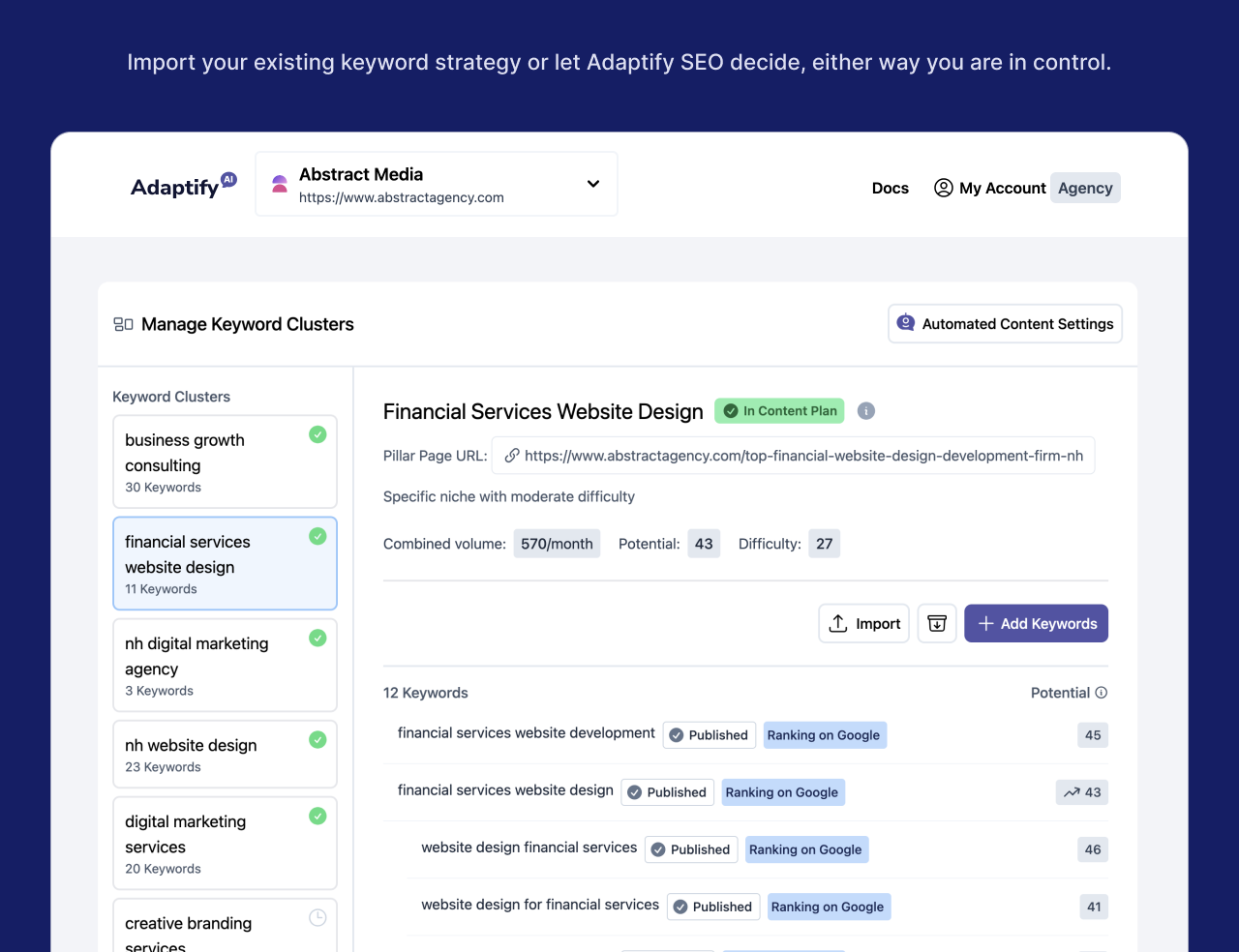
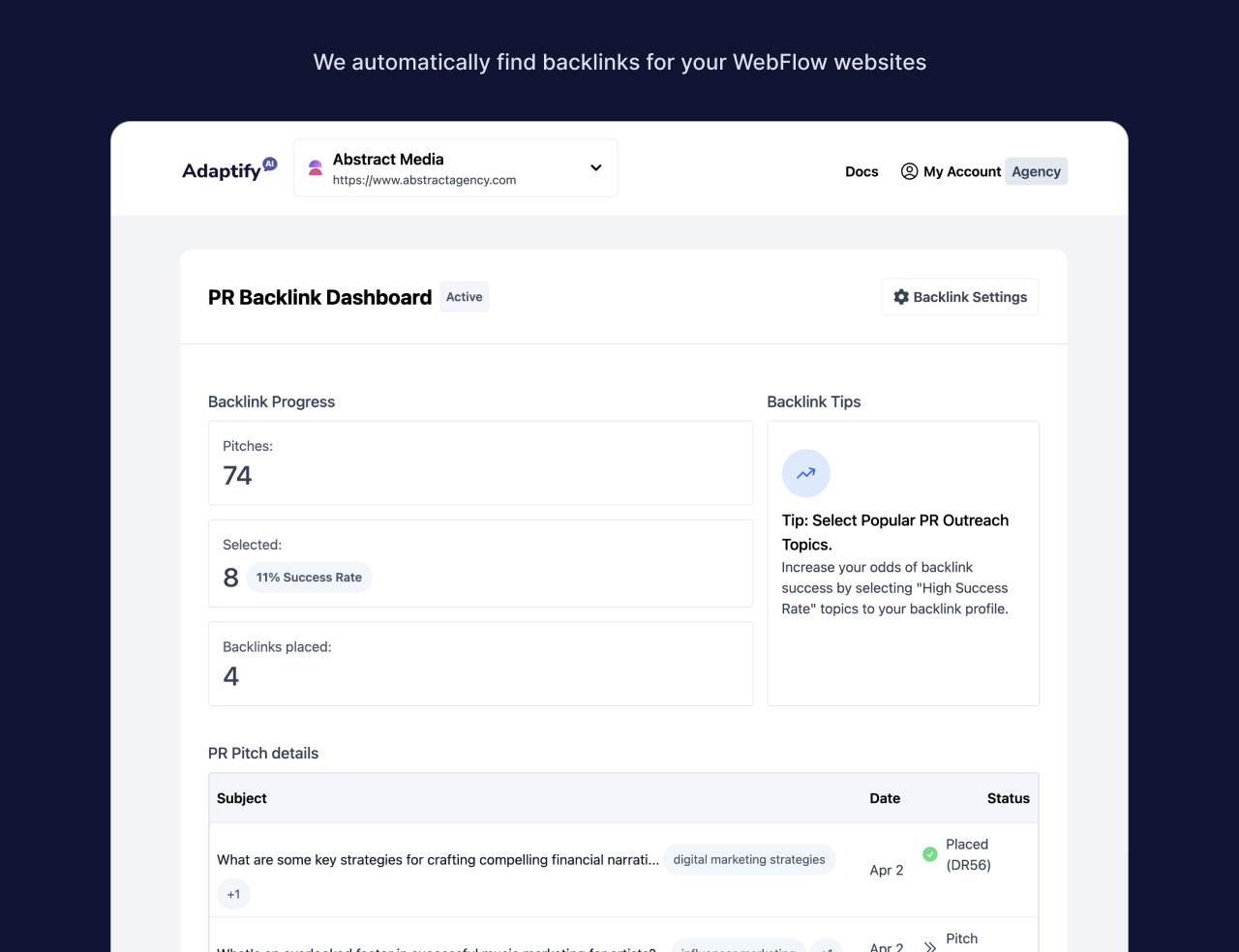
At Adaptify.ai, we help marketing agencies scale their SEO operations by automating the heavy lifting. Our platform leverages AI to streamline everything from technical strategy and content creation to high-impact PR link building. By focusing on automated, high-quality outreach and natural placements, we eliminate the risk of toxic links entirely, giving you a clean, bulletproof link profile built for long-term search success.
Ready to stop worrying about toxic relationships and start building links that move the needle? Discover how you can Build high-quality backlinks that actually matter with Adaptify today.

Discover how backlink automation software streamlines outreach, saves time, and scales your SEO strategy safely and effectively.
Track every backlink with an SEO backlink monitor—spot lost links fast, protect rankings, and boost ROI before competitors do.
Discover top backlink analysis free tools like Semrush, Ahrefs & Moz. Analyze profiles, find opportunities & boost SEO without paying!
Join 1,000+ agencies already delivering SEO and AI visibility from a single platform without increasing their headcount.Join 1,000+ agencies already delivering SEO and AI visibility from a single platform without increasing their headcount.