Find Your Perfect SEO Audit Report Tool


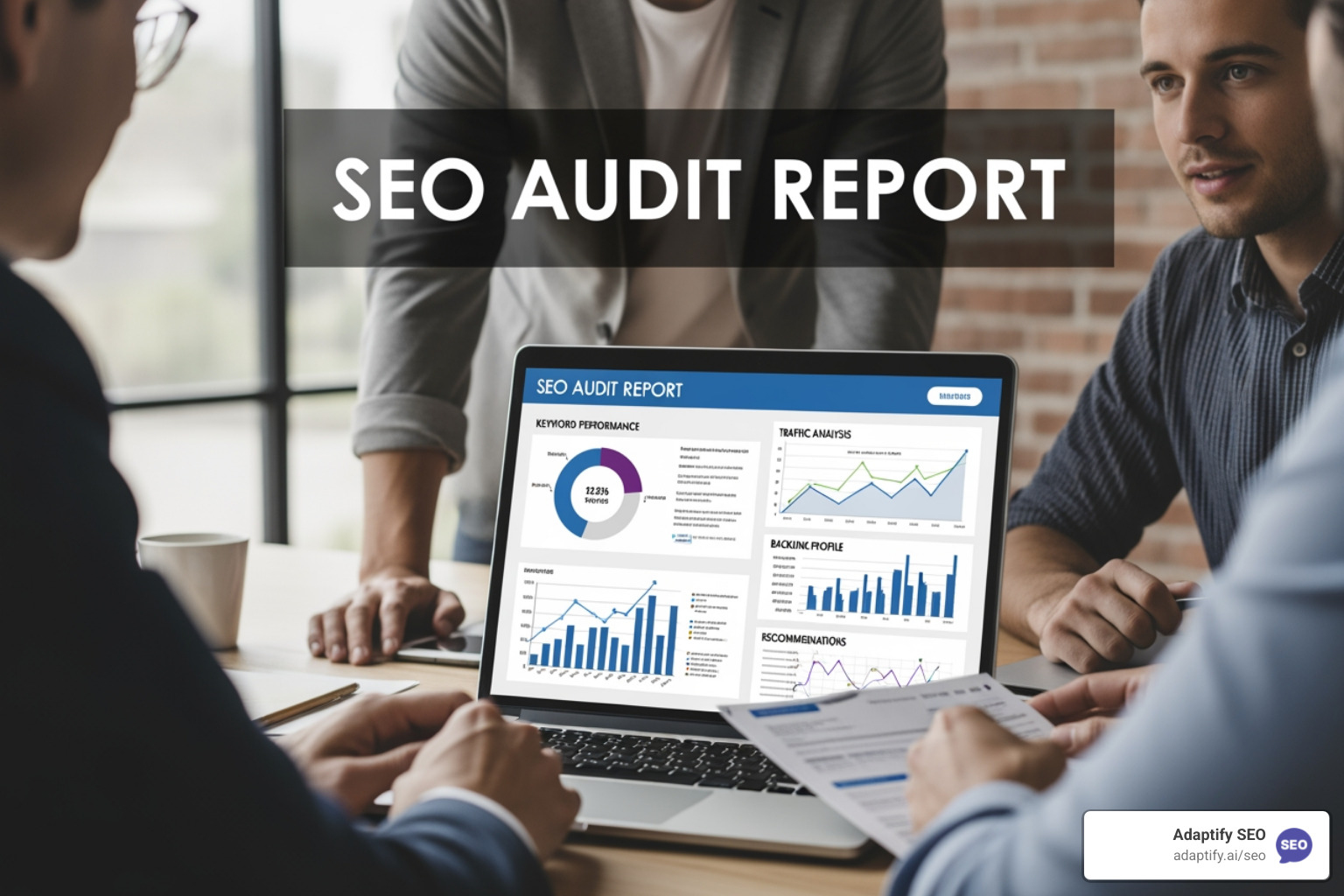
SEO audit reports are structured analyses of your website's technical health, content quality, and search visibility — and the right tool makes all the difference in how fast you can act on them.
If you're here to find the best tools for generating SEO audit reports, here's a quick overview:
| Tool | Best For | Key Stat | Free Tier |
|---|---|---|---|
| Semrush Site Audit | Agencies & enterprises | 140+ checks | Limited |
| Ahrefs Site Audit | Technical depth | 170+ issues, 170k URLs/min | Yes (5k pages/mo) |
| SEOptimer | Quick client reports | 100 data points | Yes |
| Google Search Console | Baseline monitoring | Free, direct from Google | Yes (fully free) |
| AIOSEO | WordPress sites | Built-in editor integration | Yes |
Every website has hidden problems. Slow pages. Missing titles. Broken links. Pages Google can't even find. These issues quietly drain your traffic and revenue — and most site owners don't know they exist.
That's where SEO audits come in. A proper audit surfaces every issue holding your site back, then gives you a clear path to fix it. And with Google making over 4,500 algorithm changes in a single year, staying on top of your site's health isn't optional — it's ongoing work.
The payoff is real. Optimized sites can see a 32% higher conversion rate thanks to better user experience alone. That's not a small number.
I'm Hansjan Kamerling, a product designer and marketing consultant who has built and scaled digital products used by millions — from search experiences across 33 marketplaces to SaaS platforms with 40,000 users — and SEO audit reports have been a core part of diagnosing and improving performance at every stage. In the sections below, I'll walk you through the best tools, what to look for, and how to turn audit findings into real results.
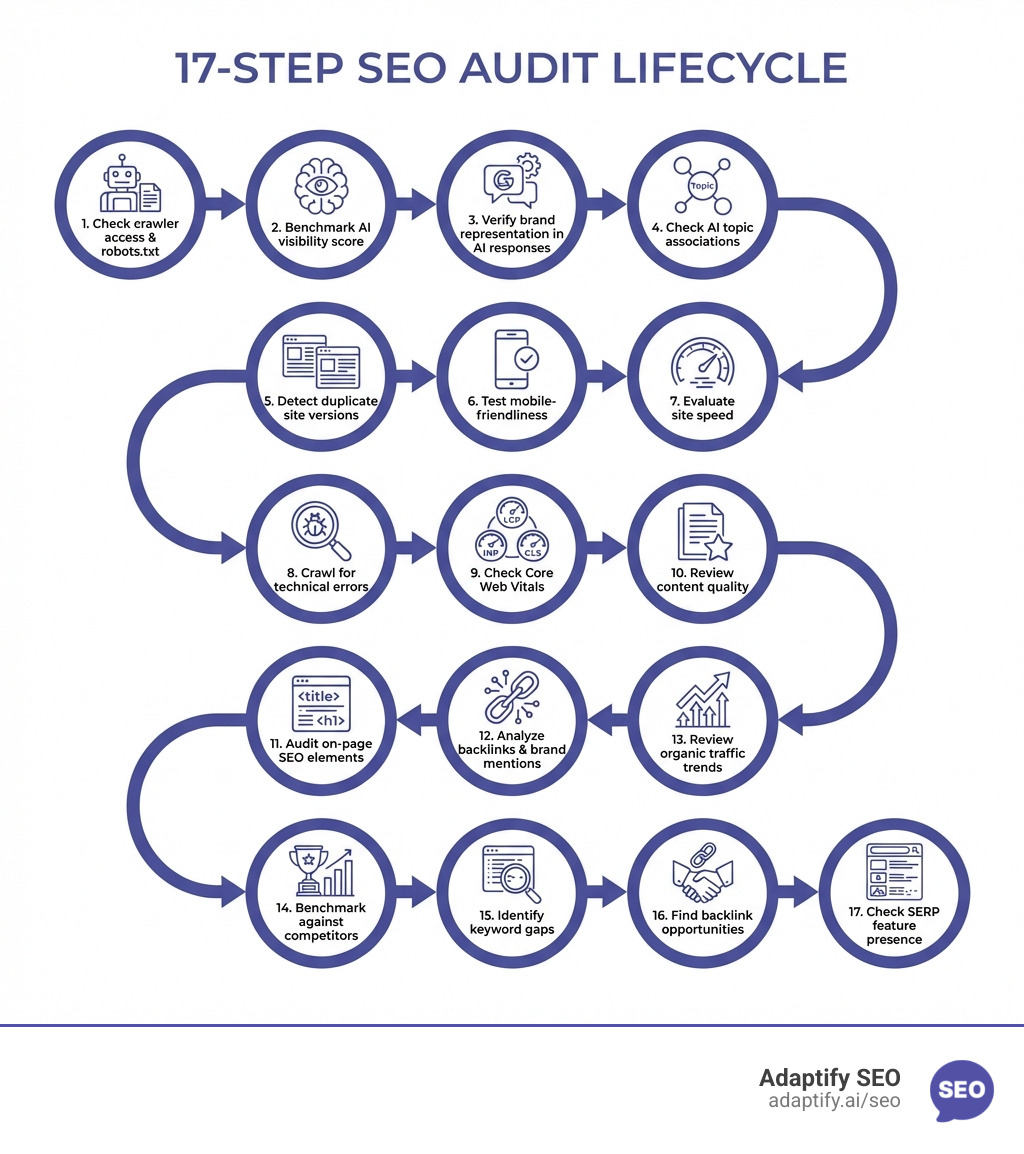
When I run an audit, I don't just look for "green lights." I look for the structural integrity of the site. A comprehensive report should be broken down into specific buckets that Google cares about.
Technical SEO is the "engine" of your website. If the engine is broken, it doesn't matter how pretty the car is. Your report needs to cover a technical SEO site audit checklist, focusing specifically on:
This is where most people start, but it's also where many get lazy.
Google's "Helpful Content" updates have made content quality a technical requirement. Your SEO audit reports should flag:
Choosing a tool depends on your scale. If you're an agency, you need speed and white-labeling. If you're a site owner, you need clarity.
| Feature | Semrush | Ahrefs | SEOptimer |
|---|---|---|---|
| Checks Performed | 140+ | 170+ | 100+ |
| Crawl Speed | High | Ultra-High (170k/min) | Medium |
| JS Rendering | Yes (Guru/Business) | Yes | Yes |
| Best For | Thematic Reports | Technical Depth | Quick Audits |
Semrush is a powerhouse for SEO audit reports. It provides "Thematic Reports" that group issues into categories like HTTPS, International SEO, and Internal Linking. One of my favorite features is the Site Health Score, which gives you a percentage-based look at your progress. It also recently added "AI Search Health" widgets to track how visible you are to generative AI engines.
Ahrefs is the "speed demon" of the group. It can crawl up to 170,000 URLs per minute. It’s incredibly detailed, scanning for over 170 issues. I find their "Internal Link Opportunities" tool particularly useful—it automatically suggests where you should add links based on keywords your pages already rank for.
If you need a report right now to show a prospect or a client, SEOptimer is fantastic. It checks 100 data points across on-page, performance, and social factors. It’s less "deep" than Ahrefs but much more "digestible" for non-SEO experts.
You don't always need a $100/month subscription to get good data.
For agencies, the report is the product. You need it to look professional.
An audit report with 500 errors is overwhelming. You have to prioritize. I use a simple High-Medium-Low scale.
The game is changing. We aren't just optimizing for "blue links" anymore; we’re optimizing for AI answers. This is called Generative Engine Optimization (GEO).
Modern SEO audit reports now need to track:
At Adaptify.ai, we’ve leaned heavily into this. Our automated SEO services don't just find technical errors; they use AI to identify content gaps and build the kind of PR links that AI engines crave. By staying tuned to the Search Central Blog, we ensure our automated audits reflect the latest shifts in SGE (Search Generative Experience).
Most experts recommend a full audit every 3-6 months. However, I suggest running "mini-audits" or automated weekly crawls to catch sudden issues. You should always run an audit after a major traffic drop, a site migration, or a significant Google algorithm update like the Search-related algorithm updates we often see.
The "Big Three" are Crawlability, Indexability, and Mobile Usability. You must Make Your Links Crawlable using standard HTML tags. Also, keep a close eye on your Mobile Usability Report in Search Console to ensure your text isn't too small or your buttons too close together.
Success isn't just "fixing errors." It's seeing your Site Health Score improve and watching your organic traffic trends in GSC.
If your Core Web Vitals pass rate goes up and your bounce rate goes down, you've succeeded.
An SEO audit isn't a one-time chore; it's a strategic roadmap for your website's growth. By choosing the right tool—whether it's the technical depth of Ahrefs or the WordPress ease of AIOSEO—you can surface the hidden issues that are costing you money.
If you're an agency looking to save time, you don't have to do this manually. You can Scale your agency with white-label SEO reports and automated strategies that keep your clients' sites healthy while you focus on the big picture. Start auditing today, and turn those "red flags" into ranking opportunities.

Master SEO monitoring with key metrics and tools to track rankings, technical health, and organic growth for continuous performance optimi...
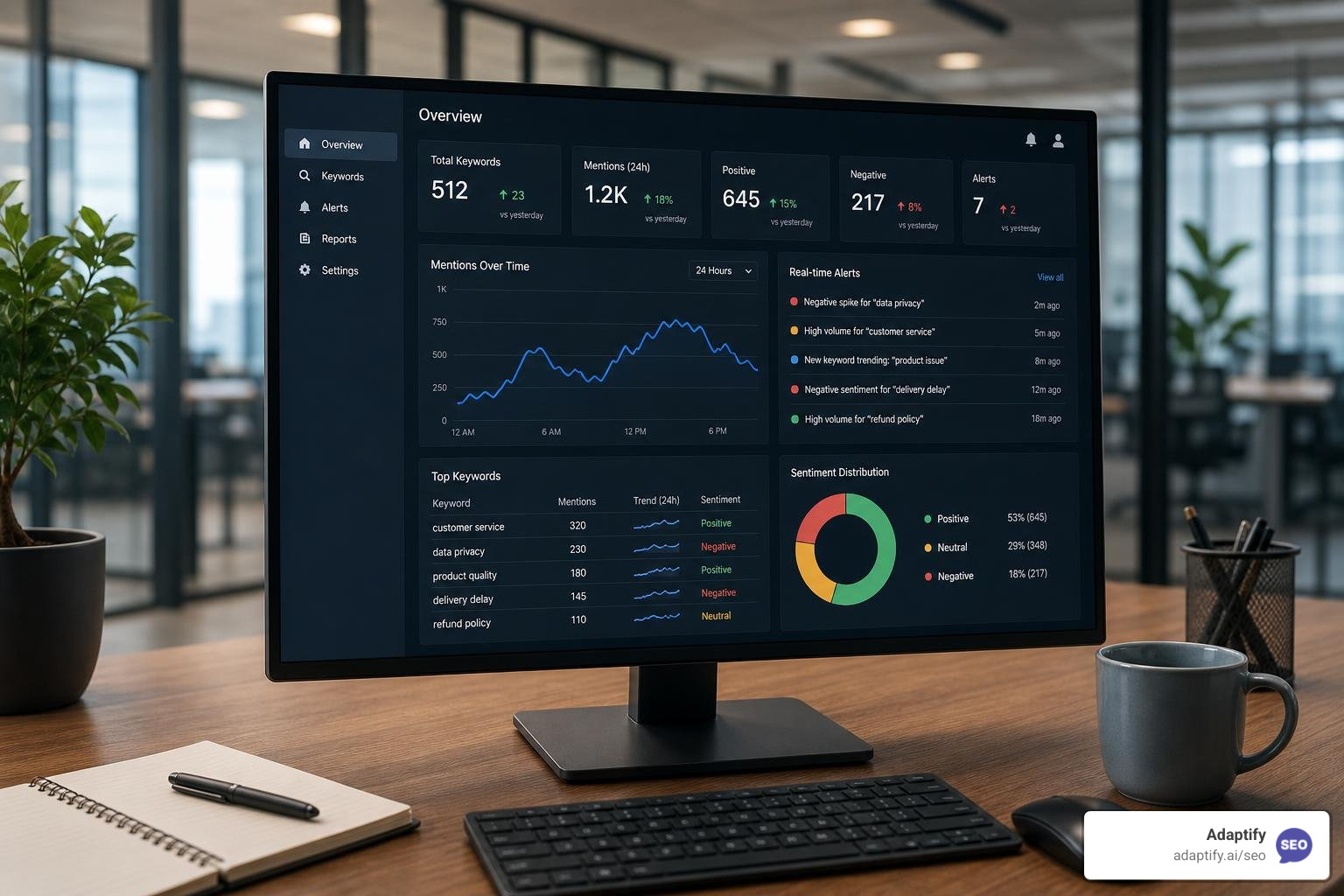
The Best Online Keyword Monitoring Tools for Real-Time Alerts - Learn about online keyword monitoring tool
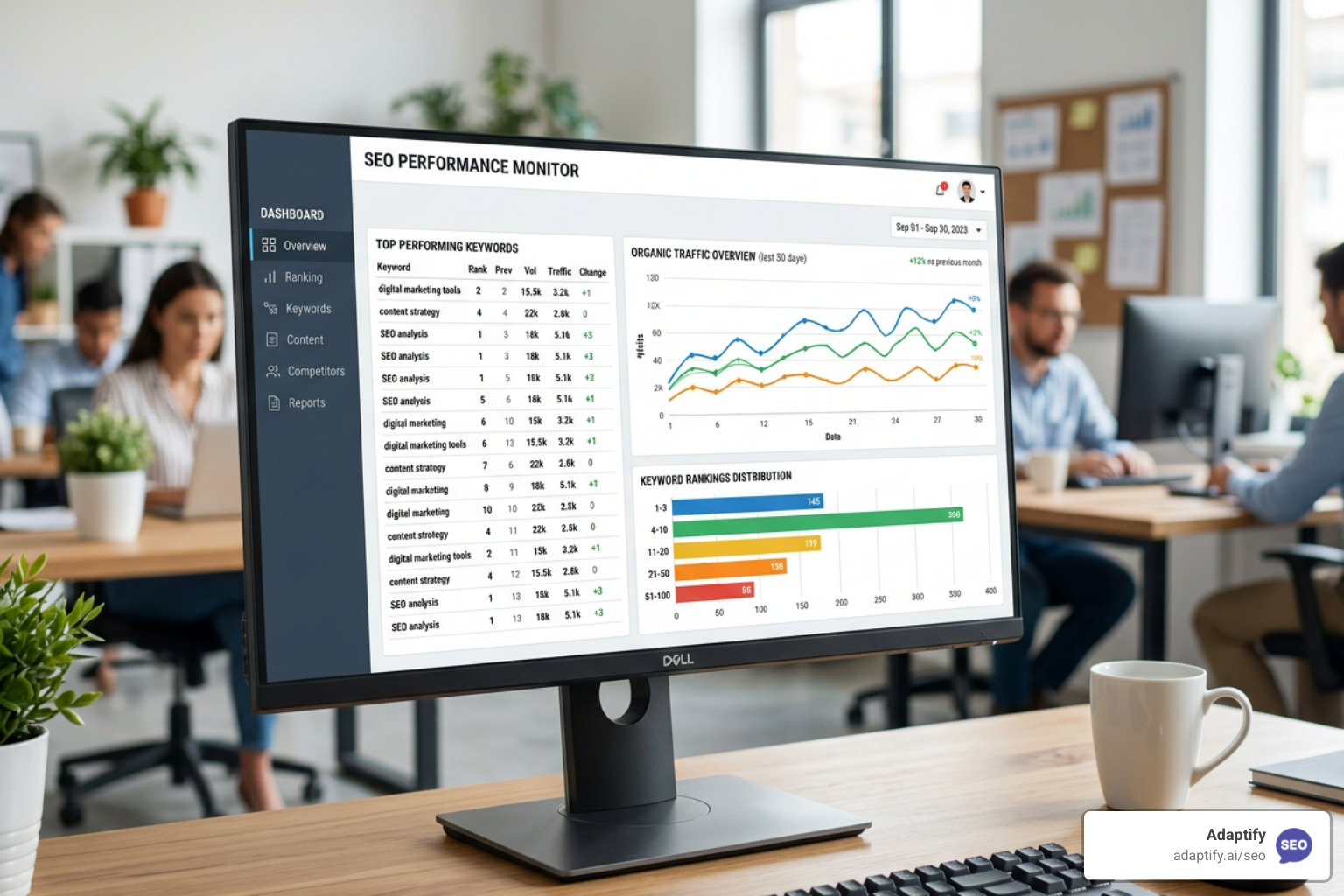
Stop Flying Blind with These Top SEO Monitor Tools - Learn about seo monitor tools
Join 1,000+ agencies already delivering SEO and AI visibility from a single platform without increasing their headcount.Join 1,000+ agencies already delivering SEO and AI visibility from a single platform without increasing their headcount.