The Best Online Keyword Monitoring Tools for Real-Time Alerts

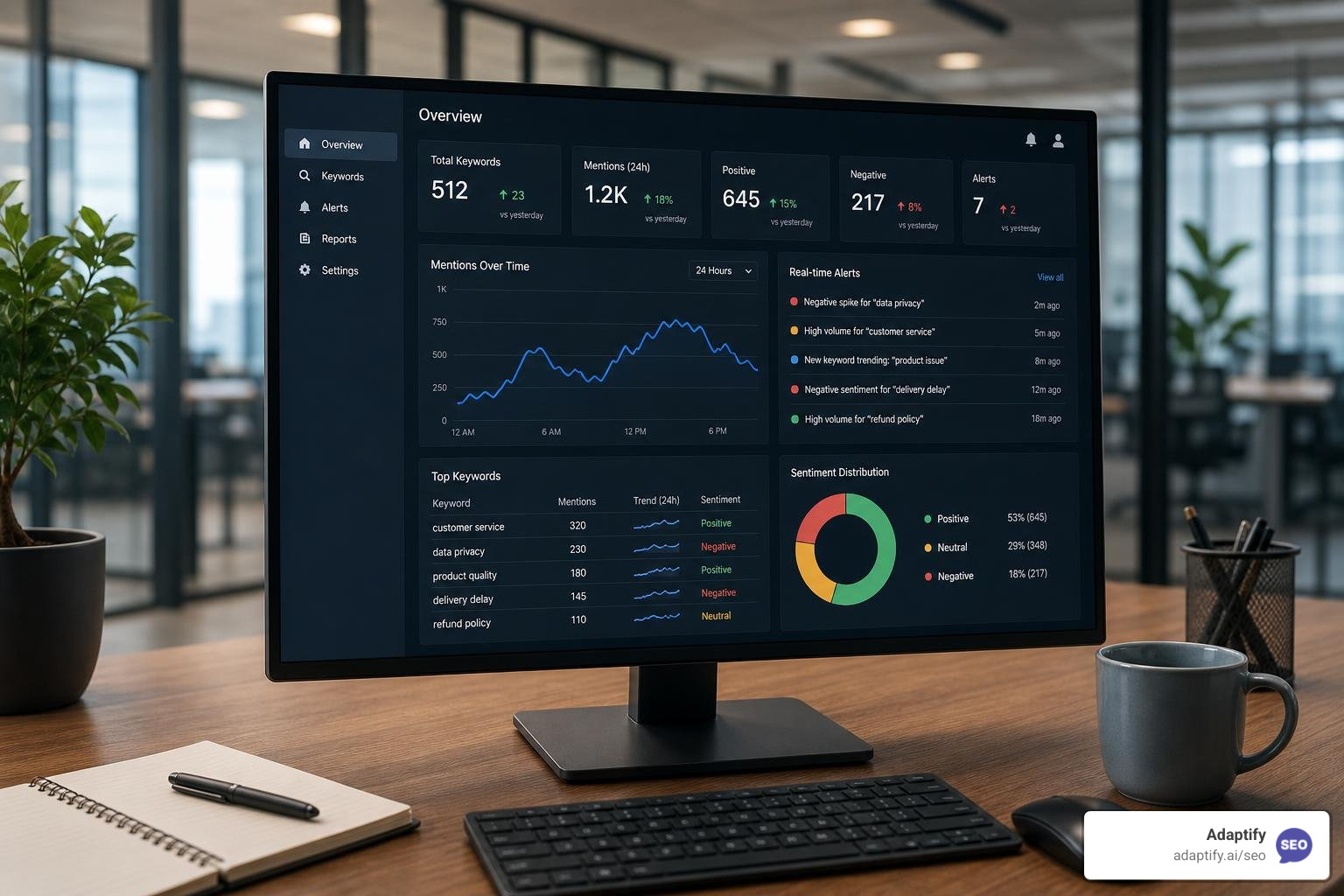

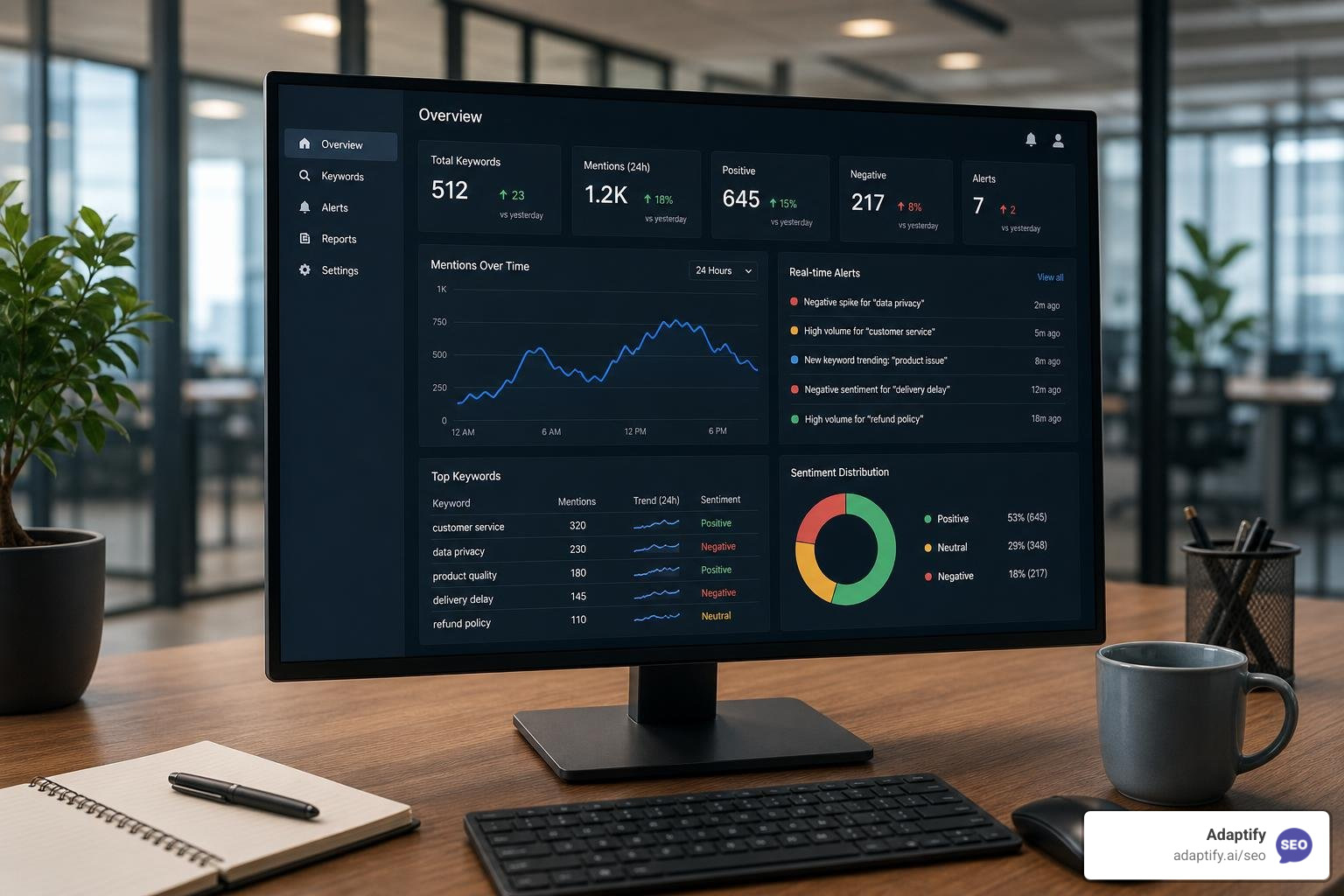
The best online keyword monitoring tools for real-time alerts in 2026 are:
Here is a scenario that happens more than most agency owners realize. Your client's website returns a clean "200 OK" status. Every uptime check passes. But somewhere on their checkout page, a database error is silently displaying instead of the "Add to Cart" button. No alarm goes off. No one notices — until customers start abandoning their carts.
That is the gap that an online keyword monitoring tool is built to close.
Standard uptime monitoring only checks whether a server responds. It cannot tell you what is actually on the page. Keyword monitoring goes a layer deeper. It scans the raw HTML of a page and checks whether specific words or phrases are present or absent. If your brand name disappears, or the word "error" suddenly appears where it should not, you get an alert immediately.
And website health is just one piece of the picture. In 2026, keyword monitoring spans three very different jobs:
Each job requires a different kind of tool. Choosing the wrong one means paying for features you do not need, or missing the coverage you do.
The stakes are higher than ever. With 58% of all Google searches now resulting in zero clicks, and AI Overviews pushing top organic results further down the page, knowing where and how your brand appears online has become critical for agency growth and client retention.
I'm Luke Heinecke, Chief Revenue Officer at Adaptify, and with over nine years in marketing and agency operations — including founding and exiting my own performance marketing agency — I have seen how the right online keyword monitoring tool can save client relationships and uncover opportunities that manual checks simply miss. In this guide, I will walk you through the best tools available and exactly how to match each one to the right use case.
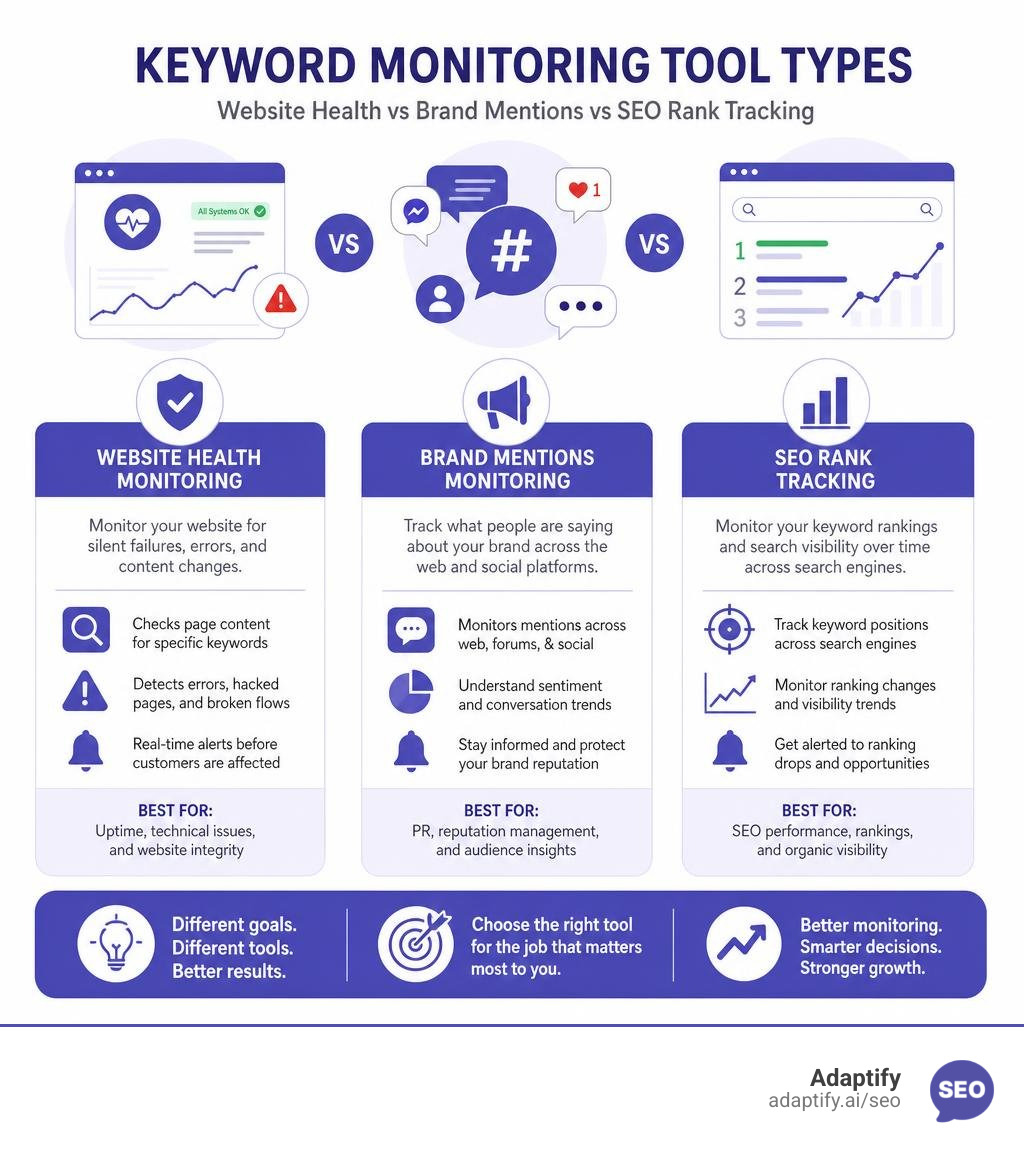
Choosing the right tool isn't about finding the one with the most features; it's about matching the software to your operational workflow. If you are managing multiple client sites, you cannot afford to manually check dashboards every morning. You need a system that pushes critical information to you the second something goes wrong.
When evaluating an online keyword monitoring tool, look closely at its alert delivery capabilities. Real-time alerts must be actionable. If an alert lands in a cluttered inbox, it might as well not exist.
The ideal setup depends on your team's existing communication stack:
Monitoring frequency is another critical factor. While a PR mention check might only need to run once a day, a technical keyword check on a high-traffic landing page should run every few minutes.

Traditional uptime monitoring is a bit like a security guard who only checks if the front door of a store is unlocked. It doesn't tell you if the shelves inside are completely empty. A server can return a successful "200 OK" HTTP status code even when displaying a blank white screen, a database connection failure, or a completely broken layout.
By using an online keyword monitoring tool for website health, you set up a digital watchdog that reads the actual page content. This helps you catch three major types of silent failures:
To build a truly resilient system, agencies should combine uptime checks with content-based rules. If you want to dive deeper into structuring these safeguards, check out our guide on How To Set Up Automated Seo Monitoring For Success to keep your client sites protected around the clock.
Beyond technical health, keyword monitoring is your primary defense system for brand protection and crisis detection. If a customer writes a scathing review on a forum, or an influential blogger mentions your client's product, you need to know before the conversation spins out of control.
Many agencies start with free solutions like Google Alerts, but soon discover their limitations. Google Alerts is optimized primarily for indexed news articles and misses up to 95% of mentions in active communities like Reddit, Hacker News, or specialized forums. For comprehensive brand monitoring, you need dedicated brand monitoring software that crawls the wider web and social platforms in real-time.
Using an advanced tool allows you to track:
For agencies looking to scale their brand reputation services, utilizing specialized platforms like Keyword Watch can help you track sentiment and manage client public relations proactively.
It is common to confuse keyword monitoring for SEO with keyword monitoring for PR, but they serve entirely different masters.
PR monitoring is about conversations. It tracks mentions, sentiment, and share of voice across the web to manage reputation. SEO tracking, on the other hand, is about visibility. It measures search engine positioning, tracking where your target landing pages rank on search engine results pages (SERPs) for specific search queries.
In the 2026 search landscape, traditional rank tracking has evolved. With the rise of AI Overviews (AIOs), simply ranking "number one" in organic results doesn't mean what it used to. When an AI Overview is present on a SERP, the Click-Through Rate (CTR) for the top organic result drops by approximately 61%.
This shift has forced agencies to track "pixel depth" — measuring how far down the page your organic listing is pushed by AI summaries, ads, and local map packs. To master this modern approach to visibility, you can explore our strategies on Tracking Triumph How To Monitor Your Keyword Rankings, learn to scale your reporting with Rank Tracking On Autopilot Without Losing The Plot, and discover how to optimize your overall Beyond Rankings How To Nail Your Search Engine Positioning.
When choosing an online keyword monitoring tool for technical site health, you must understand how the tool crawls web pages.
Most basic monitors only scan the raw HTML returned directly by the server. While this is incredibly fast and cost-effective, it has a massive limitation: it cannot read content that is rendered dynamically via JavaScript after the page loads. If your client's site uses a modern JavaScript framework (like React or Vue) or relies on dynamic widgets for key elements, a basic HTML scanner will see a blank page or miss those elements entirely.
To monitor dynamic pages, you need a tool that supports JavaScript rendering using headless browsers. This process simulates a real user visiting the page, allowing all scripts to run before checking for the keyword.
| Feature | Raw HTML Scanning | JavaScript Rendering |
|---|---|---|
| Speed | Extremely fast (milliseconds) | Slower (seconds) |
| Cost | Low / Often free | Higher due to server resource usage |
| Best For | Static pages, server errors, raw code checks | Single-page apps, dynamic widgets, interactive checkouts |
| Limitations | Misses any content loaded after initial page load | Can sometimes trigger security firewalls or captchas |
When configuring your rules, you will use two primary logic types:
If you only monitor mainstream news sites and major social networks, you are missing where the most influential conversations happen. Niche developer communities, technical forums, and Q&A sites are goldmines for both brand feedback and high-intent sales leads.
When someone asks a question on Hacker News, Reddit, or a public Slack community about a problem your client's software solves, the window to respond is incredibly small. A helpful, timely response that points to your client's solution can drive immediate, highly qualified referral traffic. If you wait 24 hours for a standard web indexer to find the post, the conversation is already dead.
To capture these opportunities, look for specialized web monitoring tools that offer real-time crawling of these platforms. Services like Keyword Monitor - keyword monitoring on Reddit, Twitter, HackerNews, and more are built specifically to watch these fast-moving social networks. Similarly, you can deploy a dedicated Web Monitoring Tool — Track Every Brand Mention | Octolens to scan forums, developer docs, and changelogs, ensuring your team is alerted to high-intent conversations the moment they happen.
An online keyword monitoring tool is no longer a luxury for agencies; it is a fundamental requirement for maintaining website integrity, protecting brand reputation, and capturing real-time business opportunities. Whether you are using UptimeRobot to prevent silent checkout failures or leveraging Octolens to find high-intent leads in developer forums, automating these checks eliminates manual friction and keeps your team one step ahead of potential crises.
At Adaptify, we understand that managing SEO, PR, and technical monitoring for dozens of clients can quickly overwhelm an agency's resources. That is why we built our automated SEO platform to handle the heavy lifting. By streamlining strategy formulation, content creation, and PR link building, Adaptify allows your team to focus on high-value client relationships while our AI-driven systems maintain your search visibility and authority.
Ready to scale your agency's efficiency and protect your clients' digital footprints? Start your Adaptify SEO Trial today.

Master SEO monitoring with key metrics and tools to track rankings, technical health, and organic growth for continuous performance optimi...
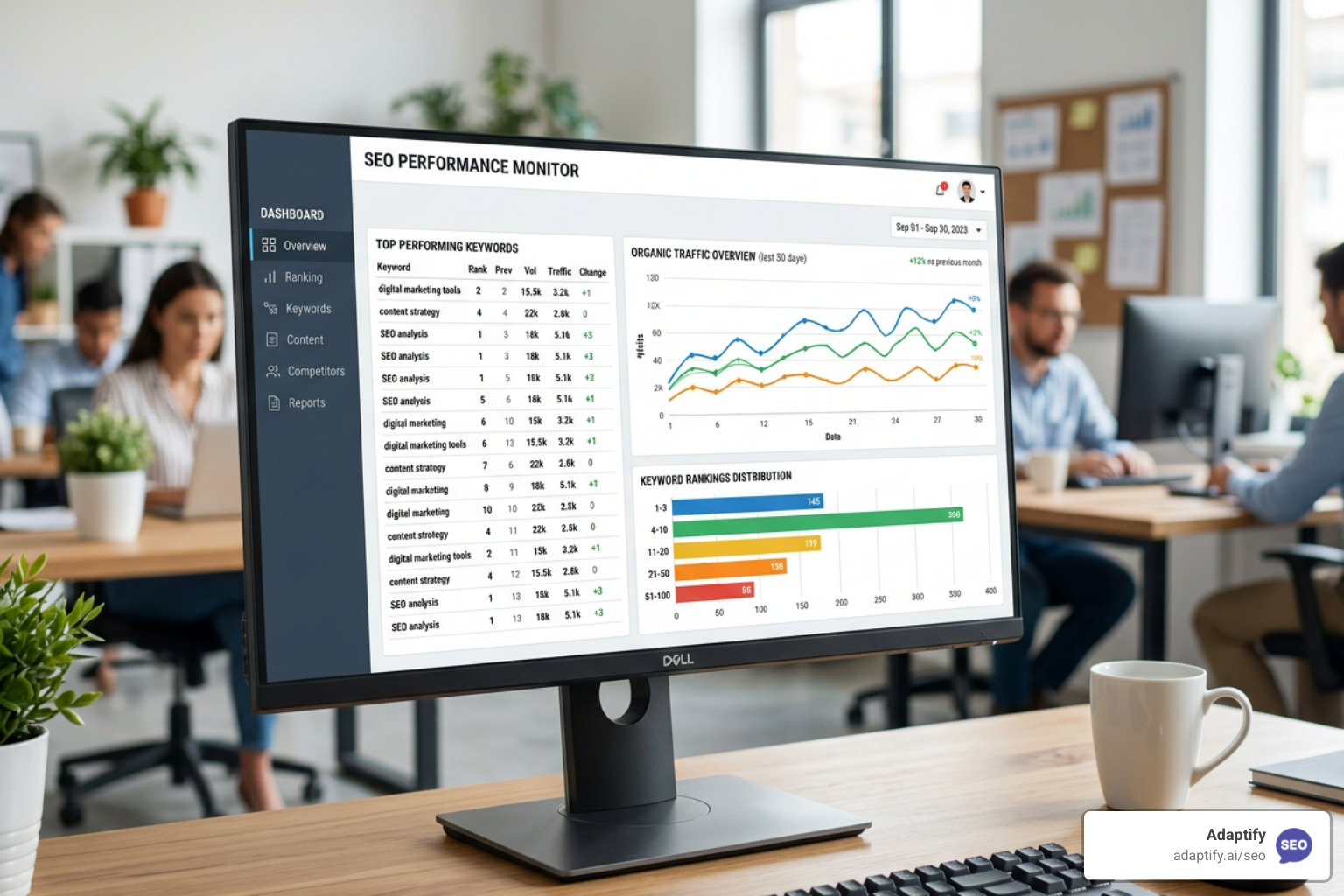
Stop Flying Blind with These Top SEO Monitor Tools - Learn about seo monitor tools

Learn what is local SEO and how to dominate Google Maps, drive foot traffic, and grow your business with this complete optimization guide.
Join 1,000+ agencies already delivering SEO and AI visibility from a single platform without increasing their headcount.Join 1,000+ agencies already delivering SEO and AI visibility from a single platform without increasing their headcount.