Stop Flying Blind with These Top SEO Monitor Tools

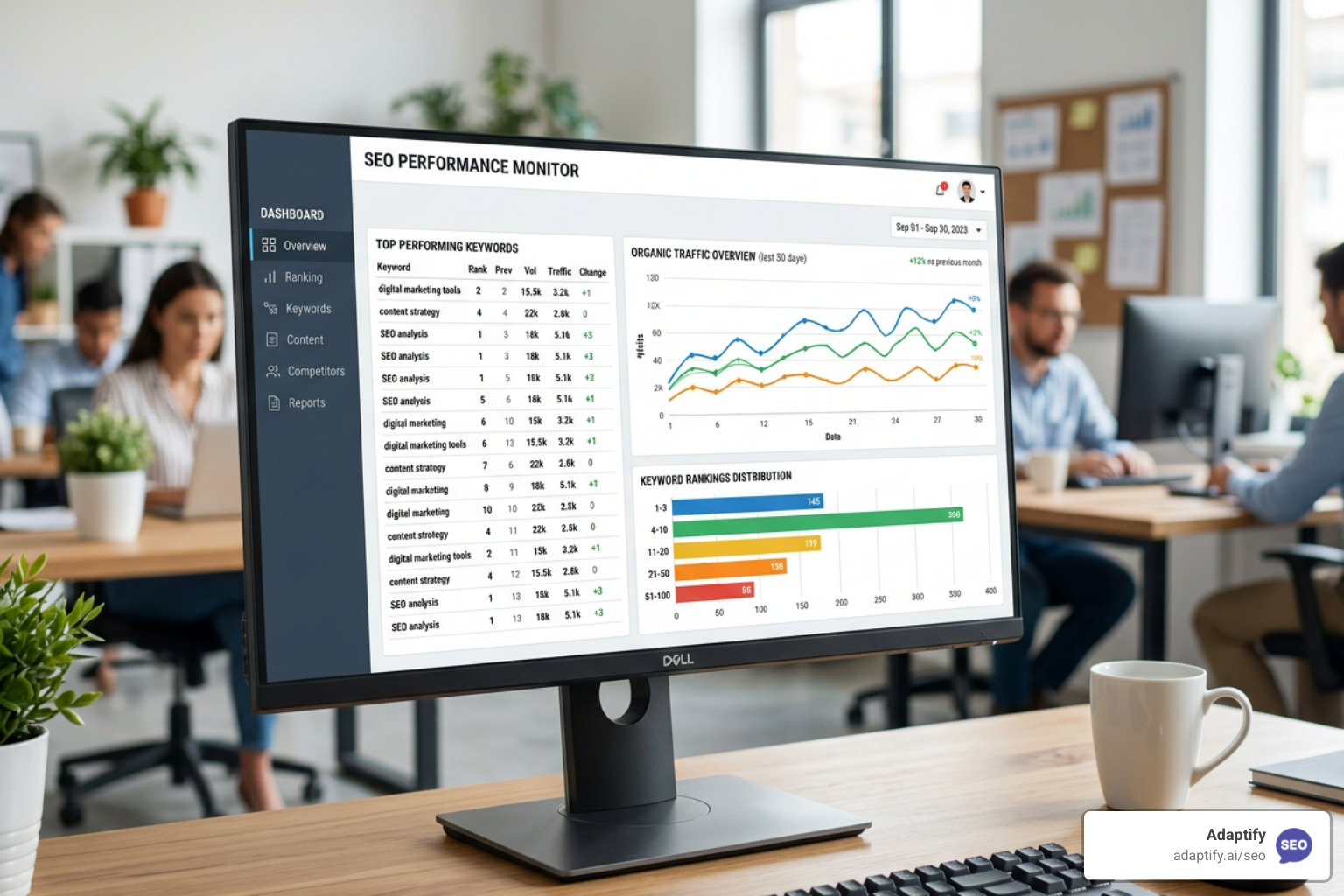

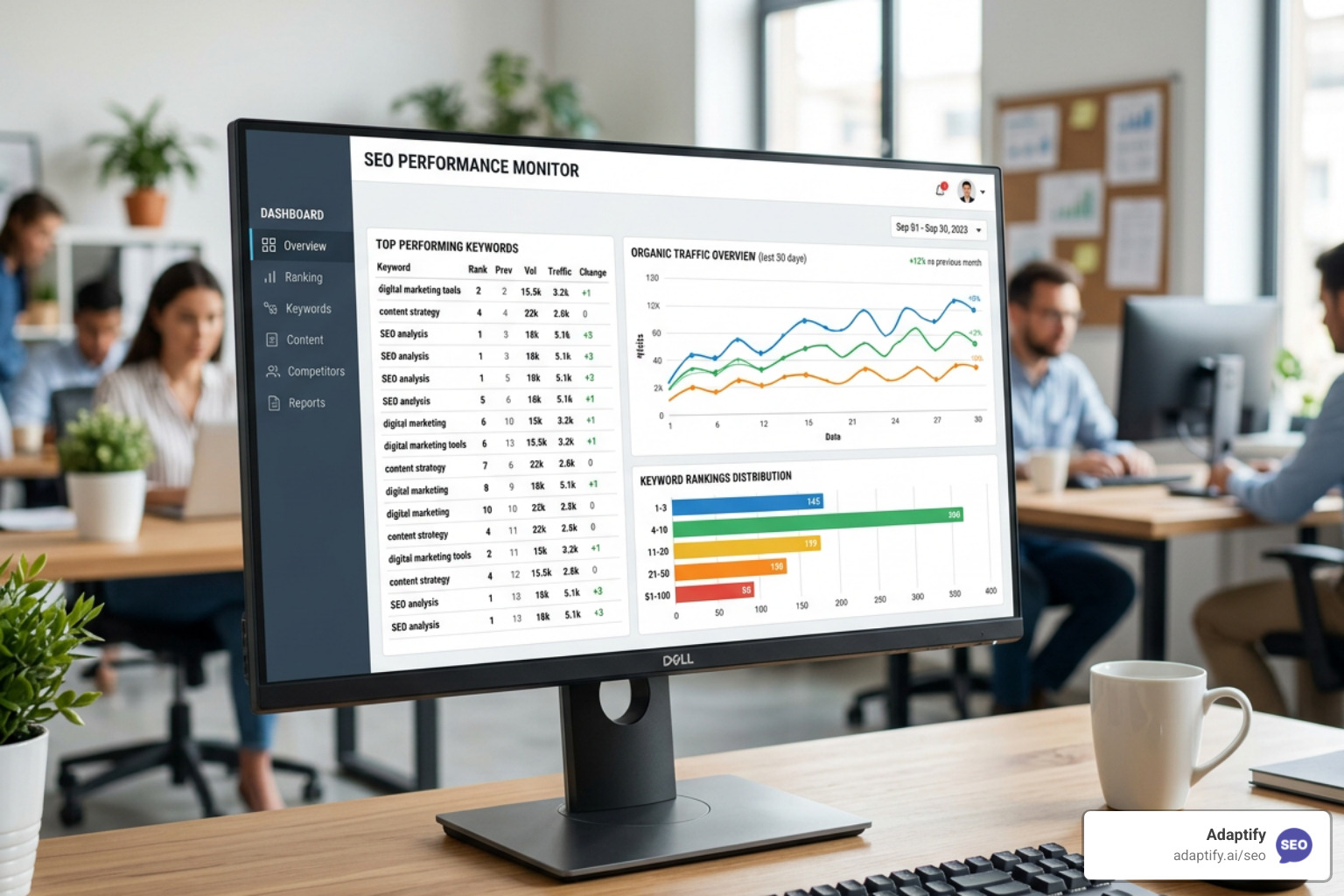
SEO monitor tools are the systems agencies use to track ranking changes, detect site issues, and measure organic performance — across both traditional search and AI-powered platforms like ChatGPT, Gemini, and Google's AI Overviews.
Here are the most-used tools in 2026, organized by use case:
| Use Case | Top Tools |
|---|---|
| Rank tracking + AI visibility | SEOmonitor, SEOcrawl AI |
| Page change detection | ContentKing, Content Guard, SEO Radar, Little Warden |
| Technical audits | Screaming Frog, Seoxpert |
| Free monitoring | Google Search Console, Bing Webmaster Tools |
| All-in-one for agencies | SE Ranking, Sitechecker |
Search has never been more fragmented. Google still dominates with roughly 87–90% of search traffic, but AI platforms like ChatGPT, Perplexity, and Gemini are now answering buyer questions directly — often without sending a click anywhere. At the same time, developers, merchandisers, and automated CMS workflows are constantly pushing changes to live sites. A stray noindex tag, a broken canonical, or a blocked sitemap can quietly drain rankings for days before anyone notices.
Most agencies are still piecing together data from three or four disconnected tools, then manually stitching it into a report. That process is slow, error-prone, and leaves serious blind spots — especially when 62% of tracked keywords sit beyond page one, where volatility is highest.
I'm Hansjan Kamerling, a product designer and marketing consultant for SaaS platforms, and I've spent years helping teams build scalable digital systems — including working with data analytics platforms and growth-focused startups where real-time performance tracking was critical. I put together this guide on SEO monitor tools specifically for agency owners who need to stop reacting to ranking drops and start preventing them.
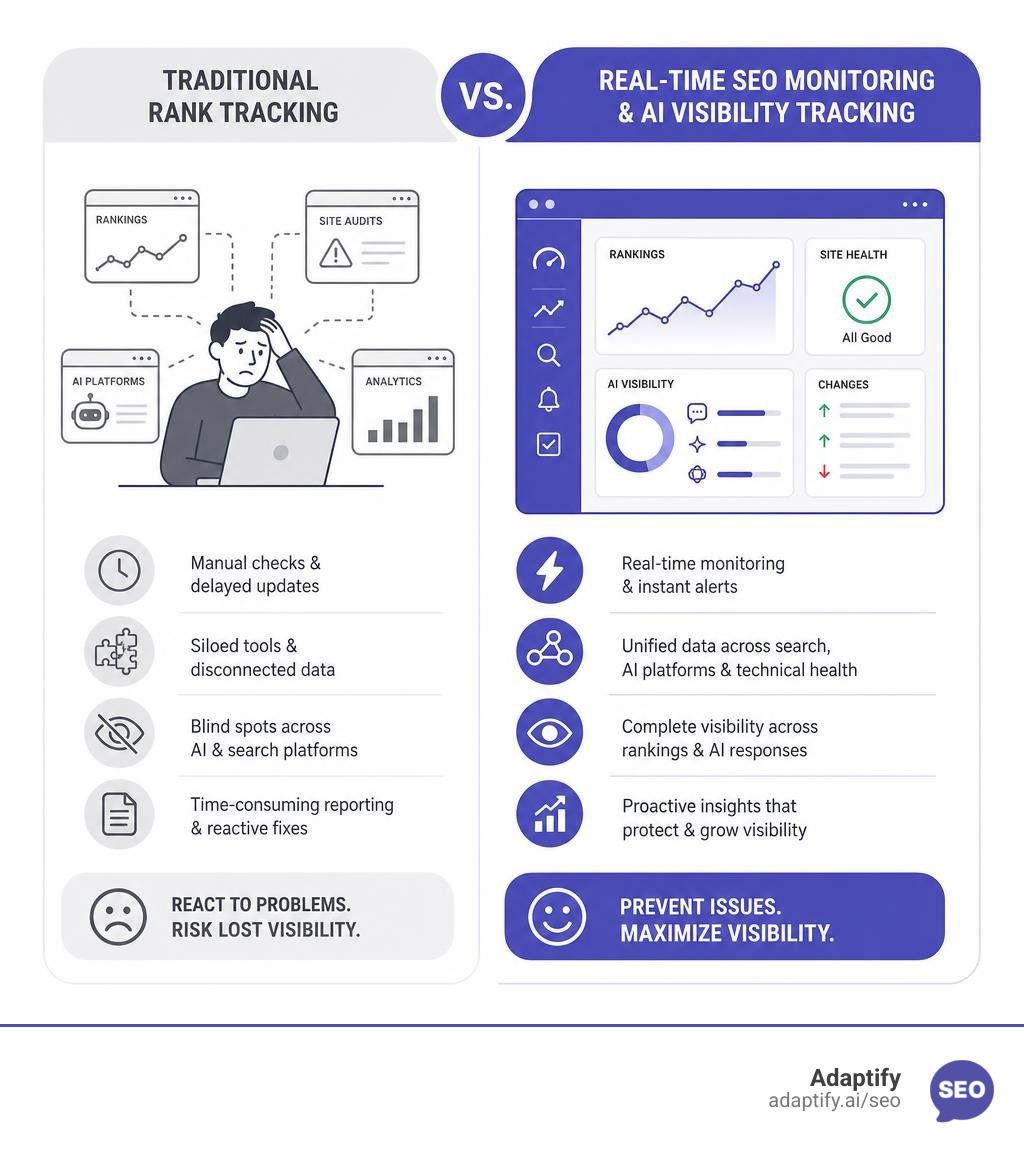
If you are managing search visibility for clients, you already know that rankings do not stand still. But in 2026, the complexity has multiplied. We are no longer just tracking blue links on Google. Optimizing for search now means maintaining technical performance, keeping an eye on competitor movements, and ensuring your content is cited by LLMs.
Dedicated seo monitor tools act as an early warning system. Rather than waiting for your monthly organic traffic report to show a sudden cliff-dive, these tools track your site's health and search visibility in real-time. If a developer accidentally blocks a high-value directory in the robots.txt file, or if a competitor launches a massive new topic cluster that threatens your share of voice, you will know within hours, not weeks.
Relying solely on manual audits is a recipe for disaster. With Google and Bing representing 95% to 98% of all US search traffic, even minor technical slip-ups can cost thousands of dollars in lost conversions. Automated monitoring bridges the gap between your SEO strategy and the daily chaos of live website updates.
Most of us started our SEO careers using traditional all-in-one platforms like Ahrefs. These suites are fantastic as keyword databases and backlink research engines, but they were never built to be real-time surveillance systems.
Traditional platforms typically run scheduled crawls once a week or once a month. If a critical on-page element breaks on a Tuesday morning, a weekly crawler won't flag it until the damage is already done. Additionally, legacy suites often charge expensive seat licenses for every team member who needs access, which gets incredibly costly as your agency grows.
Specialized seo monitor tools focus entirely on change detection, high-frequency rank tracking, and instant alerting. They often charge based on the volume of data you monitor rather than the number of users, allowing your entire team to collaborate without extra fees. Furthermore, following Google's removal of the &num=100 search parameter in late 2025, deep rank tracking has become significantly more resource-intensive. Specialized trackers have absorbed these backend database costs to continue monitoring the highly volatile positions 11–50 daily, whereas many legacy platforms have quietly reduced their tracking depth to save money.
To understand how this fits into your broader ranking strategy, you can read more in my guide on how to Stop Guessing and Start Tracking with SEO Ranking Monitoring.
The relationship between SEO teams and web developers is historically... complicated. Developers are focused on pushing clean code, shipping new features, and hitting deployment deadlines. SEO metrics are rarely top-of-mind for them. I have seen countless "Friday-evening deploys" where a developer accidentally leaves a staging noindex tag active or switches canonical URLs to HTTP, splitting Google's ranking signals and tanking organic traffic over the weekend.
This is where page change monitoring tools like Content Guard (by seoClarity, starting at $500/month), ContentKing (now part of Conductor), and SEO Radar (starting at $199/month for Lite) save the day. They act as automated watchdogs, continuously crawling your most important URLs to check for changes in:
If an unauthorized change occurs, the system triggers an immediate alert. This allows your team to rollback the update before Google's bots re-crawl the page and drop your rankings. For a step-by-step setup, check out my breakdown on How to Set Up Automated SEO Monitoring for Success.
The search landscape is no longer a single channel. AI search engines and LLM-driven chat interfaces are capturing a massive share of informational queries. If ChatGPT, Gemini, or Perplexity are recommending your competitors instead of you, you are losing highly qualified traffic.
Modern seo monitor tools now include Generative Engine Optimization (GEO) tracking. Platforms like SEOmonitor and SEOcrawl AI allow you to monitor your brand's share of voice and citation rates inside AI answers.
Why track keywords instead of individual prompts? Because a single parent keyword naturally covers thousands of long-tail conversational prompts. For instance, tracking the keyword "best running shoes" automatically monitors variations like "What are the best running shoes for marathon training?" across major LLMs. This gives you verified search volume data to weight your performance, whereas trying to track every individual prompt is pure guesswork.
If you want to monitor your AI citations directly inside your development workflow or AI assistant, you can also use open-source tools like SEOmonster | Track AI citations and win SEO, inside your AI assistant , which runs locally to keep your API credentials secure.
Technical errors are the silent killers of SEO campaigns. You can write the most engaging content in the world, but if your site has major crawlability issues or fails Google's Core Web Vitals, you will struggle to rank.
For deep technical dives, Screaming Frog SEO Spider remains an industry staple (free up to 500 URLs, or $259/year for the paid version). However, desktop crawlers only show you a snapshot in time. To catch regressions as they happen, agencies are turning to continuous monitoring platforms like Seoxpert.
Seoxpert runs 442 automated checks across 20 categories, prioritizing issues by business impact. Crucially, it catches mobile-first bugs that desktop-only tools miss, such as:
Whether you are a freelancer managing your first client or an enterprise agency scaling across fifty domains, there is a monitoring setup that fits your budget.
| Tool | Price | Best For | Key Feature |
|---|---|---|---|
| Google Search Console | Free | Beginners & Pros | Direct indexing data & search queries |
| Bing Webmaster Tools | Free | Beginners | Covers 10–15% of US search market |
| Little Warden | Starts at $34.99/mo | Freelancers | Domain, SSL, and basic file monitoring |
| Sitechecker | Starts at $49/mo | Small Agencies | Real-time site auditing & rank tracking |
| SE Ranking | Starts at $65/mo | Growing Agencies | Local map-based rank tracking |
For those just starting out, you do not need a massive budget to get clean data. Combining Google Search Console (which tracks impressions and clicks) with Bing Webmaster Tools covers up to 98% of your US search audience. If you want to dive deeper into link profiles without breaking the bank, take a look at my roundup of 2025s Top Backlink Monitoring Tools to Keep Your SEO Game Strong.
Having a great SEO monitoring system is useless if your team ignores the alerts. "Alert fatigue" is a real problem. If your team gets a notification every time a writer tweaks a minor meta description, they will eventually mute the channel and miss the critical alert when the sitemap goes down.
To prevent this, follow these best practices:
noindex additions, site downtime).Manual SEO reporting and reactive tracking belong in the past. To scale your agency and protect your clients' search visibility, you need automated systems that monitor performance, technical health, and AI citations around the clock.
If you are looking to completely eliminate the manual grind of SEO, Adaptify.ai offers a fully automated SEO solution built specifically for agencies. Adaptify handles everything from keyword strategy and content creation to automated PR link building. It keeps your clients' campaigns running autonomously, allowing you to focus on scaling your business rather than managing spreadsheets.
Ready to take your agency's efficiency to the next level? Start your free trial with Adaptify today.

Master SEO monitoring with key metrics and tools to track rankings, technical health, and organic growth for continuous performance optimi...
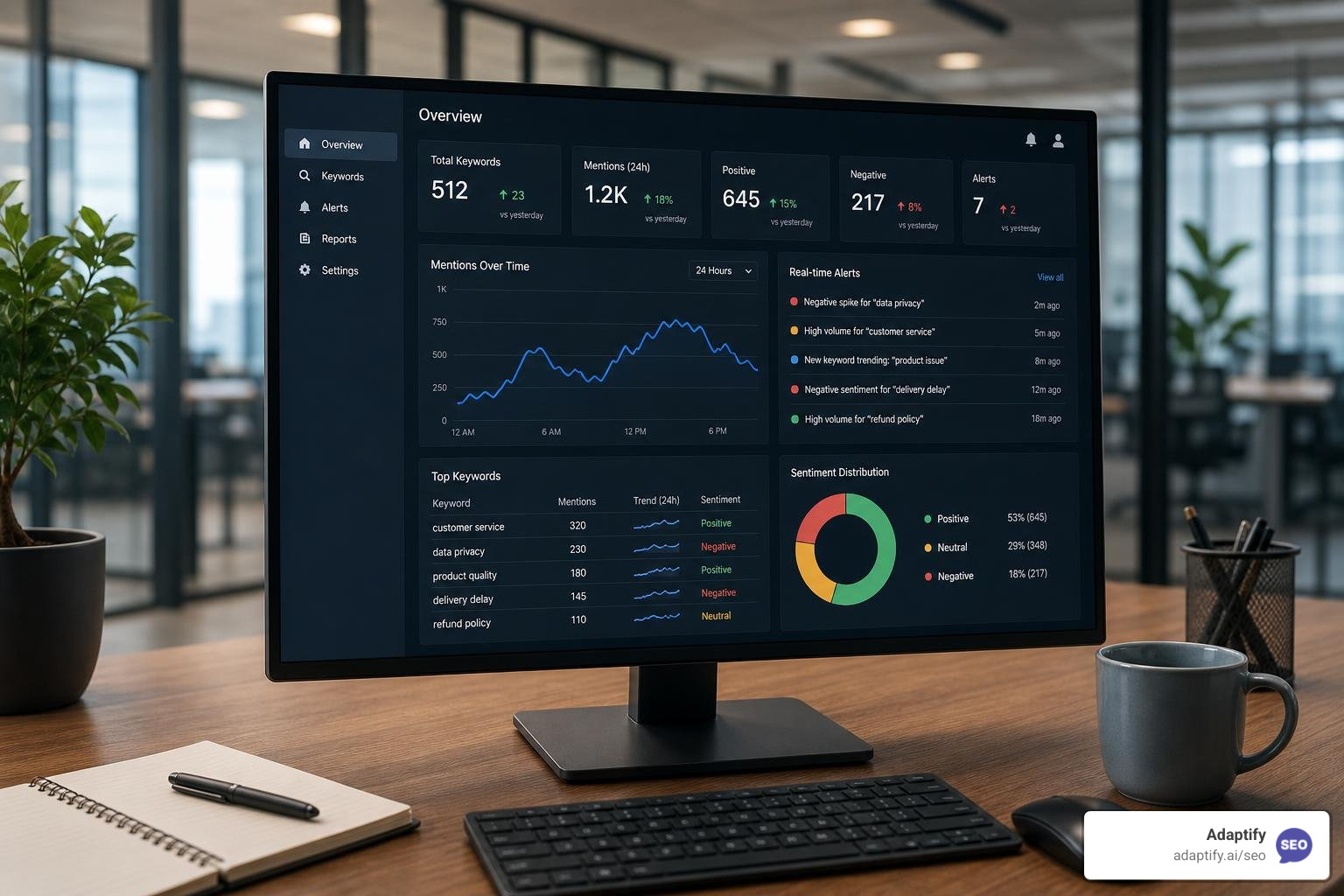
The Best Online Keyword Monitoring Tools for Real-Time Alerts - Learn about online keyword monitoring tool

Learn what is local SEO and how to dominate Google Maps, drive foot traffic, and grow your business with this complete optimization guide.
Join 1,000+ agencies already delivering SEO and AI visibility from a single platform without increasing their headcount.Join 1,000+ agencies already delivering SEO and AI visibility from a single platform without increasing their headcount.