Stop the Scroll with These Video Content Creation Apps


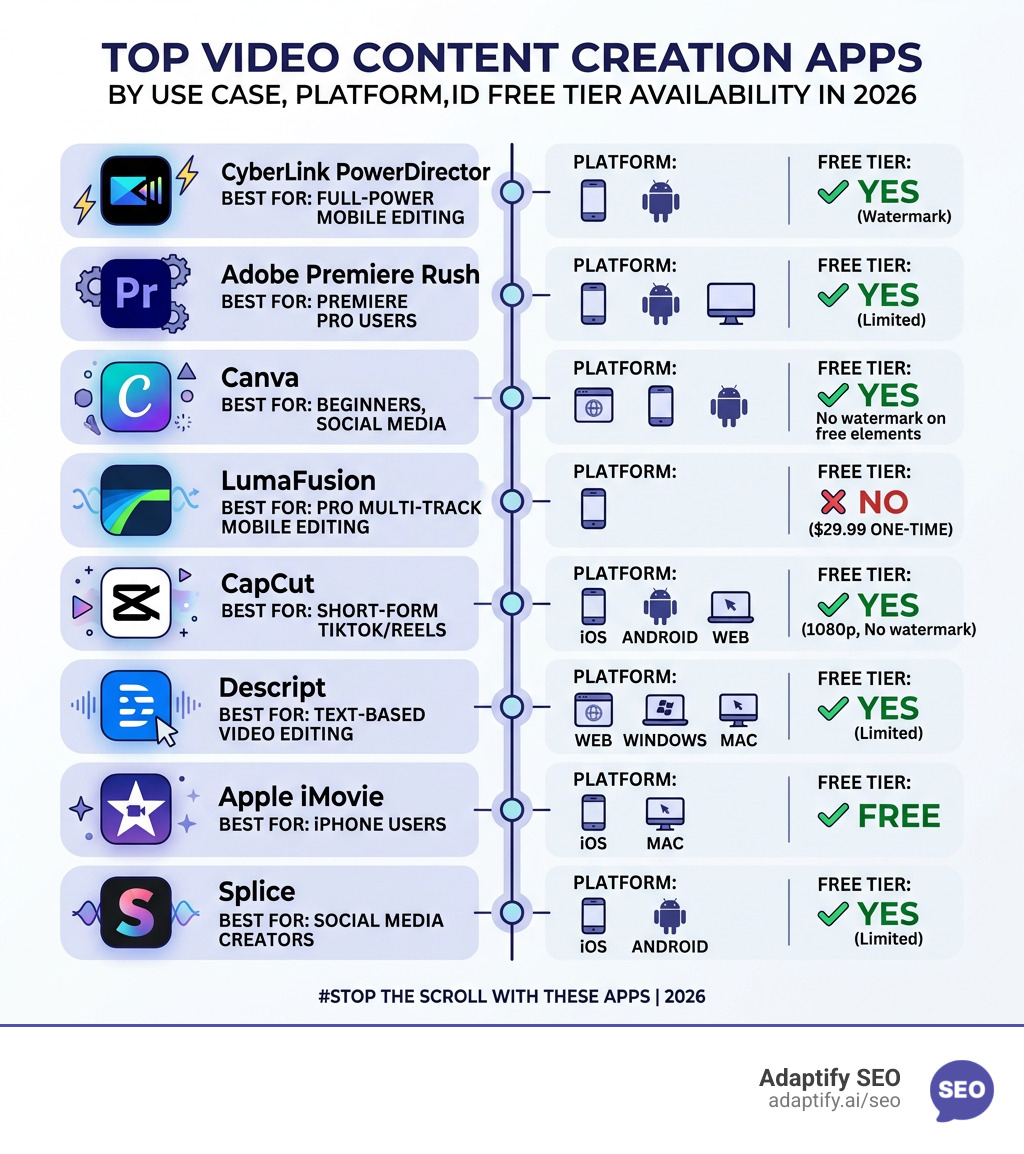
Video content creation apps are the fastest way to turn raw footage into scroll-stopping content for TikTok, Instagram Reels, YouTube Shorts, and beyond. Here are the top options worth your time in 2026:
| App | Best For | Platform | Free Tier |
|---|---|---|---|
| CyberLink PowerDirector | Full-power mobile editing | iOS, Android | Yes (watermark) |
| Adobe Premiere Rush | Premiere Pro users | iOS, Android, Desktop | Yes (limited) |
| Canva | Beginners, social media | Web, iOS, Android | Yes (no watermark on free elements) |
| LumaFusion | Pro multi-track mobile editing | iOS | No ($29.99 one-time) |
| CapCut | Short-form TikTok/Reels | iOS, Android, Web | Yes (1080p, no watermark) |
| Descript | Text-based video editing | Web, Windows, Mac | Yes (limited) |
| Apple iMovie | iPhone users | iOS, Mac | Free |
| Splice | Social media creators | iOS, Android | Yes (limited) |
Video now drives more engagement than any other content format on social platforms. Algorithms on Instagram, TikTok, and YouTube actively reward video posts with greater reach. But producing good video is genuinely hard — it takes time, skill, and the right tools.
That gap between consuming video and producing it is exactly where these apps come in. Whether you're editing on a phone between meetings or doing a full desktop cut with multi-track timelines, there's a tool built for your workflow.
As PCMag's 2026 testing confirmed, mobile editing has come a long way. Apps like CyberLink PowerDirector now offer features that used to require professional desktop software — multicam support, motion tracking, and AI-powered tools included.
I'm Hansjan Kamerling, a product designer and marketing consultant who has worked on digital products used by millions, including platforms where video and visual content were central to user engagement. My hands-on experience with video content creation apps across both mobile and desktop environments shapes everything you'll read in this guide.
When I look at the landscape of video content creation apps in 2026, the line between "mobile toy" and "professional workstation" has almost entirely vanished. Serious creators are still using PCs for heavy lifting, but the efficiency of mobile apps is hard to beat for social-first content.
According to recent PCMag testing, CyberLink PowerDirector sits at the throne with a 5.0 "Exemplary" rating. It is the best full-power mobile editor I've seen, offering multicam editing, motion tracking, and a massive library of AI tools. If you need something that feels like a desktop suite on your phone, this is it.
For those already in the Creative Cloud ecosystem, Adobe Premiere Rush (rated 4.5 "Outstanding") is the natural choice. It offers unlimited multicam angles and auto-transcribing, making it a powerhouse for Premiere Pro users who want to start an edit on their iPad and finish it on their desktop.
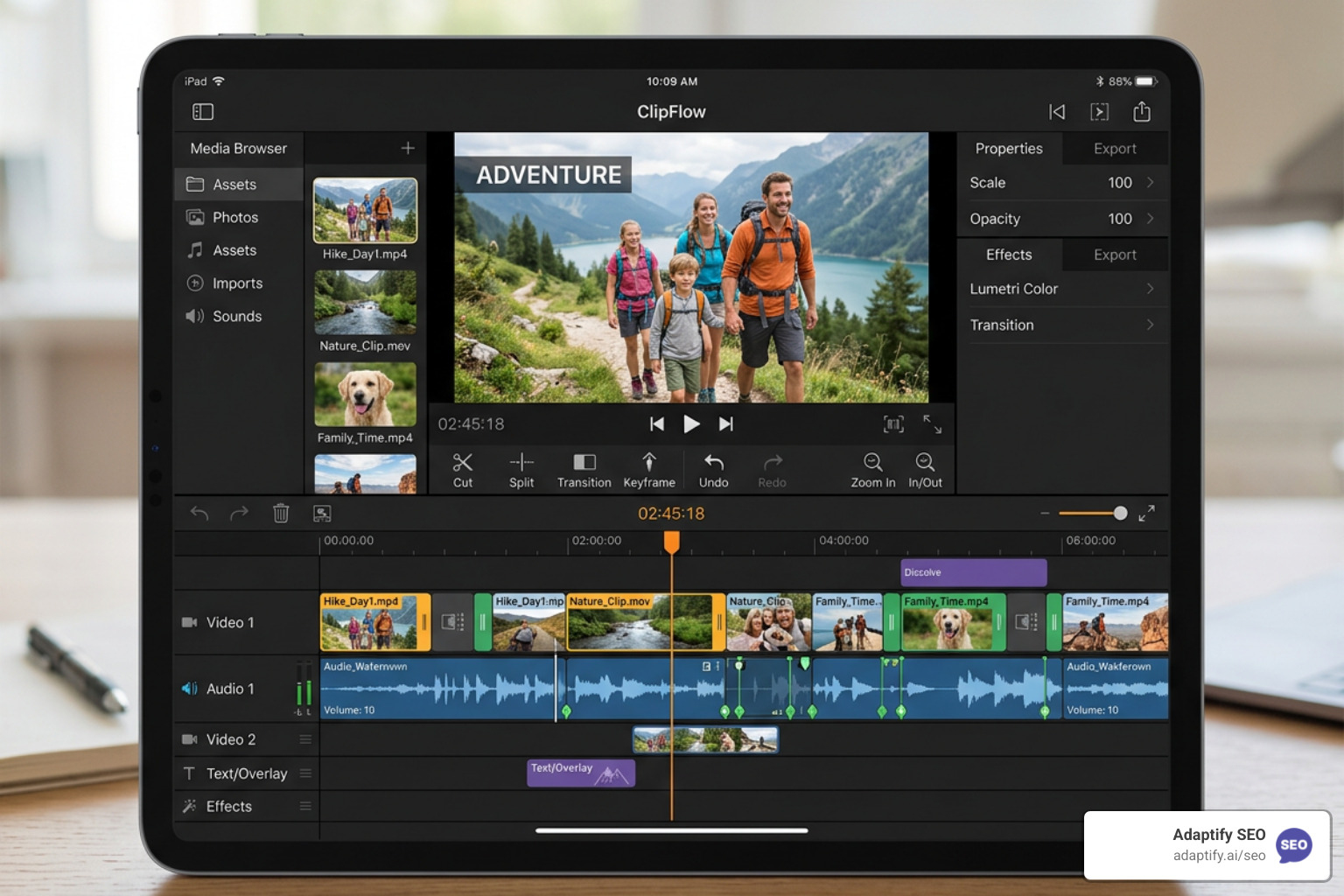
If you are just starting out, you don't need a thousand buttons. You need a "make it look good" button.
For marketing professionals who need high-precision tools, the requirements shift toward stability and advanced features.
AI is no longer just a gimmick; in 2026, it is the engine behind the fastest workflows. We've moved past simple filters into the era of generative video and text-based editing.
If you have a 30-minute podcast and want to turn it into ten viral TikToks, you don't do that manually anymore.
One major concern with video content creation apps using AI is copyright. If you are a business, you can't risk using an app trained on stolen data.
Choosing between a mobile app and a desktop suite usually comes down to two things: precision and location.
Desktop editing (using tools like Premiere Pro or the desktop version of CapCut) offers much higher precision for intricate trims on long-form videos. However, for 90% of social media content, a tablet or smartphone is faster. The key is finding an app that supports cross-platform syncing, so you can start an edit on your phone while commuting and finish it on your PC later.
If you're looking to scale your entire digital presence, not just video, checking out Adaptify’s SEO content services can help you integrate these videos into a broader, automated strategy.
Most "free" video content creation apps come with strings attached. Here is what to watch out for:
The best apps don't just export a file; they connect directly to the API of social platforms.
Canva remains the best overall for absolute beginners due to its drag-and-drop nature. However, if your goal is specifically social media, CapCut is the better choice because its features are built specifically for the "vibe" of modern short-form video.
Yes. CapCut allows 1080p exports without watermarks on its free tier. Canva also allows watermark-free exports as long as you only use the "Free" labeled elements and stock footage. Apple iMovie is completely free and watermark-free for all Apple users.
In 2026, they are highly effective for B-roll and social clips. While they haven't replaced "real" cinematography for high-end films, tools like Google Veo and Sora can generate stunningly realistic footage that is perfect for background clips or "faceless" YouTube channels.
The era of needing a $5,000 computer to make a professional video is over. With the right video content creation apps, you can "stop the scroll" using nothing but the device in your pocket. Whether you choose the AI-heavy workflow of Descript or the template-driven ease of Canva, the goal is the same: consistency and quality.
At Adaptify.ai, we specialize in making these types of workflows scalable. We provide automated SEO solutions that handle the heavy lifting of strategy and content creation, allowing you to focus on the creative side of your business. If you're ready to take your digital presence to the next level, start building your SEO content strategy with us today.

Stop being invisible: discover what the best local SEO strategies for small businesses are to dominate Google Maps, reviews, and AI search...

Master localized SEO to rank your local business in Google Maps and drive more in-store visits.
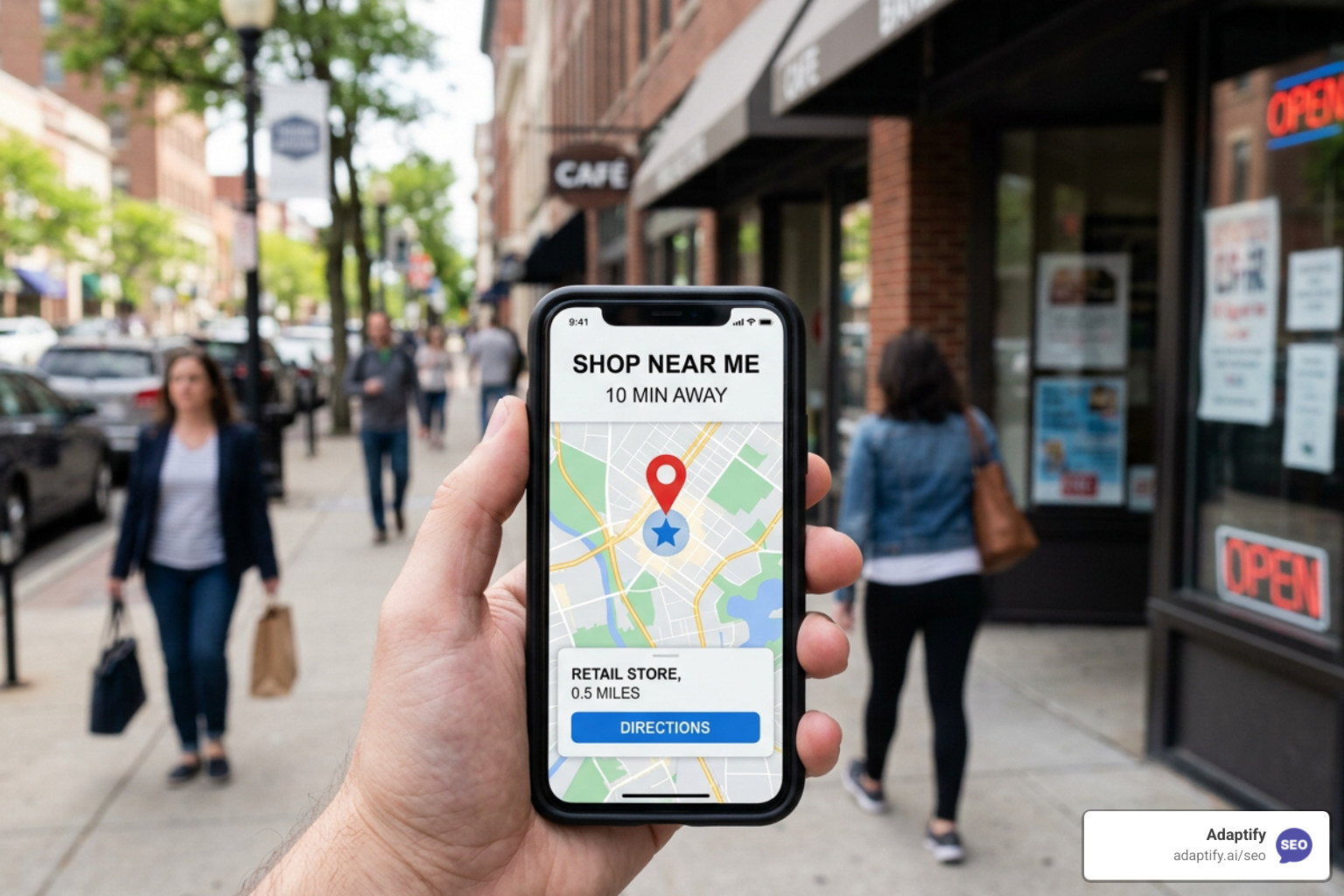
Master local retail SEO to drive foot traffic from Google with proven strategies for GBP, reviews, and AI search optimization.
Join 1,000+ agencies already delivering SEO and AI visibility from a single platform without increasing their headcount.Join 1,000+ agencies already delivering SEO and AI visibility from a single platform without increasing their headcount.