Reporting Reimagined: How to Automate Your SEO Insights

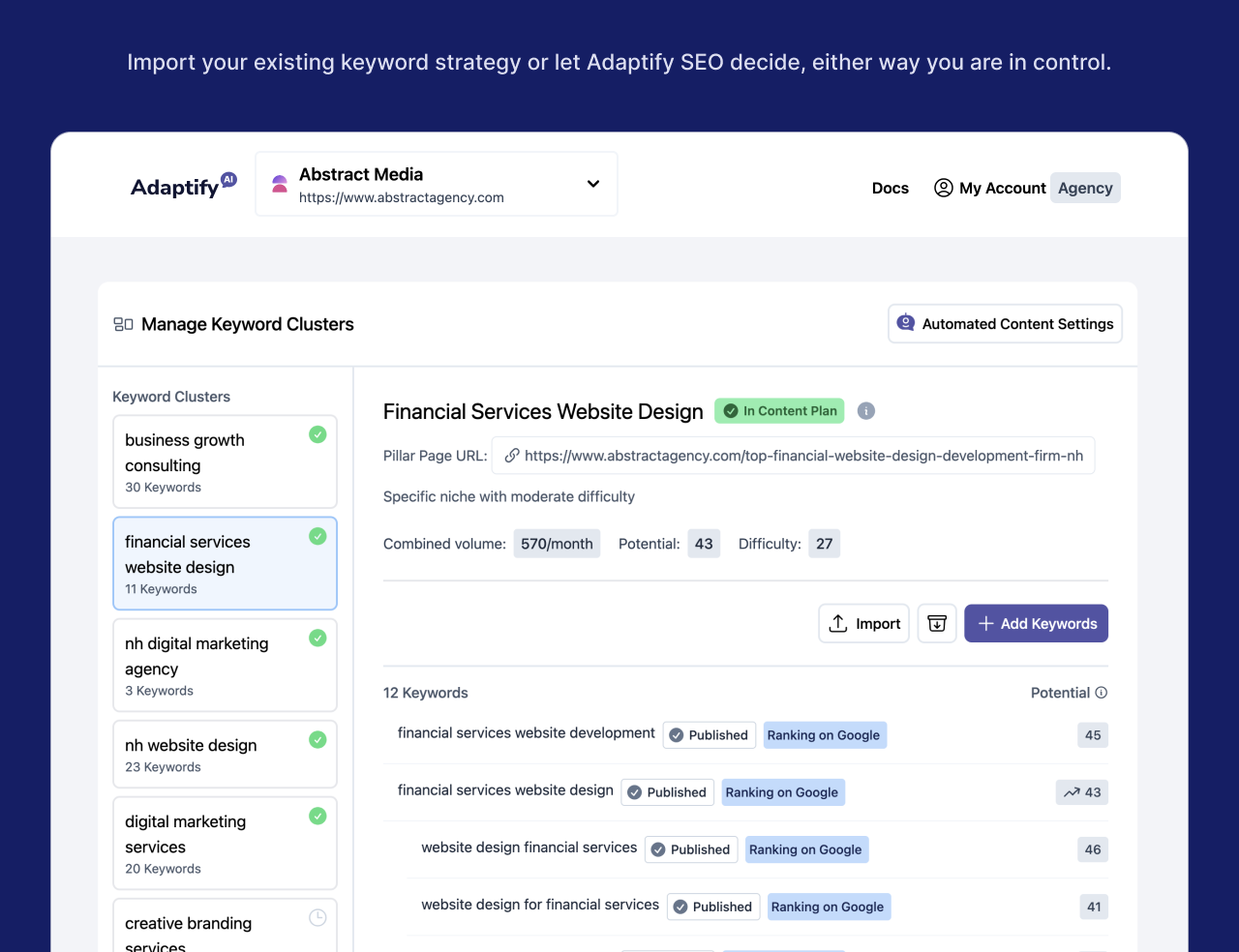

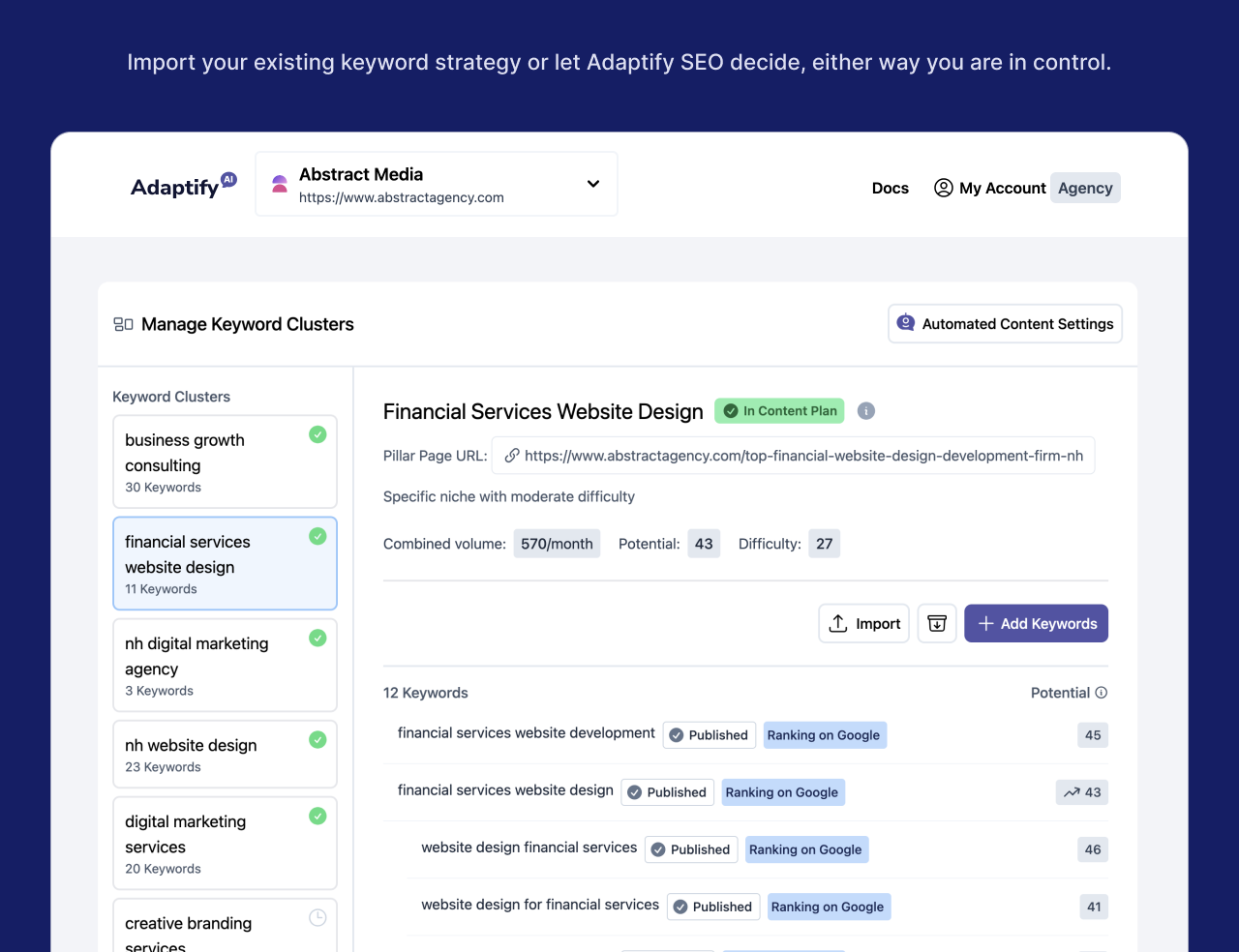
Automated SEO Reporting is the process of using software to automatically collect, analyze, and present SEO performance data on a scheduled basis—eliminating manual data entry, reducing errors, and providing consistent insights to clients without the weekly scramble for screenshots and spreadsheets.
Quick Answer: What You Need to Know
If you're an agency owner, you know the drill: hours spent every month pulling data, formatting spreadsheets, and creating charts. It's repetitive work that keeps you from focusing on what actually moves the needle: strategy and client growth.
The research is clear: 75% of SEO professionals now use automation to reduce manual reporting tasks. Agencies using these systems acquire 40% more clients and achieve 91% higher satisfaction scores because when reporting becomes invisible, strategy becomes inevitable.
As Hansjan Kamerling, I've spent my career building data-driven platforms for agencies. I've seen how Automated SEO Reporting transforms operations by freeing teams from grunt work to focus on high-impact strategy.
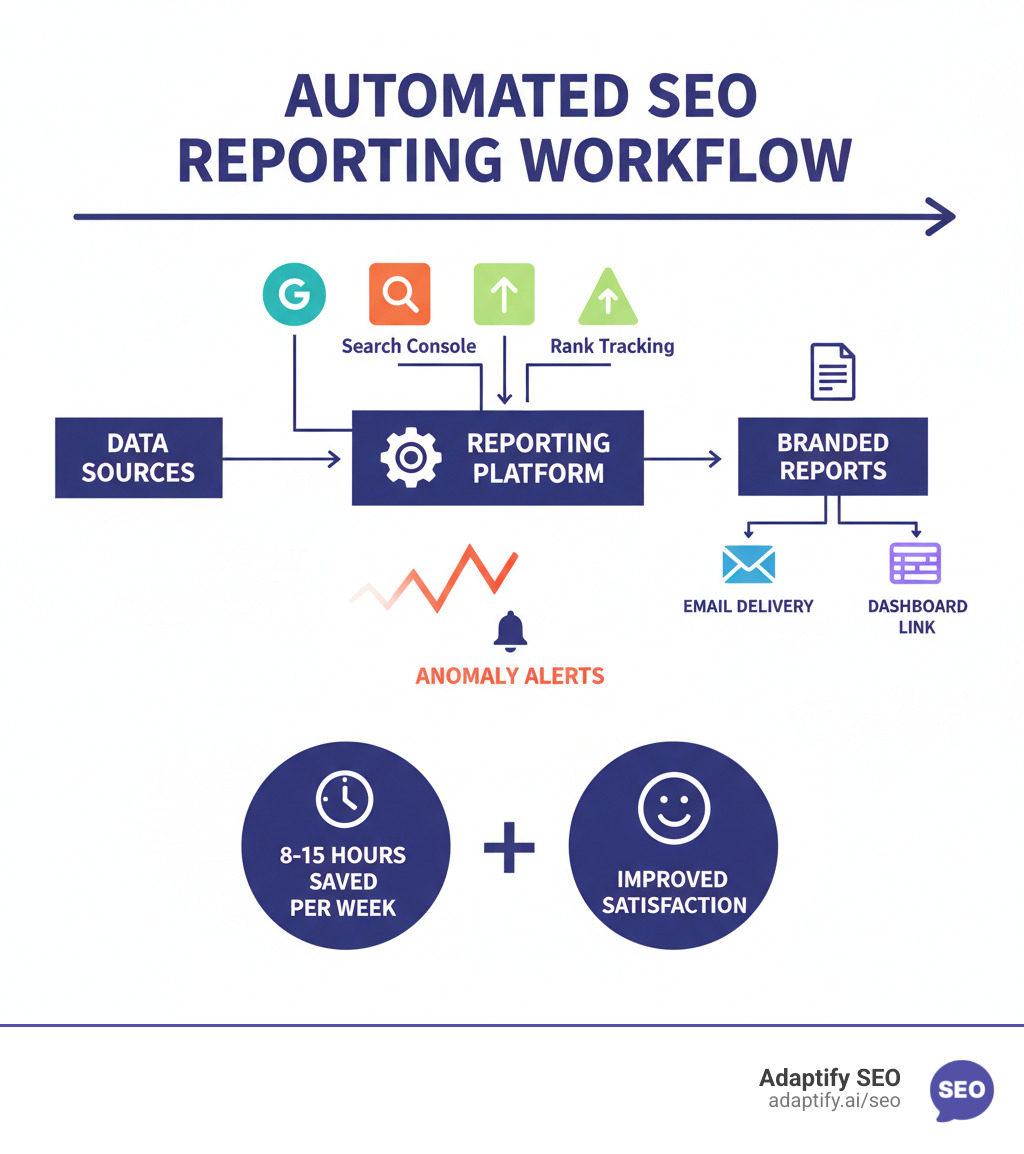
Manual SEO reporting is tedious, error-prone, and a drain on resources. Automated SEO Reporting isn't just a convenience; it's a fundamental shift in how your agency operates and a non-negotiable for growth.
Save massive time: Instead of spending 8-15 hours each week on data collection, your team can reclaim that time for strategy, insights, and creativity. Imagine what you could achieve with an extra day or two each week dedicated to optimizing campaigns.
Maintain consistency: Manual reports often lead to inconsistencies in metrics and formatting. With automation, you set the rules once, ensuring every client receives a standardized, professionally branded report that builds trust and reinforces your agency's professionalism.
Improve client relationships: Clear, visual reports foster transparency and keep clients confident in your strategy. When you clearly demonstrate progress and ROI, clients are more willing to expand their work with you, leading to stronger, longer-lasting relationships.
Get faster insights: Automation makes data actionable, fast. Real-time insights and automated alerts for ranking drops or traffic surges allow you to spot trends, identify issues, and act proactively before they escalate.
This shift is a major industry trend. The marketing automation market is projected to grow at a 13.3% CAGR through 2030, according to Grand View Research analysis. This signals accelerated investment in platforms that centralize reporting and orchestration—exactly what Automated SEO Reporting offers.
Juggling multiple clients can be overwhelming, but Automated SEO Reporting provides the infrastructure to scale efficiently without increasing manual work.
Report templates: Create reusable templates with predefined KPIs and layouts. Apply them across clients to ensure consistency and slash creation time. Agencies can "create unlimited SEO report templates with the right amount of data for each customer."
White-labeling: Brand every report with your agency's logo and colors for a seamless, professional client experience. This improves credibility and reinforces your brand. To learn more, you can explore our white-label SEO services.
Centralized dashboards: Get a consolidated view of all client SEO performance in one interface. This saves time, allows for quick comparisons, and enables efficient oversight of all projects.
Scheduled delivery: Set up automated weekly, bi-weekly, or monthly reports sent directly to clients' inboxes. This "set it and forget it" solution improves transparency and keeps communication flowing.
Efficient client onboarding: With Automated SEO Reporting, setting up a new client's report takes less than 5 minutes. This allows your team to focus on strategy, demonstrate value faster, and take on more clients with less effort.
Building your first automated report is easier than you think and can be done in under an hour. The trick is to break it down into three simple steps, much like setting up a coffee maker: choose what to brew, pick your machine, and program it to run automatically.
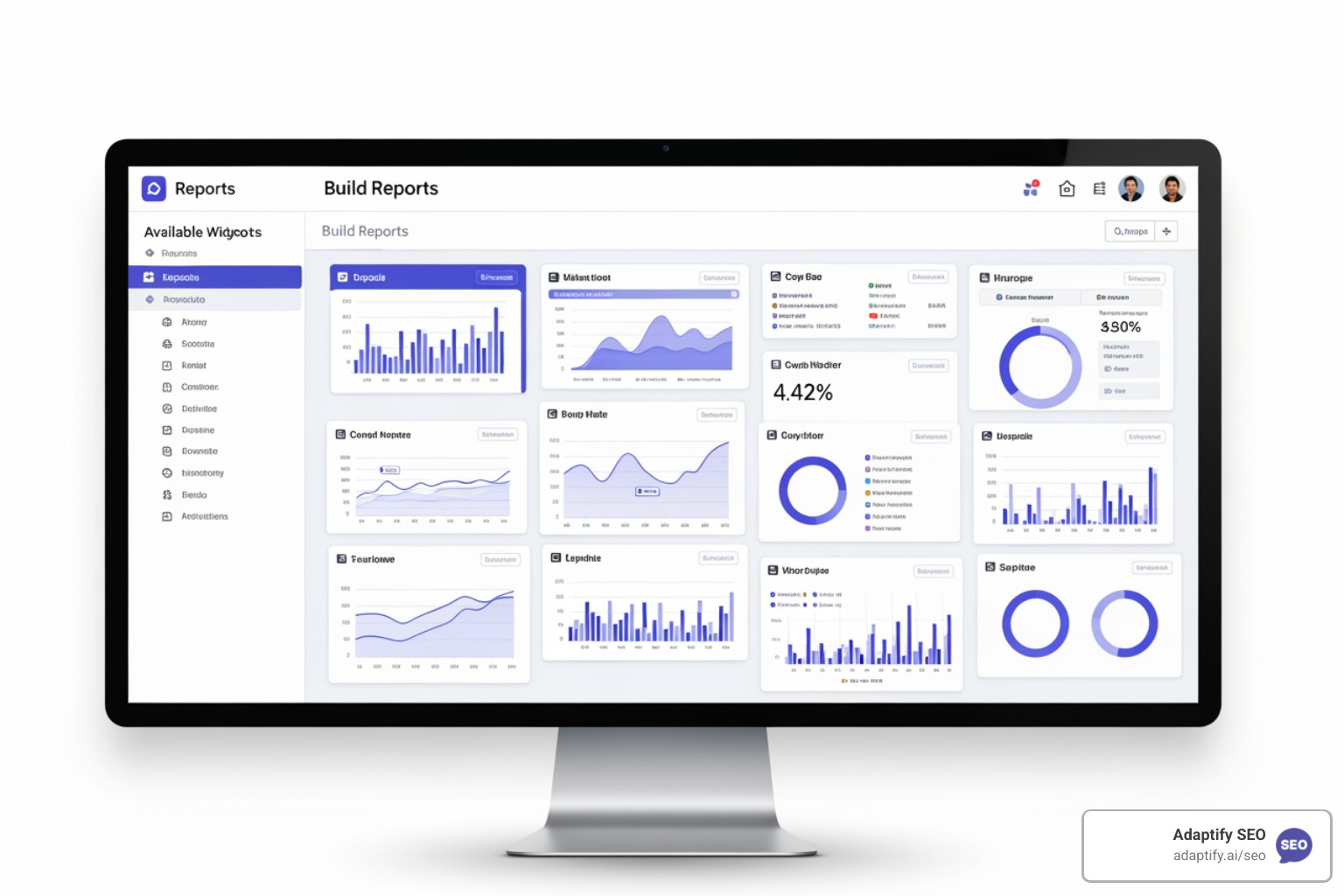
Before touching any software, decide what matters. Avoid data overload by choosing metrics that tie directly to business goals. Focus on clarity over quantity.
Organic Traffic & Conversions: This is your foundation. Track organic sessions, users, and what they do. For e-commerce, this means revenue; for lead generation, it's form submissions or calls. Use Google Analytics 4 to show the real business impact.
Keyword Rankings & Visibility: Monitor keyword positions, search volume, impressions, and click-through rates to understand how findable your client is. Segment by key terms and branded keywords to spot trends.
Backlink Profile Health: Track total backlinks, new/lost links, and referring domains. A sudden drop in quality backlinks can signal bigger issues. For a deeper dive, you can explore our backlink solutions.
Technical SEO & Site Health: Include crawl errors, Core Web Vitals, site speed, and mobile usability. These metrics ensure search engines can access the site and users have a good experience.
Top Performing Content: Identify pages with the highest organic traffic, engagement, and conversions. Use this intelligence to shape your future content strategy.
User Engagement Metrics: Metrics like average time on page reveal if your content resonates. High traffic with low engagement indicates a mismatch between your audience and content.
Tailor your KPIs to each client's business model. An e-commerce site needs revenue data, while a SaaS company focuses on trial signups. Focus on what moves the needle.
The market for Automated SEO Reporting tools is crowded. The right tool balances power with simplicity.
Here's how different approaches compare:
| Feature Category | Manual Reporting | Basic Automated Tool | Adaptify SEO's Reporting Platform |
|---|---|---|---|
| Data Integrations | Manual export/import from GA, GSC, Ahrefs, Semrush | Limited pre-built connectors (GA, GSC) | 50+ native integrations including GA4, GSC, Ahrefs, Semrush, CRM, and Ads platforms |
| Customization | Endless spreadsheet tinkering | Fixed templates with basic branding | Fully customizable drag-and-drop widgets, custom formulas, complete white-labeling, custom domains |
| AI Features | Human interpretation only | None or basic summaries | AI-generated summaries, anomaly detection, predictive insights, AI chatbot for data queries |
| Scheduling & Delivery | Manual email attachments | Basic scheduled emails (PDF/CSV) | Automated emails with live links, PDF/CSV exports, guest access, custom frequency |
| Agency Scalability | Time-consuming, inconsistent, hard to brand | Better but still requires manual tweaks | Built for agencies: Centralized dashboards, white-labeling, rapid client onboarding, multi-client management |
| Support | None | Basic email support | Dedicated human support with onboarding assistance |
When evaluating a platform, focus on these non-negotiables:
Data source integrations: Your tool must have seamless connections to GA4, GSC, and your other SEO tools. Manual data entry defeats the purpose of automation.
Customization and white-labeling: Reports should reflect your agency's brand. Look for drag-and-drop widgets and the ability to add your logo and brand colors.
Scheduling and delivery options: The platform should offer flexible scheduling (weekly, monthly) and delivery methods (PDF, live dashboard) to suit different client needs.
AI-powered summaries: Modern tools use AI to generate performance summaries that explain data trends. This saves time and provides clients with understandable context, which you can then improve with your own strategic insights.
Setting up your first automated dashboard takes less time than creating one manual report. The entire process for a new client typically takes 30-45 minutes.
Connect your data sources. Use APIs or native connectors to link Google Analytics 4, Google Search Console, and other SEO tools. This usually involves just logging into your accounts and takes only a few minutes per source.
Design your report layout. Start with a pre-built template and customize it using a drag-and-drop interface. Arrange widgets like charts and tables to tell a clear story, highlighting the most important information.
Set your refresh frequency. Choose daily, weekly, or monthly updates based on campaign needs. The platform will automatically pull fresh data on your schedule.
Schedule automated delivery. Send reports to clients as PDFs or provide a secure live link to a dashboard. Set it up once, and the system handles the rest, freeing you to focus on strategy.
Once you've mastered the basics, it's time to lift your Automated SEO Reporting. Transform your reports from simple data dumps into strategic assets that drive business decisions. The best agencies use data intelligently to tell compelling stories to different audiences, often with AI handling the heavy lifting.
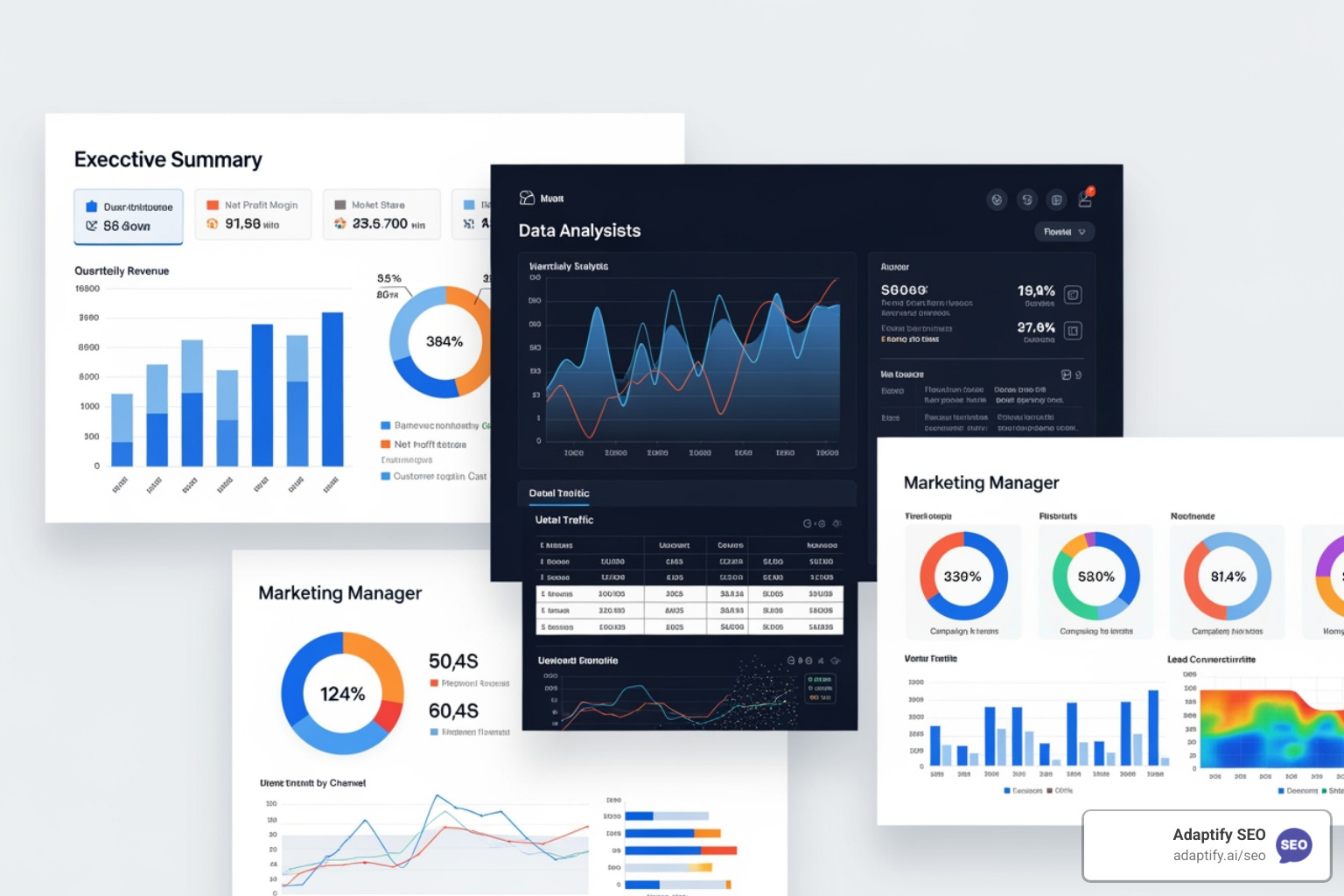
Sending the same report to everyone leads to confusion. A CEO, marketing manager, and SEO specialist have different priorities, and your reports should reflect that. Modern Automated SEO Reporting tools let you create different views from the same data source.
Executive Summary: For senior leadership, focus on high-level business outcomes like ROI, organic conversions, and overall traffic growth. Answer the question: "Is this investment paying off?"
Marketing Manager View: Provide more detail on channel performance, keyword trends, and top landing pages. This helps them see how SEO fits into the broader marketing strategy.
SEO Specialist View: Go granular with technical data like crawl errors, indexation status, and Core Web Vitals. This is what specialists need to diagnose issues and implement optimizations.
AI has genuinely transformed Automated SEO Reporting.
AI-Generated Summaries: Instead of manually writing performance summaries, let AI do the first draft. Platforms like Adaptify SEO automatically generate text explaining data trends. You can then review and add your own strategic recommendations, saving significant time.
Predictive Analytics: AI can analyze historical data to forecast traffic and ranking changes. This shifts your agency from reactive problem-solving to proactive strategic planning.
Anomaly Detection: Get real-time alerts for unusual events like sudden traffic drops or ranking fluctuations. This allows you to investigate and respond immediately, rather than waiting for a weekly review.
As Rand Fishkin noted, "Automated reporting isn't about replacing human insight—it's about amplifying it so marketers can focus on strategy rather than spreadsheets." AI handles the initial analysis, freeing you to focus on the strategic thinking that delivers client value.
Even with powerful tools, it's easy to make mistakes with Automated SEO Reporting. Here are common pitfalls to avoid:
Data Overload: Don't track everything. Focus on 5-7 key metrics to keep reports actionable and prevent client confusion. More data doesn't always mean better insights.
Ignoring Context: An automated report shows the "what," but not the "why." Always add your human analysis to explain what the numbers mean, why they matter, and what you'll do next. Context is what provides real value.
"Set and Forget" Mentality: Automation reduces manual work, but it isn't zero maintenance. Regularly audit data sources and update reports to reflect evolving client goals. What mattered three months ago might be irrelevant today.
Automation is a tool to amplify your expertise, not replace it. Your strategic thinking is what truly delivers value.
Here are answers to the most common questions I get from agencies about Automated SEO Reporting.
Creating a professional client report is a simple process with modern tools:
Proving the financial impact of SEO has always been a challenge, but Automated SEO Reporting makes it easier. The key is integrating data from Google Analytics 4 (GA4) with your client's CRM or e-commerce platform. This allows you to trace the customer journey from an organic search to a final conversion—be it a sale or a lead.
By connecting SEO efforts to actual revenue, you demonstrate clear financial impact. When a client sees that organic search drove $50,000 in revenue, the value of your work becomes undeniable. This transparency helps bridge the attribution confidence gap, which is a challenge for many marketers, as noted in a MarTech report where only 24% trust their current models.
Yes. With tools like Adaptify SEO, you can schedule reports to be sent directly to clients via email or a live link at any frequency (daily, weekly, monthly).
However, a best practice is to have the report sent to your team first. This allows you to review the data, spot anomalies, and add your own strategic insights and commentary. This human layer of analysis transforms a data report into a strategic document, reinforcing your agency's expertise and ensuring clients aren't left to interpret raw data alone. As Rand Fishkin wisely noted, "Automated reporting isn't about replacing human insight—it's about amplifying it so marketers can focus on strategy rather than spreadsheets."
Automated SEO Reporting is more than a time-saver; it's a fundamental change in how your agency operates. By eliminating manual data collection, you free up your team to think strategically, have meaningful client conversations, and spot new opportunities.
Implementing the right tools transforms your agency. Client relationships deepen through consistent value delivery, proving ROI becomes straightforward, and you can scale operations without burning out your team. This guide has shown how agencies move from drowning in data to leading strategic conversations.
The future of SEO is about working smarter, not harder. It requires intelligent tools, integrated data, and automated workflows—principles that Adaptify.ai's platform is built on to help forward-thinking agencies lead.
Agencies that make the switch reclaim 8-15 hours per week, acquire more clients, and improve team and client satisfaction. The shift to automation is no longer a nice-to-have; it's essential for thriving in today's market. The only question is how quickly you can get started.
Ready to transform your SEO process? Explore our automated SEO solutions and see how Adaptify can help your agency move from data entry to data-driven strategy.
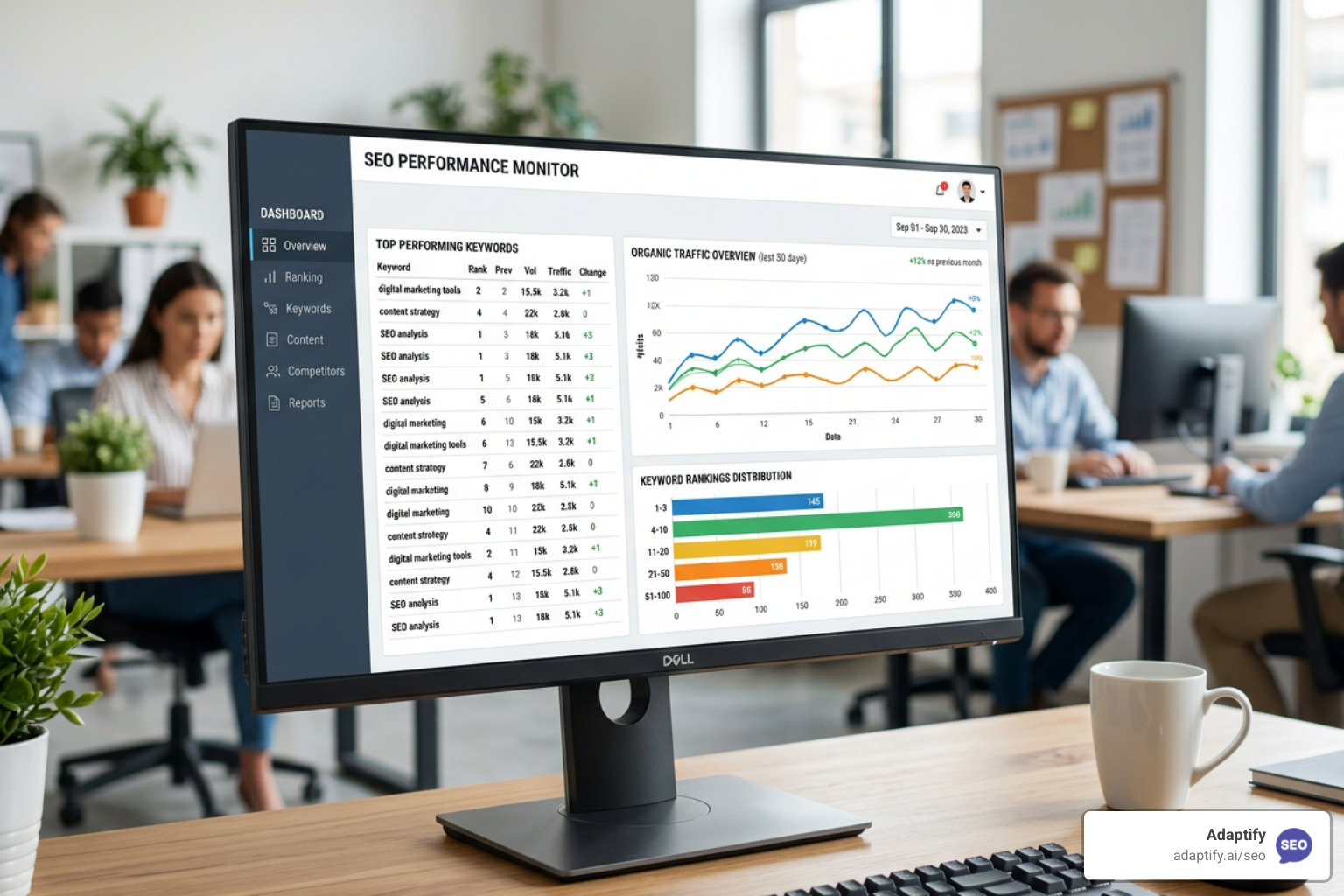
Stop Flying Blind with These Top SEO Monitor Tools - Learn about seo monitor tools
Learn what is local SEO and how to dominate Google Maps, drive foot traffic, and grow your business with this complete optimization guide.

Going Local and Winning Big with the Best SEO Keywords - Learn about local keywords
Join 1,000+ agencies already delivering SEO and AI visibility from a single platform without increasing their headcount.Join 1,000+ agencies already delivering SEO and AI visibility from a single platform without increasing their headcount.